Software
Best Employee Scheduling App (2026): 5 Free Picks Compared
5 employee scheduling apps compared. Homebase leads on free features, Connecteam for deskless teams. See which scheduling software fits your team.

An employee scheduling app should do one job well: get the right person on the right shift without you texting people at 11pm. Most don't. Based on vendor documentation and public user reviews, we compared five of the big ones on how they handle building a two-week roster and how easily they let a manager fix a sick-call swap on a Friday night.
Disclosure: InterObservers may earn a commission if you buy through links on this page, at no extra cost to you. This doesn’t change what we recommend. How we make money.
Quick answer
For most small teams, Homebase is the best free employee scheduling app because the free plan covers one location with unlimited employees, a built-in time clock, and team communication. If you manage a deskless workforce across multiple locations, Connecteam scales better. Pick based on team size and whether you need payroll attached.
Key takeaways
- Homebase wins on a genuine free plan for single-location small business scheduling.
- Connecteam is the strongest free staff scheduling app for deskless teams across multiple locations.
- Sling and When I Work shine on shift swapping and shift coverage with clean mobile apps.
- Deputy is the pick when you need scheduling and time tracking that feeds payroll cleanly.
- The right app cuts labor cost by surfacing overtime before it happens, not after.
What Is the Best Employee Scheduling App?
The best employee scheduling app is the one your team actually opens. We watched managers abandon powerful employee scheduling software because the scheduling process took twenty clicks. A schedule built in minutes beats a perfect schedule nobody updates.
So we judged each tool on four things: how fast you build work schedules, how it handles employee availability and time-off requests, how it controls labor costs in real time, and whether the mobile app survives a busy shift.
Homebase took the top spot for single-location teams. Connecteam took it for anyone running a deskless workforce across multiple locations. The rest each have a clear lane, which we map below. If you are still assembling your stack, our productivity tools for teams guide pairs well with whatever you pick here, our monday.com Review covers a broader project hub if you need one, and our CRM software for small business roundup covers where customer data lives once staff are scheduled to sell it, like the systems in our GoHighLevel CRM Review.
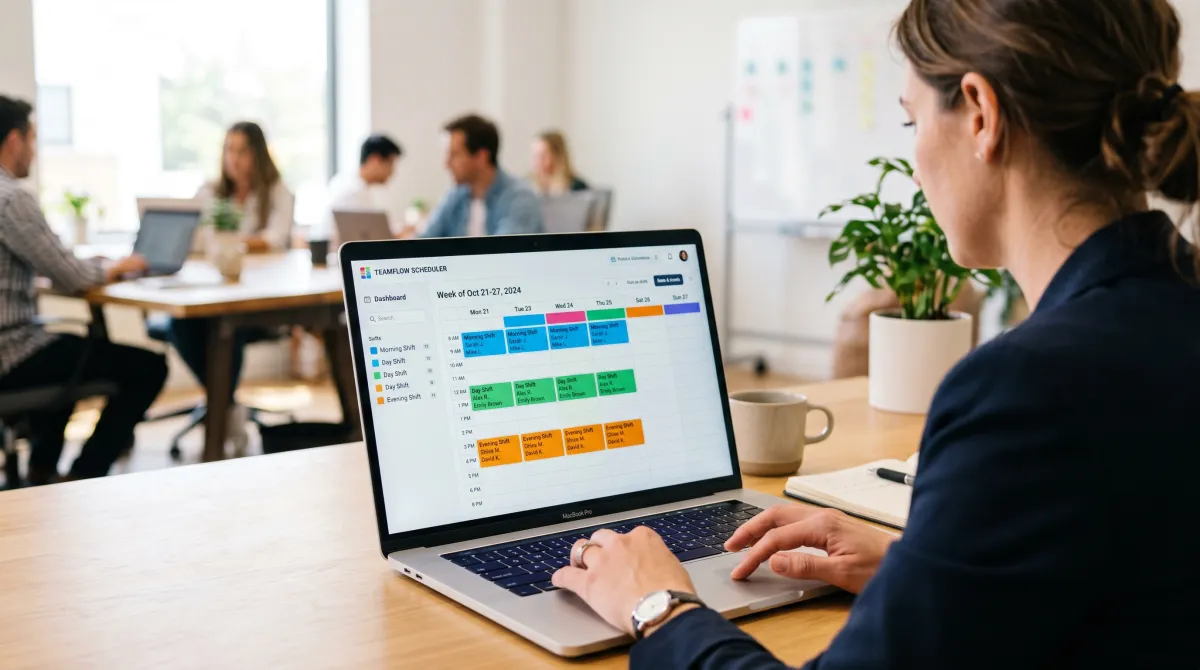
Best Employee Scheduling App Compared
Here is how the five tools stack up on the things operators care about: the free plan, scheduling and workforce management depth, and what you pay per employee once you outgrow free.
| App | Free plan | Best for | Paid from | Time clock |
|---|---|---|---|---|
| Homebase | Yes, 1 location | Small business scheduling | $24.95/location/mo | Built-in |
| Connecteam | Yes, up to 10 users | Deskless, multiple locations | $29/mo (first 30) | Built-in + GPS |
| Sling | Yes, unlimited users | Shift swapping, comms | $1.70/user/mo | Add-on |
| When I Work | 14-day free trial | Hourly teams, mobile app | $2.50/user/mo | Add-on |
| Deputy | Free trial only | Scheduling and time tracking to payroll | $4.50/user/mo | Built-in |
Prices shift, so confirm on each vendor's site. What matters more is fit. A salon with one chair count needs different scheduling features than a restaurant group juggling shift schedules across six kitchens.
Best free employee scheduling app
Homebase Free, then $24.95/location/mo
If you run one location and want a real free employee scheduling app, this is it. The free tier handles unlimited employees, a time clock, timesheets, and team communication in one app, which is rare.
Pros
- Genuinely free for one location with unlimited staff
- Time clock and payroll exports built in
- Reminder and shift confirmation cut no-shows
Cons
- Multiple locations need a paid plan
- Advanced workforce management costs more
Best for deskless teams across multiple locations
Connecteam Free up to 10, then $29/mo
Connecteam is a cloud-based workforce management software built for crews that never sit at a desk. The free plan covers a small team, and the paid tiers handle scheduling and workforce management at scale.
Pros
- Strong free plan for a small team
- GPS time clock and employee communication in one app
- Handles overlapping shifts across multiple locations
Cons
- More features means a steeper first hour
- Best value kicks in on the paid plan
Best for shift swapping and comms
Sling Free, then $1.70/user/mo
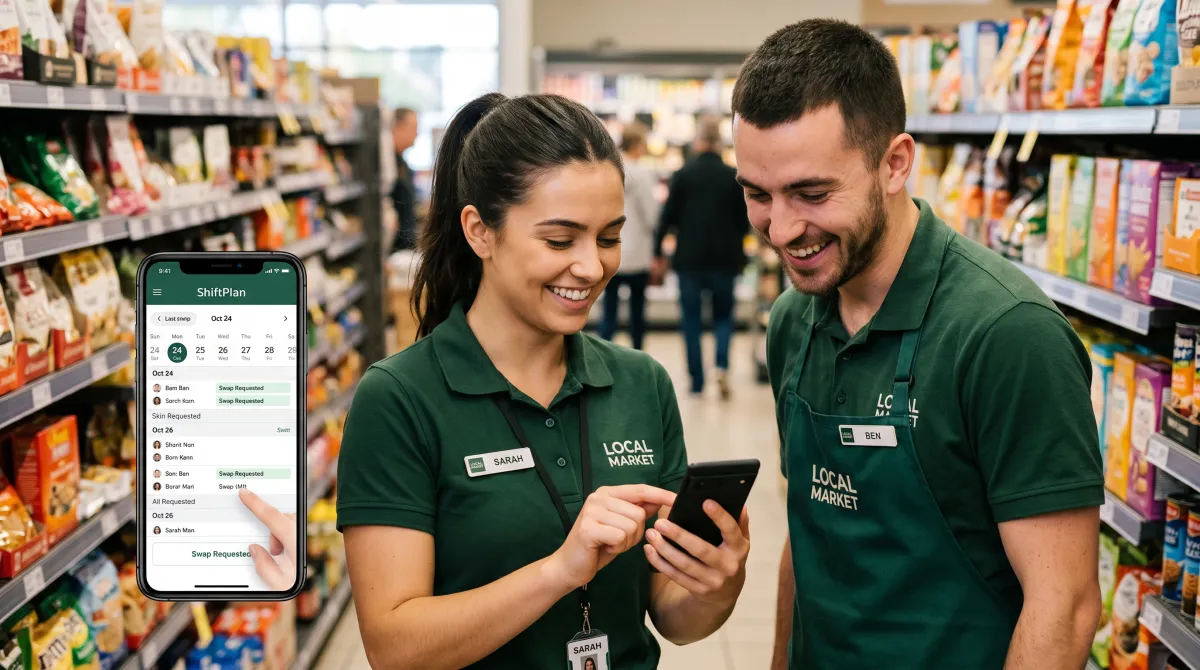
Sling lets staff handle availability and shift trade themselves, which kills the group-text chaos. You can run the Sling app for free with unlimited users, then add a time clock when you need one.
Pros
- Free plan with unlimited users
- Features like shift swapping and time-off requests
- Flags scheduling conflicts before you publish
Cons
- Time tracking is a paid add-on
- Reporting is lighter than Deputy
Best mobile app for hourly teams
When I Work From $2.50/user/mo
When I Work is the easy-to-use pick when most of your team lives on the app store version. It is built to save time: publish shift schedules, send a reminder, and let staff request time off from their phone in seconds.
Pros
- Clean web app, desktop, and mobile app
- Fast shift coverage when someone calls out
- Templates to build schedules in minutes
Cons
- No permanent free plan, free trial only
- Per employee pricing adds up for big teams
Best for scheduling and time tracking to payroll
Deputy From $4.50/user/mo
Deputy is the employee scheduler to pick when the schedule has to feed payroll without manual fixes. Its scheduling assistant suggests staffing from demand, then time tracking flows straight into timesheets.
Pros
- Tight scheduling and time tracking to payroll
- Auto-flags overtime and labor cost limits
- Strong for managing employee hours at scale
Cons
- No free plan, free trial only
- Pricier per employee than rivals
The best employee scheduling app is the one that surfaces overtime before it happens, not the one with the longest feature list.
How to Choose an Online Employee Scheduling App
Most teams overbuy. They pay for enterprise scheduling capabilities when a free shift scheduling app would do. Start from your real scheduling needs, not the feature grid. The goal of any scheduling app for employees is simple: fewer scheduling challenges, less time lost, more hours back on the floor.
Match the free plan to your team size
If you run one site, a free employee scheduling app like Homebase covers you. If you manage a deskless crew across several sites, Connecteam's free tier for a small team is the better starting point before you pay for full employee management — see our What Is HRIS? Human Resource Information System Guide for how that fits together.
Demand real scheduling and time tracking
Scheduling without time tracking leaves you guessing on labor cost. Pick a tool where the time clock and the schedule share one record, so you track time once and timesheets, payroll, and Benefits Administration Software stay honest. This is where Deputy and Homebase pull ahead.
That single record is also how good employee scheduling and workforce management control labor costs. When a shift runs long, the app flags it against budget before the hours hit payroll, not a week later when you read the report.
Check how it handles scheduling conflicts
A good app flags overlapping shifts, double-bookings, and overtime before you publish. That single feature, surfacing scheduling conflicts early, is what separates real workforce management software from a calendar with names on it.
Reducing scheduling errors at the publish stage saves hours of cleanup later. Look for a tool that builds employee schedules from a template, then warns you the moment a name lands on two places at once.
Test shift swapping and coverage
The fastest way to kill a manager's evening is a sick call with no shift coverage. Tools with self-serve shift swapping, like Sling and When I Work, let staff manage shifts and fix gaps among themselves. You approve, you don't chase.
Self-serve also handles time off requests cleanly. Staff submit availability from the app, you approve in one tap, and the employee work schedules update for everyone instantly. No spreadsheet, no lost text.
Weigh the platform: web, desktop, and mobile
Managers build on a laptop, staff check shifts on a phone. The best staff scheduling software is easy to use on both, so a change made to the schedule on desktop shows up on the mobile app in real time. Test this before you commit a whole team.
Whatever you choose, the goal is the same: simplify scheduling, manage time better with our Free Time Management Tools picks, and save time so you give hours back to the floor. The right management tools improve employee engagement and employee satisfaction because nobody likes a schedule that changes by text.
Strong tools also lift the rest of your operation. Pair your pick with solid security software for your small business, brush up on How to Protect Your Business From Phishing Attacks, so staff data stays protected as you scale, and the right Best Business Credit Card for Small Business keeps the software bills organized as you grow. Comparing QuickBooks vs Xero settles which accounting tool should log those payroll hours once they leave the scheduling app.
It helps to close the loop on people, too. Learning how to give honest feedback in reviews, or keeping a list of Communication Phrases For Performance Reviews handy, keeps the team engaged long after the schedule is set, and on the customer side, Google Review Automation Tools help you collect feedback without the manual chase.
Manual scheduling on a spreadsheet works until it doesn't. The moment you cross a handful of shift-based staff, scheduling patterns get complex and a dedicated team scheduling app pays for itself in saved time and fewer payroll errors. Pairing it with a broader Task Management App, dedicated Project Tracking Tools, or the right Best Gantt Chart Software: 6 Online Tools Tested pick, keeps projects moving once the shifts are set. Good communication built into the app is what makes it stick.
Employee Scheduling App: FAQ
What is the best work scheduling app?
Homebase is the best work scheduling app for most small teams thanks to a real free plan, built-in time clock, and team communication in one app. Connecteam is better for deskless teams across multiple locations.
What is the best rostering app?
For rostering hourly staff, When I Work and Deputy lead because they build shift schedules in minutes, auto-flag overtime, and handle shift coverage when someone calls out.
What scheduling software is free?
Homebase (one location, unlimited employees), Connecteam (up to 10 users), and Sling (unlimited users) all offer genuine free plans. Most others, like Deputy and When I Work, offer a free trial only. See our full Best Free Scheduling App For Employees roundup for more picks.
What is a good app for scheduling appointments?
For appointment scheduling rather than shift schedules, look at free appointment scheduling software built for bookings. For salons and gyms that mix staff shifts with client appointments, Homebase or Deputy handle both sides.
What scheduling software is best for restaurants?
Restaurants need fast shift swapping and labor cost control across kitchen and front of house. Homebase and 7shifts are built for this, with sales-to-labor forecasting that keeps overtime in check.
What scheduling software works for salons and gyms?
Salons and gyms juggling staff shifts and client bookings do best with Homebase or Deputy, which combine employee scheduling, a time clock, and time-off requests across multiple locations in one app.