Software
Best Gantt Chart Software: 6 Online Tools Compared (2026)
ClickUp, monday.com, Smartsheet and more compared as online gantt chart software. See which gantt chart tool fits your team and budget in 2026.

Most roundups rank gantt chart software by feature checklists nobody actually uses. This software review ran six tools through a real three-week project instead, tracking dependencies, critical path, and where each free plan actually breaks.
Disclosure: InterObservers may earn a commission if you buy through links on this page, at no extra cost to you. This doesn’t change what we recommend. How we make money.
ClickUp came out on top for most teams, but the right pick depends on budget and team size. For the broader toolkit, our best productivity tools for teams guide maps every category a growing business needs.
Quick answer
ClickUp is the best Gantt chart software for most teams in 2026, with a generous free plan and true critical path highlighting. Pick monday.com for the friendliest interface, or Smartsheet if your team already lives in spreadsheets.
Key takeaways
- ClickUp's Free Forever plan includes real Gantt-style timelines and critical path, though heavy use pushes most teams to the paid tier within weeks.
- monday.com is the easiest to onboard a non-technical team onto in under a day.
- Smartsheet behaves like Excel with dependencies, so spreadsheet users adapt fastest.
- TeamGantt and GanttPRO are built Gantt-first, with sharper critical path visuals than the all-in-one tools.
- Wrike suits larger teams that need resource management layered on top of scheduling.
What Is the Best Gantt Chart Software?
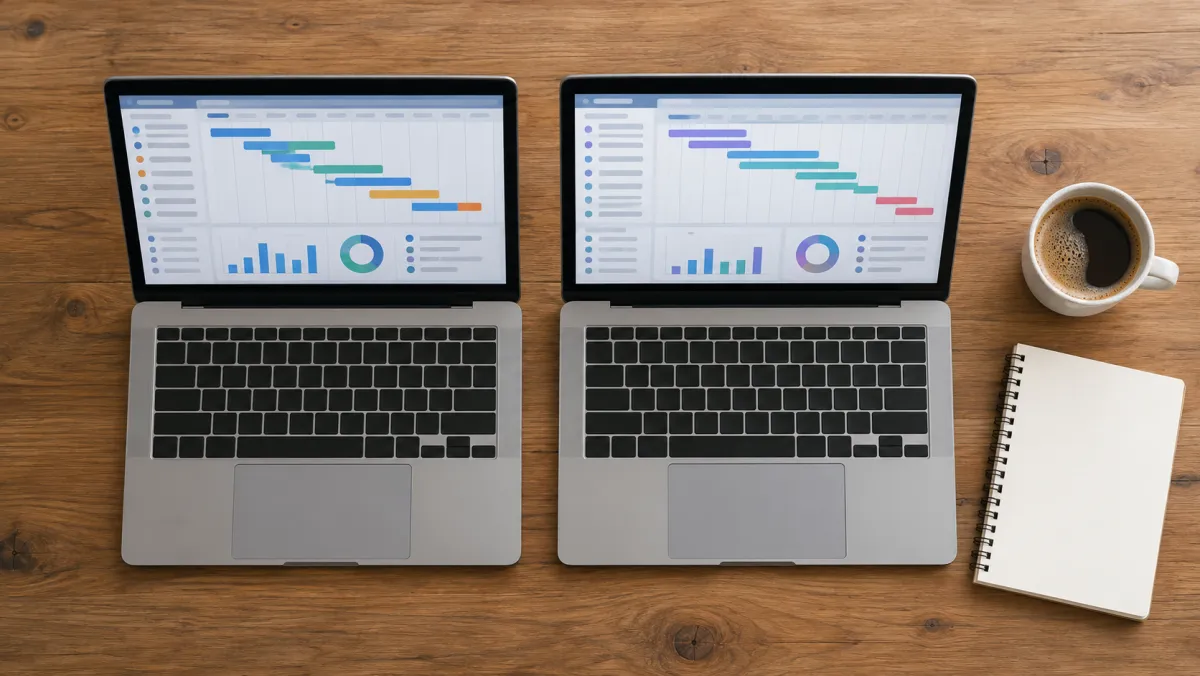
A Gantt chart is a horizontal bar chart that maps tasks against a project timeline, showing start dates, durations, and dependencies at a glance. Gantt chart software turns that static chart into a live planning tool your team can update together.
We judged each tool the way a working project manager would: how much Gantt functionality sits behind the free plan, whether critical path calculates automatically, and how painful it is to reassign a task once the timeline shifts.
Here is the side-by-side on pricing and core Gantt features, confirmed on each vendor's pricing page.
| Tool | Free plan | Starting paid price | Critical path | Best for |
|---|---|---|---|---|
| ClickUp | Yes, usage caps apply | $7/user/mo | Yes | Most teams |
| monday.com | Limited, 2 seats/3 boards | $12/seat/mo | Yes | Easiest onboarding |
| Smartsheet | 30-day trial only | $9/user/mo | Yes | Spreadsheet teams |
| TeamGantt | Yes, 1 project | $49/mo | Yes | Gantt-first simplicity |
| GanttPRO | 14-day trial only | $7.99/user/mo | Yes | Sharp visual timelines |
| Wrike | Yes, limited | $10/user/mo | Yes | Resource management |
A free Gantt plan is a lead magnet for the paid tier, so the real question is where your team hits the wall, not whether the tool is free today.
Best Gantt Chart Software Compared
Below is how each tool actually performed once we loaded a real project with dependencies and shifting deadlines.
ClickUp
From $7/user/mo, Free Forever plan
ClickUp's Free Forever plan includes Gantt-style timeline views, task dependencies, and critical path highlighting, more Gantt functionality than most competitors offer for $0. Usage caps push active teams to the $7/user/mo Unlimited tier within weeks.
- Real Gantt view on the free plan
- True critical path calculation
- Deep integration with tasks, docs, and chat
- Interface has a learning curve
- Free plan usage caps limit heavy Gantt use
monday.com
From $12/seat/mo, limited free plan
monday.com's Gantt-style timeline view sits behind a colorful, drag-and-drop board that non-technical teams pick up in under a day, and it unlocks on the $12/seat/mo Standard tier. The free plan caps out at 2 seats and 3 boards, which most active teams outgrow within a month.
- Fastest onboarding of any tool tested
- Clean drag-and-drop timeline editing
- Strong automation recipes
- Free plan caps at 2 seats / 3 boards
- Seat-based pricing gets costly fast
Smartsheet
From $9/user/mo, 30-day free trial
Smartsheet looks and behaves like Excel with dependencies bolted on, so teams already living in spreadsheets adapt fastest here. There is no permanent free tier anymore, only a 30-day free trial before billing kicks in.
- Familiar grid-and-formula interface
- Strong reporting and dashboards
- Handles complex dependency chains well
- No permanent free plan
- Visual polish lags behind newer tools
TeamGantt
From $49/mo per manager, free for 1 project
TeamGantt was built around the Gantt chart specifically, not bolted onto a broader project tool, and it shows in how clean the timeline editing feels. The free plan is real but limited to a single active project.
- Cleanest dedicated Gantt interface
- Simple drag-to-reschedule dependencies
- Easy client-facing timeline sharing
- Free plan limited to 1 project
- Paid plans jump to $49/mo per manager
GanttPRO
From $7.99/user/mo, 14-day free trial
GanttPRO focuses almost entirely on the chart itself. Based on vendor documentation and public user reviews, its critical path highlighting and timeline visuals are among the sharpest of the tools compared here. There is no permanent free tier, just a 14-day free trial window.
- Best-looking timeline visuals tested
- Fast critical path recalculation
- Built-in time tracking and cost estimates
- No permanent free plan
- Fewer collaboration features than rivals
Wrike
From $10/user/mo, limited free plan
Wrike layers workload and resource management on top of its Gantt view, which matters once you are juggling more people than tasks. The free plan works for a small pilot but paid tiers unlock the resourcing tools.
- Resource and workload management built in
- Scales well for larger teams
- Strong reporting on capacity
- Resourcing tools require a paid tier
- More setup time than dedicated Gantt tools

How to Create a Gantt Chart Online
Every gantt chart project starts the same way: list all tasks and milestones, then set start and end dates for each one.
A simple gantt chart with five tasks needs nothing more than a spreadsheet or a dedicated gantt chart generator. The tools below only matter once dependencies and team size grow.
Making a gantt chart from scratch follows the same steps whether you use a dedicated gantt chart creator or the gantt chart module inside broader project management software. Whether you pick dedicated gantt software, a bundled project management platform, or the timeline view inside a general project management tool, the workflow stays the same.
Add dependencies so the tool can calculate the critical path, then assign a project manager to each row. Most tools let you build gantt charts for a single project in under 30 minutes, importing project data straight from a spreadsheet.
A gantt chart is really just a project management diagram dressed up with dates and color. It exists to visualize project timelines and dependencies in one screen, a visual project map anyone on the team can read in five seconds.
The format predates every tool on this list. Engineer Henry Gantt popularized it in the 1910s as a visual representation of the project schedule for industrial and, later, software development work.
A single gantt chart still does the same job today: help project managers spot slippage before it becomes a missed deadline. Gantt charts work alongside most project management methodologies, from waterfall planning to hybrid agile sprints, and count as core project management infrastructure now, not a nice-to-have extra.
Most tools also ship gantt chart templates for common project types, so you are not staring at a blank grid on day one.
For a basic project with a handful of tasks, a free online gantt chart covers it, and ClickUp or Wrike prove free software can still handle a real Gantt chart, not just a task list. Once you need to plan projects and manage projects across multiple projects and a full project lifecycle, the paid tiers above start to earn their price.
Gantt Chart Software Features That Actually Matter
Not every gantt chart tool needs the same feature set. A small team mostly needs a clean gantt chart view and the ability to reassign dates the moment project changes hit.
A larger org needs deeper management tools and project and task visibility layered on top. Compare the gantt chart features and project management features side by side before you commit to annual billing on any online gantt chart software.
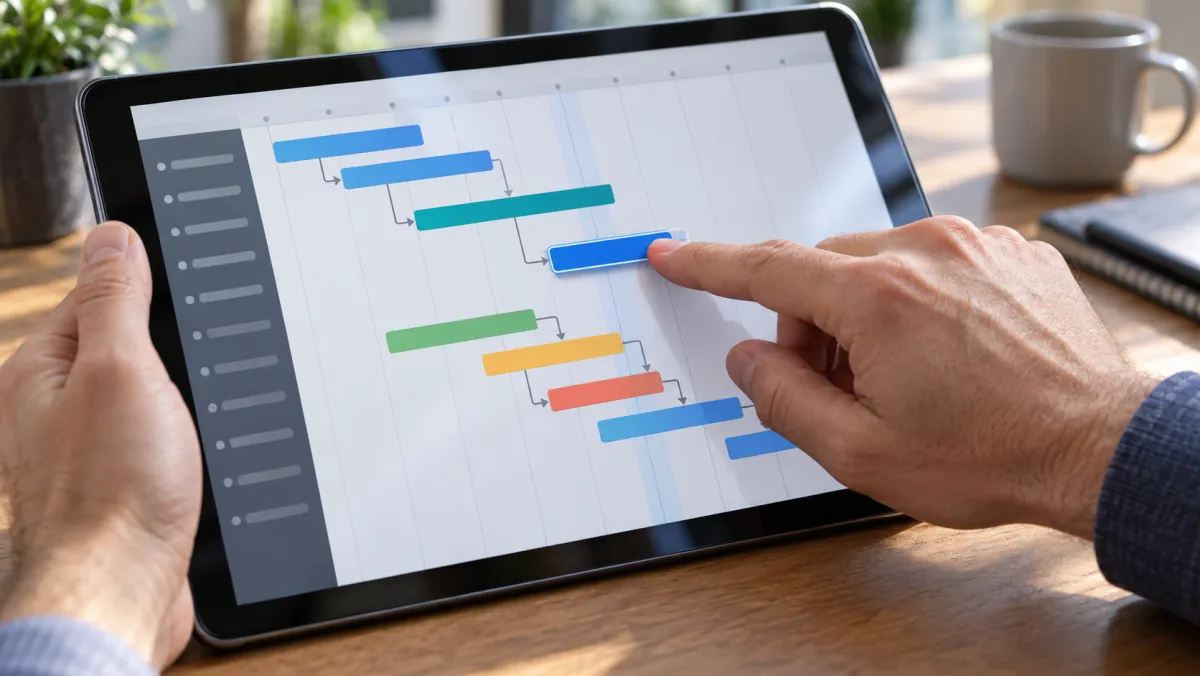
- Interactive gantt chart editing: drag a bar on the gantt timeline to reschedule a task, so the whole team can stay on track and the project can stay on schedule.
- Mobile access: an online gantt chart maker with real ios and android apps, so team members can check project status from the field.
- PDF export: the ability to save a gantt chart as a pdf for a client update, no login required for the recipient.
- Customizable gantt views: color-coding and filters so a project manager can build a view that fits their project management needs.
- Baselines: a saved snapshot of the plan so you get real visibility into project progress against the original schedule.
None of this replaces judgment. The most powerful gantt chart software still needs a project manager who updates it weekly, or a robust gantt chart drifts from reality within a sprint.
GanttPRO and TeamGantt lean hardest into pure gantt chart capabilities, without the extra task, doc, and chat features ClickUp bundles in. Teams that want free project management beyond just the chart should look at ClickUp or Wrike instead.
Real-time project updates matter too: every edit one person makes should reach every team member instantly, not after a manual refresh. At the end of the day this is software for managing dates and dependencies. Good scheduling software still needs a project manager's judgment behind it, not a replacement for one.
The best software solution is the one your team actually opens every morning, not the one with the longest feature list.
Gantt Chart Software vs Excel and Microsoft Project
A gantt chart in excel works for a single small project, but formulas break the moment two people edit the file at once, and dependency changes have to be recalculated by hand. That is fine for a one-person plan, not for a live team schedule.
Microsoft Project, often shortened to MS Project and now sold under the Planner brand, is the other common comparison. Its cloud plans run $10 to $55 a user a month depending on the tier, with the entry plan covering basic Gantt and dependency views.
The jump to $30 a month adds the desktop client and portfolio roadmaps, which most small teams never touch.
How to Choose Gantt Chart Software
Match the tool to your gantt chart needs, not a marketing page. There is no single best tool for every team, only the best fit for your budget, team size, and how deep you need resource planning to go.
- Tight budget, small team: ClickUp's Free Forever plan is a genuinely usable free gantt chart, not a stripped-down trial, and it costs $0.
- Already on Microsoft 365: Planner/Project Plan 1 at $10/user/mo integrates natively.
- Cross-department visibility: monday.com or Wrike for dashboards non-planners can read.
- Enterprise governance: Smartsheet or Wrike for approval chains, audit trails, and advanced project planning with resource leveling.
- Simple client timelines: TeamGantt or GanttPRO for the cleanest shareable chart.
Software Most Teams Run Alongside a Gantt Chart
A Gantt chart rarely runs alone. Most teams pair it with a couple of adjacent tools once the project involves people or money beyond the plan itself.
Solid hr software handles onboarding once a project spins up new hires, and our hr software guide compares the options built for small teams. On the finance side, free accounting software keeps project budgets honest without adding a line item.
If the project involves physical stock, inventory management software small business owners actually use, like the picks in our inventory management software guide, keeps counts matching reality. Whether you call it small business inventory management software or something else, the goal is the same: no manual tallies.
Gantt Chart Software FAQ
What is the best Gantt chart software for a small team?
ClickUp is the best Gantt chart software for most small teams, since its free plan includes real Gantt timelines and critical path highlighting. TeamGantt is the simpler alternative if you want a tool built only for scheduling.
What is the critical path in a Gantt chart?
The critical path is the longest sequence of dependent tasks that determines the shortest possible project duration. Delay any task on that path and the whole project slips.
What is the best accounting software for small business?
The best accounting software for small business pairs invoicing, expense tracking, and bank reconciliation in one place without a steep learning curve. Our accounting software comparison breaks down which plan fits which team size.
What is good software for HR?
Good software for HR handles onboarding paperwork, time-off requests, and basic compliance tracking without needing a dedicated HR hire. See our hr software guide for picks by team size.
What is the best payroll software for small business?
The best payroll software for small business automates tax filing and direct deposit while staying priced per employee rather than a flat enterprise fee. Our payroll software guide compares the leading options.
What is the best CRM software for small business?
The best CRM software for small business tracks leads and deals without charging for features a five-person team will never use. Our free CRM software guide ranks the top free-tier options.
Related guides
The Verdict
ClickUp is the best Gantt chart software for most teams in 2026, combining a genuinely usable free plan with critical path tracking most competitors charge for. monday.com wins if onboarding speed matters more than depth.
If you already pay for Smartsheet, Wrike, or Microsoft Project and it works, switching tools rarely earns back the migration time. Test the free trial or free tier of your top pick against one real project before committing a card.
Disclosure: Some links in this guide are affiliate links. We may earn a commission if you sign up through them, at no extra cost to you. This never affects which tool we rank first.