Software
Payroll Software For Small Business (2026): 6 Compared
The best payroll software for small business. Compare full-service payroll, tax filing, and pricing. See which fits your team.

Picking payroll software for small business is one of those decisions that feels minor until the first late tax deposit or a botched payroll run lands on your desk. Whether you run a 3-person agency or a 40-person shop, the gap between a good payroll provider and a bad one can be measured in hours and tax penalties.
Disclaimer: This article is for general information only and isn’t financial, investment or tax advice. Rates, fees and rules change; check the provider’s or regulator’s official source or talk to a qualified professional about your situation.
Disclosure: InterObservers may earn a commission if you buy through links on this page, at no extra cost to you. This doesn’t change what we recommend. How we make money.
This guide ranks payroll tools using vendor documentation and public user reviews, not a scraped top-10. Each pick was assessed against the parts of a real payroll run that matter most, including state payroll tax filings, direct deposit timing, and the messy reality of correcting a payroll error mid-cycle. If you want the wider stack, our small business software hub covers the rest.
Quick answer
For most small business owners, Gusto is the best all-in-one payroll software: full-service payroll, unlimited payroll runs, and federal and state payroll tax filing in one platform. If price is the deciding factor, Patriot Software runs accurate payroll for a fraction of the cost. QuickBooks Online wins if you already live in QuickBooks.
Key takeaways
- Gusto is our top online payroll pick: best payroll experience, strong payroll and HR features, automated payroll tax payments.
- Patriot Payroll is the most affordable payroll software with surprisingly complete core payroll.
- QuickBooks Online payroll integrates with accounting software you may already use.
- The right payroll solution depends on team size, budget, and how much payroll support you need.
- Doing payroll manually is viable for a small team, but one payroll tax mistake usually costs more than the software.
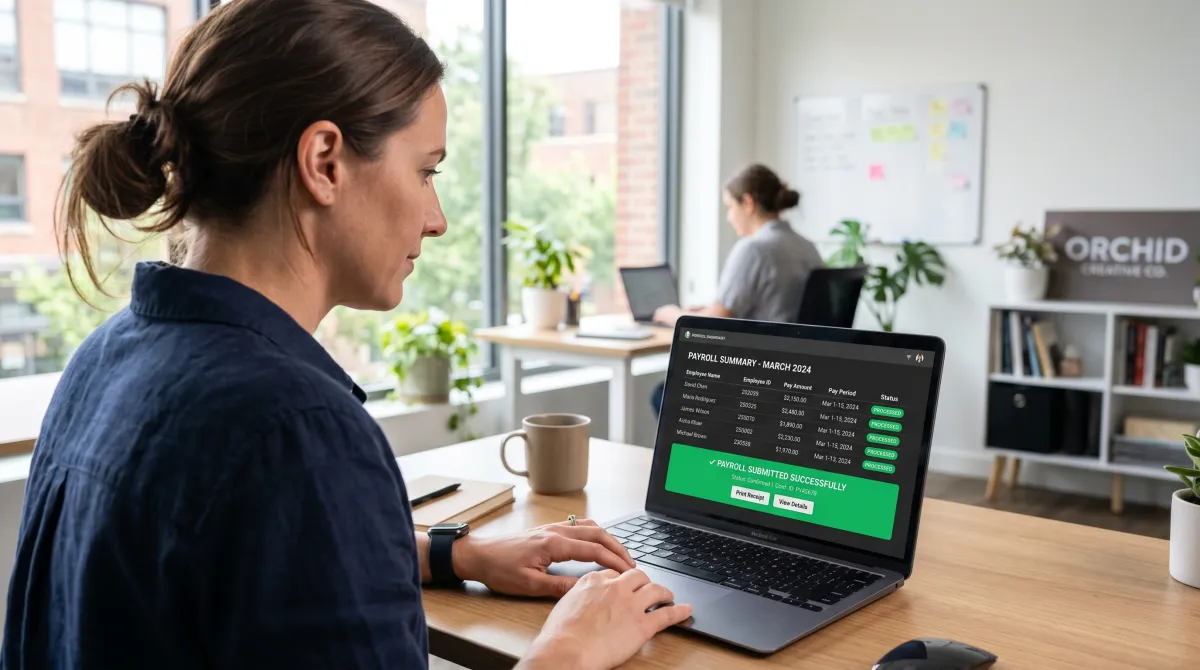
What Is the Best Payroll Software for Small Business?
The best payroll software for small business is full-service: it runs payroll, calculates payroll deductions, and handles federal payroll tax and state payroll tax deposits without you touching a form. For most small businesses, that points to Gusto. Based on vendor documentation and public user reviews, it balances price, payroll features, and payroll and HR depth better than the other options compared here.
That said, the best fit is situational. A solo owner with two contractors does not need comprehensive payroll management. A growing shop with employees in three states absolutely does. Below, we map each payroll provider to the small business owner it actually fits.
One honest note before the picks. Almost every online payroll service for small business now markets itself as an all-in-one payroll platform. The difference is execution: how clean the payroll setup is, how fast payroll support answers, and whether payroll tax calculations are right the first time.
These are small business payroll services built for owners, not enterprise teams. Each tool is designed for small businesses that need accurate payroll without a dedicated department. Good payroll for small businesses should make payroll and tax a single, boring step.
Best Payroll Software for Small Business Compared
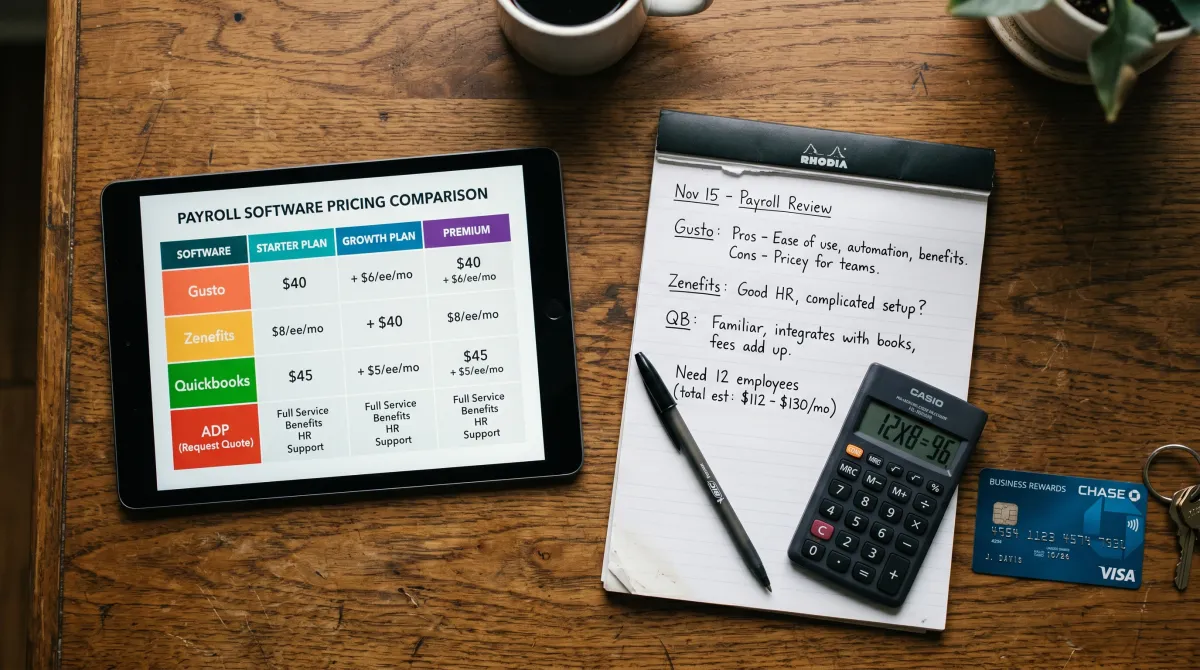
Here is the short version before the detail. This table compares the payroll software products on the things that matter on payroll day, not marketing copy.
One thing to verify across the board: every full-service tier here includes payroll processing plus federal and state tax filing in the same flow, so you are not stitching two tools together.
| Payroll software | Starting price | Best for | Payroll tax filing | Unlimited payroll runs |
|---|---|---|---|---|
| Gusto | $40/mo + $6/person | All-in-one payroll and HR | Federal and state, automated | Yes |
| Patriot Software | $17/mo + $4/person | Affordable full-service payroll | Add-on full-service tier | Yes |
| QuickBooks Online Payroll | $50/mo + $6/person | QuickBooks accounting users | Federal and state, automated | Yes |
| OnPay | $40/mo + $6/person | Multi-state small teams | Federal and state, included | Yes |
| Square Payroll | $35/mo + $6/person | Retail and hourly staff | Federal and state, automated | Yes |
| SurePayroll | $20/mo + $4/person | Self-run basic payroll | Optional full-service | Yes |
Now the operator detail on each, including where each one quietly falls short.
1. Gusto: Best All-in-One Payroll and HR
Best overall payroll software for small business
Gusto From $40/mo + $6/person
Gusto is the best payroll software for most small business owners who want payroll and HR in one place without babysitting it. Full-service payroll, automated payroll tax payments, and an interface a non-accountant can actually run.
Pros
- Unlimited payroll runs and easy payroll corrections
- Automated federal and state payroll tax deposits
- Strong payroll and HR tools, benefits, onboarding
Cons
- Per-person pricing adds up past 25 employees
- Phone payroll support hours are limited
Based on vendor documentation and public user reviews, Gusto is the payroll system we recommend by default. The payroll process is genuinely easy payroll: approve hours, hit run payroll, and Gusto handles payroll deductions, the payroll run, and the payroll tax deposits. Payroll reports are clean enough to hand straight to an accountant.
Where it shines is being a true business payroll and HR hub. Health insurance, time tracking, and offer letters live in the same platform, which matters as a small team grows. If you want comprehensive payroll management without bolting together five tools, Gusto is the answer.
This is also the natural pick if you want light HR software bundled in. Hiring, onboarding, and reviews share the same login as payroll, so you skip a second subscription. Pair it with our productivity tools for teams and the people-ops stack is basically done.
2. Patriot Software: Most Affordable Payroll Software
Best cheap full-service payroll
Patriot Payroll From $17/mo + $4/person
Patriot Software delivers accurate payroll at a price that undercuts almost everyone. Basic payroll software that does not feel stripped down, with a full-service tier that handles payroll tax filing for you.
Pros
- Cost-effective payroll, best price per employee
- Native sync with patriot's accounting software
- US-based payroll support that actually answers
Cons
- Full-service payroll tax is a paid upgrade
- Fewer payroll insights and HR extras
If budget drives the decision, Patriot Payroll is the affordable payroll software we point owners to. The basic payroll tier lets you process payroll yourself and file federal payroll tax manually, while the full-service tier handles federal and state payroll automatically. For a small business watching every dollar, this is the value pick.
The bonus is patriot's accounting software. Run payroll and books in one ecosystem and your payroll data flows straight into your ledger, which keeps small business payroll and accounting reconciled without manual exports. Few payroll providers at this price ship payroll insights this clean.
3. QuickBooks Online Payroll: Best for Accounting Integration
Best if you already use QuickBooks
QuickBooks Online Payroll From $50/mo + $6/person
If your books already live in QuickBooks Online, this payroll service is the path of least resistance. Payroll and accounting software in one login, with automated payroll tax calculations.
Pros
- Seamless integrate with accounting software you own
- Automated payroll tax payments and filings
- Direct access to payroll inside QuickBooks
Cons
- Pricier than standalone payroll providers
- Best value only if you use QuickBooks accounting
For the many small businesses already on QuickBooks Online, adding payroll is a no-brainer. There is no integration to maintain because payroll and the ledger share one dataset. Run payroll and the journal entries post themselves, which removes a whole class of reconciliation headaches.
We would not switch your whole stack just to land here. But if QuickBooks is already your accounting software, this is the payroll solution with the least friction.
The cheapest payroll software is whichever one stops you from ever filing a late payroll tax deposit.
4. OnPay, 5. Square Payroll, 6. SurePayroll: Strong Niche Picks
OnPay is our quiet favorite for multi-state teams: included federal and state payroll tax filing, one flat price, and no surprise add-ons. If you have employees across state lines, OnPay's flat-rate full-service payroll is hard to beat. It scales cleanly for small and midsize businesses too.
Square Payroll fits retail and hourly staff, especially if you already run Square POS. Hours sync from the register into the payroll run, so process payroll for a shop floor takes minutes. SurePayroll offers payroll on a self-run basic tier, with optional full-service payroll tax when owners are ready, which keeps it cheap to start.
How to Choose Payroll Software for Small Business
Start with one question: do you want full-service or basic payroll? Full-service means the payroll provider files your payroll tax and makes the payroll tax deposits. Basic means you run payroll and file federal and state payroll yourself. For most small business owners, full-service is worth it. One missed deposit penalty erases a year of savings.
Next, weigh these factors before you commit to a payroll platform.
- Payroll tax coverage: Confirm it handles your state payroll tax, not just federal payroll tax.
- Integrations: Pick a payroll solution that will integrate with accounting software you already run.
- Payroll and HR scope: Need benefits and onboarding? Choose an all-in-one payroll platform like Gusto.
- Unlimited payroll runs: Off-cycle bonuses and corrections should never cost extra.
- Support: Test payroll support before you migrate. Response time is everything on payroll day.
These payroll tools all aim to simplify payroll, but the right solution for small businesses is the one that fits how you actually work. The goal is to manage payroll in one place, so note that some software may bury full-service tax filing behind an upgrade. Confirm the tier before you buy.

Payroll Setup, Costs, and the Costco Angle
Payroll setup is the part owners dread. In practice, modern online payroll services for small teams walk you through it: enter your EIN, state payroll tax IDs, employee payroll information, and bank details, and you are running payroll inside a day. Based on vendor documentation and public user reviews, Gusto and OnPay appear to have the smoothest payroll setup.
To set up payroll cleanly, gather payroll information first: worker classifications, pay rates, and prior payroll data if you are migrating. Good software for small businesses imports that in minutes, and the services for small teams rarely need an accountant to finish.
On cost, budget realistically. A 5-person team on full-service payroll runs roughly $60 to $90 a month. That is the price of accurate payroll and someone else handling payroll tax payments. Paying for it out of operating cash, many small business owners route it through a rewards card to claw back a little value.
That is where the supply-run question comes in. Plenty of owners ask about costco business center locations because a Costco membership business plan pairs cheap bulk supplies with payroll savings. The costco business centers locations are warehouse-only sites built for businesses, and a business Costco membership can stack with a rewards card. It is a small lever, but small business margins are built from small levers.
One note for security-minded owners: payroll holds sensitive employee data, so lock down access the same way you would your books. Our guide to security software for small business covers the basics worth pairing with any payroll system.
For the soft side of people-ops, keep morale in mind once bonus season rolls around. Here are things to say in a review that land well when raises and bonuses go out.
Payroll Software for Small Business FAQ
What is the best payroll system for a small business?
Gusto is the best payroll system for most small businesses, combining full-service payroll, unlimited payroll runs, and automated federal and state payroll tax filing. For pure affordability, Patriot Software is the best value payroll software for small business.
What is the best free payroll software?
Payroll4Free is the best free payroll software for very small teams, covering basic payroll calculations and payroll reports at no cost. It is fine for self-run payroll, but you handle payroll tax deposits yourself, so most owners upgrade to affordable payroll software like Patriot once they have employees.
Can I do my own payroll for my small business?
Yes, you can run payroll manually for a small business, especially a small team. You calculate gross pay, payroll deductions, and federal and state payroll tax yourself, then make the payroll tax deposits on schedule. Most owners switch to payroll software once a single payroll error or late deposit costs more than the subscription.
Can I do payroll without QuickBooks?
Absolutely. QuickBooks Online is convenient if you already use it for accounting, but standalone payroll providers like Gusto, Patriot Payroll, and OnPay run full payroll, payroll tax filing, and direct deposit without QuickBooks. They also integrate with other accounting software.
What are the best business credit cards for paying payroll software?
The best business credit cards for recurring software costs reward office and online spend, like the Ink Business or Amex Business cards. A top rated business credit card with strong cashback offsets your payroll software subscription, and a secured business credit card helps owners building business credit score from scratch.