Software
Restaurant Scheduling App (2026): Top 3 Compared
A restaurant scheduling app puts staff shifts on the phone. Compare 7shifts, Sling, and Schedulefly pricing, free plans, and features to find the right fit.
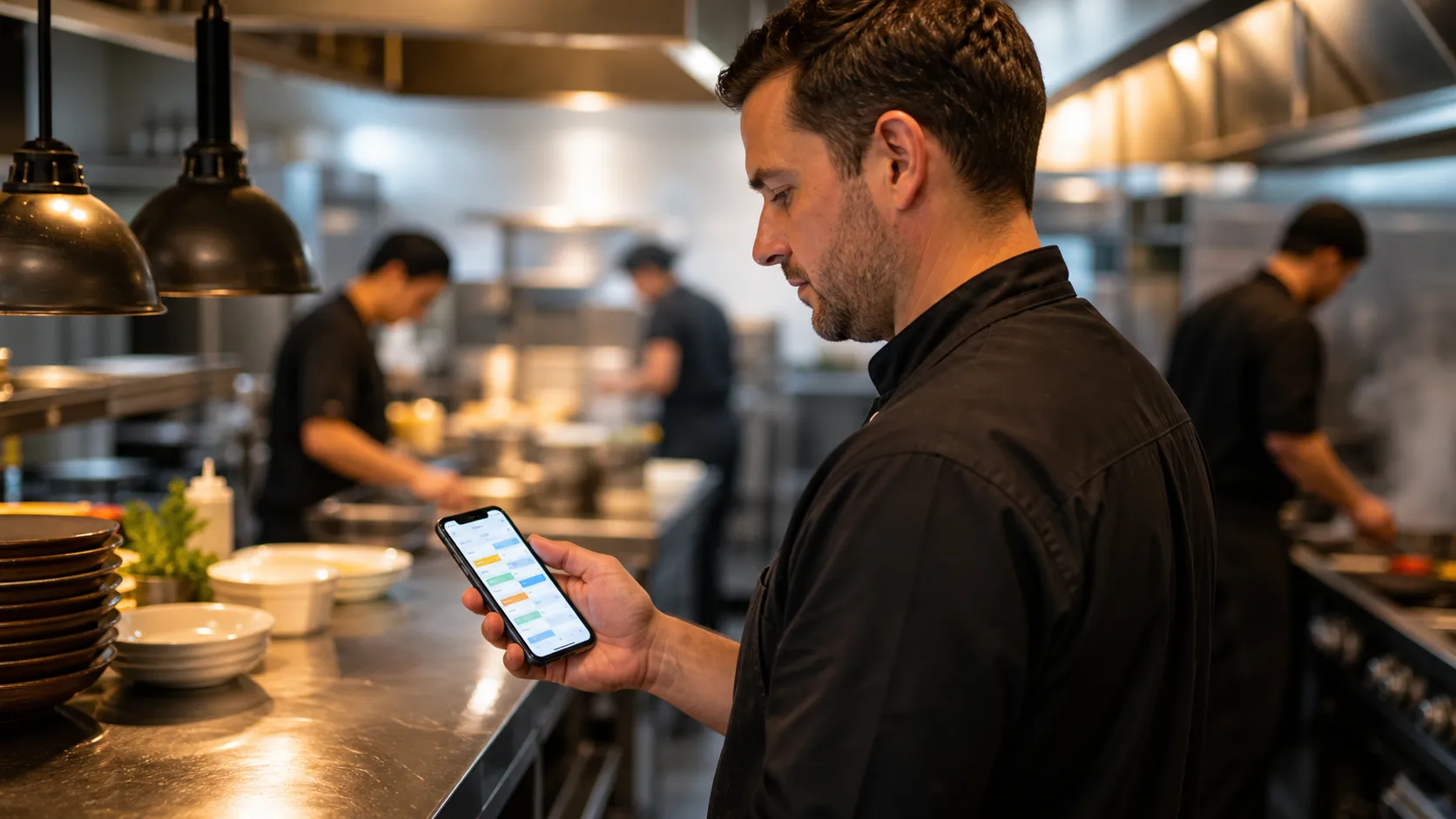
Every restaurant manager knows the Sunday-night scramble: three call-outs, a wedding reception team, and a paper schedule that nobody can find. A restaurant scheduling app fixes that problem by putting the entire restaurant schedule on a phone, updating in real time when someone swaps a shift, and flagging overtime before it hits payroll.
Quick answer
A restaurant scheduling app is software that builds, shares, and updates staff shifts online so managers and restaurant teams can swap shifts, track hours, and control labor cost from a phone. Popular options include 7shifts, Sling, and Schedulefly, each with a free plan for small teams, though the best restaurant scheduling software really depends on team size and budget.
Key takeaways
- A restaurant scheduling app replaces paper schedules and group texts with one shared, real-time schedule.
- 7shifts offers a free Comp plan for up to 15 employees at a single location.
- Sling offers a permanent free plan for up to 30 users, while Schedulefly offers a 30-day free trial and charges a flat monthly fee regardless of features used.
- Shift swaps, overtime alerts, and labor cost tracking are now standard features, not premium add-ons.
- Most restaurants can fully set up a scheduling app in a single shift.
- Free mobile apps for iOS and Android let restaurant employees check new shifts, trade a shift, and see upcoming shifts from any phone.
What Is a Restaurant Scheduling App?
A restaurant scheduling app is a piece of software, usually a mobile app plus a web dashboard, built to create and share staff schedules for a restaurant. Instead of a printed sheet taped to the kitchen wall, cooks and servers open a free mobile app on iOS or Android to see their shifts.
Most tools also handle shift swaps, time off requests, and basic time tracking. Some connect directly to payroll, so hours worked flow straight into pay without a manager re-typing a spreadsheet.
For a general online employee scheduling app, the goal is usually simple shift scheduling: assign a shift, done. A restaurant-specific tool for restaurant employee scheduling goes further. It accounts for split shifts, tipped versus hourly pay, and the last-minute no-shows common on a Friday dinner rush.
Restaurants running multiple locations face the same problem multiplied by five kitchens. Scheduling employees consistently across every site beats juggling five separate paper calendars instead of one master schedule every manager can check.
Restaurant staff juggle school schedules, second jobs, and childcare, so employee availability changes week to week. A good app lets a new hire set recurring availability once, then blocks conflicting shifts automatically instead of a manager memorizing who cannot work Tuesdays.
Staff scheduling only works if the whole team actually sees it. That is why scheduling and communication live in the same app: work schedules post to every phone at once, and shift questions get answered in the same thread instead of a scattered group chat.
Managers can also copy last week's employee schedules as a starting template, then adjust for a private event or a holiday rush instead of building shifts from a blank grid every single week.

Restaurant Scheduling App Explained for Restaurant Owners
For a restaurant owner, a scheduling app really does three jobs. It builds the weekly schedule based on sales forecasts, it lets staff request time off or trade shifts without a phone tree, and it tracks actual hours against the schedule for payroll.
The goal is to simplify a task that used to eat up hours every week. Good tools streamline team communication so a shift swap gets approved in seconds, not through a chain of missed calls.
Many apps include a built-in group chat, so announcements about a menu change or a closed section stay in one place instead of scattered texts. That kind of shared channel works the same way as any of the best team productivity tools restaurants already use for prep lists and inventory.
A built-in time clock lets staff clock in from their phone at the location, and managers see who is late in real time instead of finding out at the end of the week.
One missed notification can mean an empty station during the rush. Most apps repeat a shift alert on the schedule until the assigned staff member confirms they saw it.
Restaurant groups with several locations need more than a single calendar. An enterprise appointment scheduling software layer lets a regional manager see workforce coverage across every site at once, spot a location running short-staffed, and move an available worker between locations before a shift starts.
That kind of efficient scheduling keeps the whole schedule accurate even when one location gets slammed on a Friday and another sits quiet on a Tuesday.
Once hours are logged correctly, payroll gets faster and more accurate, because tips, overtime, and regular hours already match the schedule. Any tool that stores staff pay data should also keep payroll data secure, since scheduling apps hold sensitive employee information.
Choosing Restaurant Scheduling Software
Choosing scheduling software for restaurants comes down to three questions: how many locations, how tight is the labor budget, and how much employee management the owner wants to hand off to managers. There is no single best restaurant scheduling software for every restaurant business.
Restaurant operators running one location usually want a simple scheduling platform focused on shift scheduling and messaging. Restaurant managers overseeing several sites need workforce management features: labor forecasting, compliance alerts, and one dashboard to manage a restaurant group instead of five separate spreadsheets.
The restaurant industry runs on thin margins, so owners and managers weigh subscription cost against hours saved every week. This holds especially true for restaurant and hospitality businesses with unpredictable weekend demand. A tool built for restaurant operations, not generic hospitality scheduling, tends to handle split shifts and tipped pay correctly from day one.
Restaurant Scheduling App Examples: 7shifts, Sling, and Schedulefly
Restaurant teams that want scheduling and time tracking in one place usually start with 7shifts or Sling before testing anything else. A server juggling 7 shifts a week needs a schedule that updates the moment plans change.
7shifts restaurant scheduling is built specifically for restaurants and food service, so teams that use 7shifts rarely need a second tool for messaging. It offers a free Comp plan for up to 15 employees at one location, covering scheduling, employee availability, and team messaging with no monthly fee.
Paid tiers move from Essentials at $39.99 a month to Pro at $79.99, then Premium at $134.99, each priced per location rather than per employee. Higher tiers add labor cost forecasting, tip pooling, and payroll integrations.
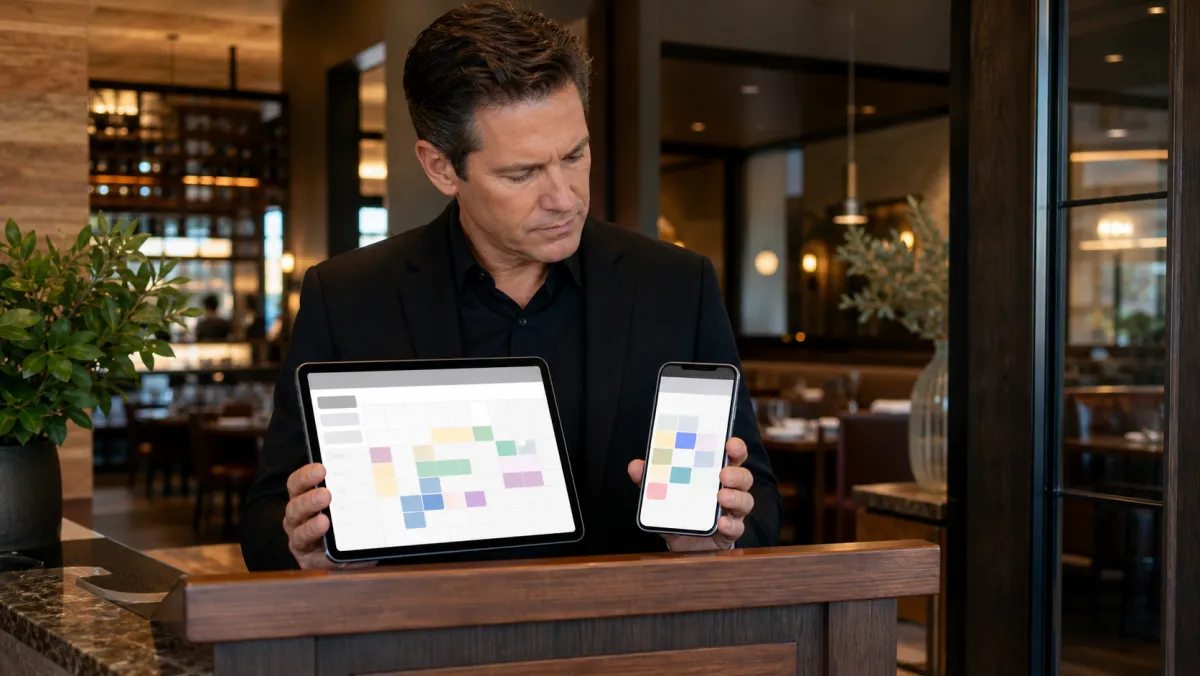
All three tools ship free mobile apps for iOS and Android, so a shift change reaches restaurant staff wherever they are instead of waiting on a manager to post an update. Push notifications tell employees of their upcoming shifts the moment a schedule goes live, and most apps flag overlapping shifts before they get published.
When someone calls out sick, the app allows employees to swap shifts directly from their phone: one person offers a new shift for pickup, a coworker claims it, and a manager approves the trade with one tap. This kind of shift swapping cuts down on last-minute no-shows because an open shift rarely stays open for long.
Built-in time clock features track time against the posted schedule, so employee hours and work hours match what payroll expects instead of relying on a manager's memory of who stayed late.
Sling covers a broader range of shift-based businesses, not just restaurants, and its free plan stays free indefinitely for up to 30 users, though it skips built-in time tracking. As free employee scheduling software goes, it is one of the more generous options on the market, focused heavily on scheduling and messaging.
Paid plans move to per-user pricing: Premium runs about $1.70 per user per month, and Business runs about $3.40 per user per month with annual billing, adding time tracking, task management, and labor cost reporting.
Schedulefly takes the opposite approach: one flat monthly price by staff count for any restaurant business, from about $30 a month for up to 19 staff to $60 a month for 60 to 79 staff. It is a straightforward scheduling program, not a full scheduling application with payroll or POS built in, but every feature is included with a 30-day free trial.
A small restaurant with one location and a tight budget usually does fine on 7shifts' free restaurant employee scheduling or Sling's free version. A group with several sites often saves time and money on Schedulefly's flat rate instead of paying per employee. Whichever app wins, easy-to-use scheduling with the right scheduling features beats a cheaper tool nobody opens.
| App | Free plan | Starting paid price | Best for |
|---|---|---|---|
| 7shifts | Up to 15 employees, 1 location | $39.99/month (Essentials) | Single-location restaurants |
| Sling | Up to 30 users, no time tracking | $1.70/user/month (Premium, annual) | Small teams needing messaging |
| Schedulefly | 30-day trial, no free tier | $30/month flat (up to 19 staff) | Multi-location restaurant groups |
The cheapest scheduling app is the one your staff actually open. A free plan nobody uses costs more in no-shows than a $40 subscription ever will.
How to Apply a Restaurant Scheduling App
Start with a single location, even if the restaurant group has several. Import the current staff list, set default shift times for each role, and run the app alongside the old paper schedule for one week before switching over completely.
Send every employee an invite the same day, and ask managers to walk the team through the app during a pre-shift meeting rather than by text. A five-minute demo cuts down on confused questions during the first busy weekend.
Add the app to new-hire onboarding from day one. Walking a new server through the schedule, the shift-swap button, and the time clock during their first shift beats a confused text three days later asking where the posted work schedules are.
Write the shift-swap rules down before launch: who approves a shift trade, how much notice is required, and what happens if nobody picks up an open shift.
Managers who take a moment to recognize staff who consistently pick up hard-to-fill shifts see better long-term reliability, much like the specific feedback covered in these performance review examples for any workplace conversation.
Most apps show labor cost as a percentage of projected sales while the schedule is still being built, not after the fact. That single number, checked before publishing each week's schedule, is one of the simplest ways any restaurant management software stack pays for itself.
Consistent, fair scheduling also affects employee retention. Staff who get their requested hours worked and predictable shifts are less likely to quit, which saves the far larger cost of hiring and training a replacement.
Review the schedule against actual labor cost every week for the first month. Small adjustments, like trimming one prep shift or adding a closer on Fridays, usually pay for the subscription within the first pay period.
Done right, a restaurant scheduling app can save time and money within the first month, since a clear schedule means fewer emergency shift swaps and less overtime.
Restaurant Scheduling App - FAQ
What is the best scheduling app for a restaurant?
There is no single best option for every restaurant. 7shifts fits restaurants that want an all-in-one, restaurant-specific tool with a strong free plan, Sling suits small teams that mainly need free scheduling and messaging, and Schedulefly fits multi-location groups that prefer flat, predictable pricing over per-employee fees.
What is the best free app for scheduling?
For restaurants, 7shifts and Sling both offer real free plans. 7shifts covers scheduling and messaging for up to 15 employees at one location, and Sling covers scheduling, messaging, and time-off requests for up to 30 users, though it skips built-in time tracking.
Is Sling scheduling really free?
Yes, for small teams. Sling's free plan covers shift scheduling, time-off requests, and private messaging for up to 30 users at no cost, with no time limit. Time tracking, kiosk clock-in, and detailed labor reports require a paid Premium or Business plan.
How to create a restaurant schedule?
Start from last week's schedule as a template, add each employee's confirmed availability and time-off requests, then assign shifts by role and publish the schedule to every phone at once so staff can request swaps before the week begins.
Is restaurant scheduling software different from scheduling software for salons or gyms?
Yes, in practice. General scheduling software for salons or gyms usually books client appointments, while restaurant scheduling software builds staff shift schedules, tracks labor cost against sales, and handles tipped payroll rules that salons and gyms rarely need.
What is the best employee scheduling software for a small business restaurant?
For a small business restaurant, the best employee scheduling software is usually whichever free tier fits the headcount: 7shifts for a single location up to 15 staff, or Sling for a slightly larger team that mainly needs shift swaps and messaging.
Do restaurant scheduling apps integrate with payroll?
Most do. 7shifts and Sling both offer direct payroll integrations on paid tiers, syncing hours worked straight into a payroll run, while Schedulefly focuses on scheduling and leaves payroll processing to a separate tool.