Software
Free Project Management Software (2026): 4 Tools Tested
We tested free project management software plans, ClickUp, Asana, monday.com, and Notion, for real seat, storage, feature limits. See which fits your team.

Free project management software looks identical on every landing page: unlimited tasks, unlimited users, zero dollars. The catch shows up two weeks in, buried in a storage cap or a seat limit nobody mentions during signup.
We pulled the actual 2026 free-plan limits for the tools worth testing first, ClickUp, Asana, monday.com, and Notion, straight from each vendor's own pricing page. No trial periods dressed up as "free forever," no marketing rounding.
Quick answer
ClickUp's free plan is the strongest overall pick for small teams in 2026, with unlimited members and tasks held back mainly by a tight 60MB storage cap. Pick monday.com for the friendliest two-person setup, or Notion if the team is really a team of one.
Key takeaways
- ClickUp gives unlimited free users and tasks, but the whole workspace shares just 60MB of storage.
- Asana's free Personal plan now covers one or two people, down from the ten-seat limit it used to offer.
- monday.com's free plan caps out at 2 seats, 3 boards, and 200 items, with no automations included.
- Notion is free forever for solo users, but a 1,000-block cap kicks in the moment a second person joins the workspace.
- Every plan here is a real free tier, not a disguised trial, so testing one costs nothing but setup time.
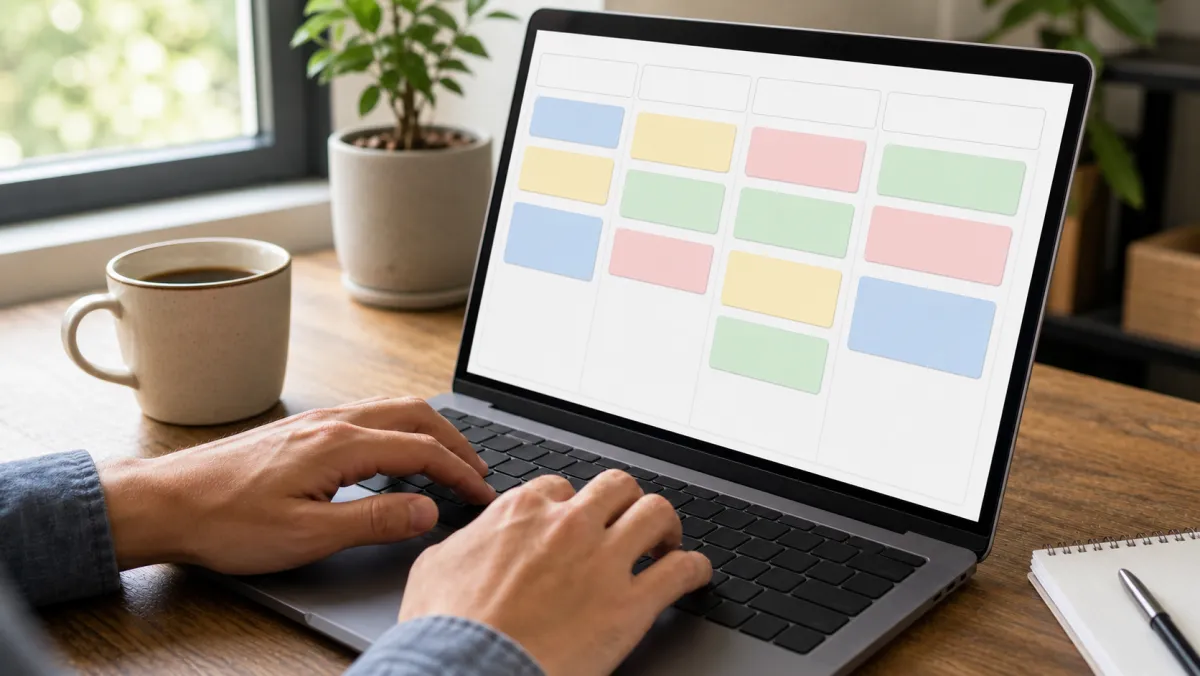
What Is the Best Free Project Management Software?
The best free project management software depends on team size more than feature lists. A solo founder, a two-person team, and a ten-person team each hit a different wall on the same "free forever" plan.
We compared the free tier of every major set of project tracking tools on three things: how many people can actually use it, how much storage the account gets, and which core views, like a Kanban board, sit behind a paywall.
If your team has already outgrown these limits, our paid project management software comparison ranks the tools worth the upgrade.
| Tool | Free seats | Storage | Automations | Best for |
|---|---|---|---|---|
| ClickUp | Unlimited | 60MB total | 100 runs/mo | Growing teams |
| Asana | 1 to 2 people | Unlimited | None on free | Solo or pairs |
| monday.com | 2 seats | 500MB | None on free | Simple boards |
| Notion | Unlimited solo, capped at 2+ | 5MB per file | N/A | Docs plus tasks |
| Trello | Unlimited collaborators | 10MB per file | 250 runs/mo | Simple kanban |
A free plan that quietly caps storage at 60MB is really a three-week trial with better branding.
Best Free Project Management Software Compared
Here is how each tool's free tier actually holds up once real files, real people, and a real backlog land in it.
ClickUpFree Forever, from $7/user/mo
ClickUp's free tier includes unlimited members and unlimited tasks, more headroom on paper than any other tool here. The real limit is storage: the entire workspace shares a 60MB pool, which a five-person team can burn through in a single day of screenshots and file uploads.
- Unlimited users and tasks at $0
- Kanban, list, calendar, and basic Gantt views
- Docs, whiteboards, and 100 automation runs a month
- Only 60MB of shared storage for the whole team
- More setup time than Trello or Asana
AsanaPersonal plan, free for up to 2 users
Asana's free Personal plan is built for one or two people managing projects together, a real cut from the ten-seat free tier it used to offer. Storage is unlimited and the core task, project, and messaging tools stay full-featured below that seat count.
- Cleanest interface of any tool tested
- Unlimited storage and unlimited tasks
- Unlimited projects for 1 to 2 users
- Free plan tops out at 2 users
- No Timeline or Gantt view without a paid plan
monday.comFree forever, from $12/seat/mo
monday.com's free plan covers 2 seats, 3 boards, and 200 items with just Table and Kanban views. It skips automations and integrations entirely, so it works best as a way to test the interface before committing to a paid seat.
- Colorful, drag-and-drop board that is easy to learn
- 500MB of file storage included
- No time limit on the free tier
- Capped at 2 seats and 3 boards
- No automations or integrations on free
NotionFree forever, from $10/user/mo for teams
Notion drops its old block limit entirely for single-member workspaces, so a solo founder gets unlimited pages, databases, and task boards for $0. The moment a second person joins, a 1,000-block cap applies and every file upload is capped at 5MB.
- Truly unlimited blocks for solo use
- Docs, wikis, and task tracking in one tool
- Highly customizable task and project views
- 1,000-block cap once a second person joins
- 5MB file upload limit below the Plus tier
Trello did not get its own card here because its free tier changes less: unlimited collaborators, 10 boards, and 250 automation runs a month, solid for a simple kanban board without a learning curve. It just does not scale into full project tracking tools the way ClickUp or Asana do.

How to Choose Free Project Management Software
Match the free plan to how the team actually works, not to the longest feature list on the pricing page.
- Team of one: Notion or Asana, since neither charges until a second person joins.
- Team of 2 to 5, simple boards: Trello or monday.com for the fastest onboarding.
- Team that uploads a lot of files: Asana, since ClickUp's 60MB cap fills up fast.
- Need timelines or a Gantt view: none of these free plans include one; see our gantt chart software comparison for tools that do.
- Task list only, no project structure: a dedicated task management app is often lighter than a full project tracker.
Software Most Teams Pair With a Free Project Tracker
A free project management software pick rarely runs alone. Most small teams stack two or three free tools before paying for any of them.
On the sales side, a free CRM keeps leads out of a spreadsheet without adding a monthly bill.
If HR paperwork is next, our hr software guide compares the tools built for small teams specifically.
Keep project budgets honest with free accounting software before a project spends more than it earns.
Teams juggling physical stock alongside a project board need inventory management software small business owners can trust, since manual counts drift fast once a project ships product.
Some call it small business inventory management software, others search for small business inventory software or inventory software small business. All three point to the same fix: real-time stock counts tied to the same board the project runs on.
A new site launch calls for a free website builder to cover the landing page without a separate dev sprint. A free password manager rounds out the stack for teams sharing more logins than they should.
When to Upgrade From Free
Every tool on this list is free forever, not a disguised trial, but each one draws a hard line somewhere. ClickUp's line is storage. Asana's and monday.com's line is seat count. Notion's line is collaborators.
Upgrade when the workaround starts costing more time than the subscription would. Deleting old attachments weekly to stay under ClickUp's 60MB cap is a sign the $7/user/mo Unlimited tier already pays for itself.
Teams that outgrow every free tier here can compare full feature sets in the best project management software roundup before picking a paid plan.
Free Project Management Software: FAQ
What is accounting software for small business used for?
Accounting software for small business tracks income, expenses, and invoices in one place instead of a spreadsheet that breaks the moment two people edit it. Most tools sync directly to a business bank account for automatic reconciliation.
What is the best accounting software for small business?
The best accounting software for small business pairs invoicing, expense tracking, and bank reconciliation without a steep learning curve, so look for one that scales from a single user to a small finance team.
What software is good for HR?
Good software for HR handles onboarding, time-off requests, and basic compliance tracking without a dedicated HR hire, freeing up a founder's time for the actual project work.
What is the best payroll software for small business?
The best payroll software for small business automates tax filing and direct deposit while pricing per employee instead of charging a flat enterprise fee. Look for one that syncs with whatever free accounting tool the team already runs.
What is the best CRM software for small business?
The best CRM software for small business tracks leads and deals without charging for features a five-person team will never touch, keeping the sales side as lean as the free project tracker running the work itself.
Related guides
The Verdict
ClickUp is the best free project management software for most small teams in 2026, trading a tight 60MB storage cap for unlimited users and tasks nobody else offers free. Asana wins if the team really is just one or two people who want more storage and a cleaner interface.
Test the free tier against one real project before touching a card. If the free plan's ceiling shows up inside a month, the paid tier was already the right call, the free plan just proved it faster.
Disclosure: Some links in this guide are affiliate links. We may earn a commission if you sign up through them, at no extra cost to you. This never affects which tool we rank first.