Software
Free Accounting Software (2026): 5 Tools Compared
Compare free accounting software for small business: Wave, Zoho Books, and Akaunting, with real limits, pricing, and picks that fit your revenue in 2026.
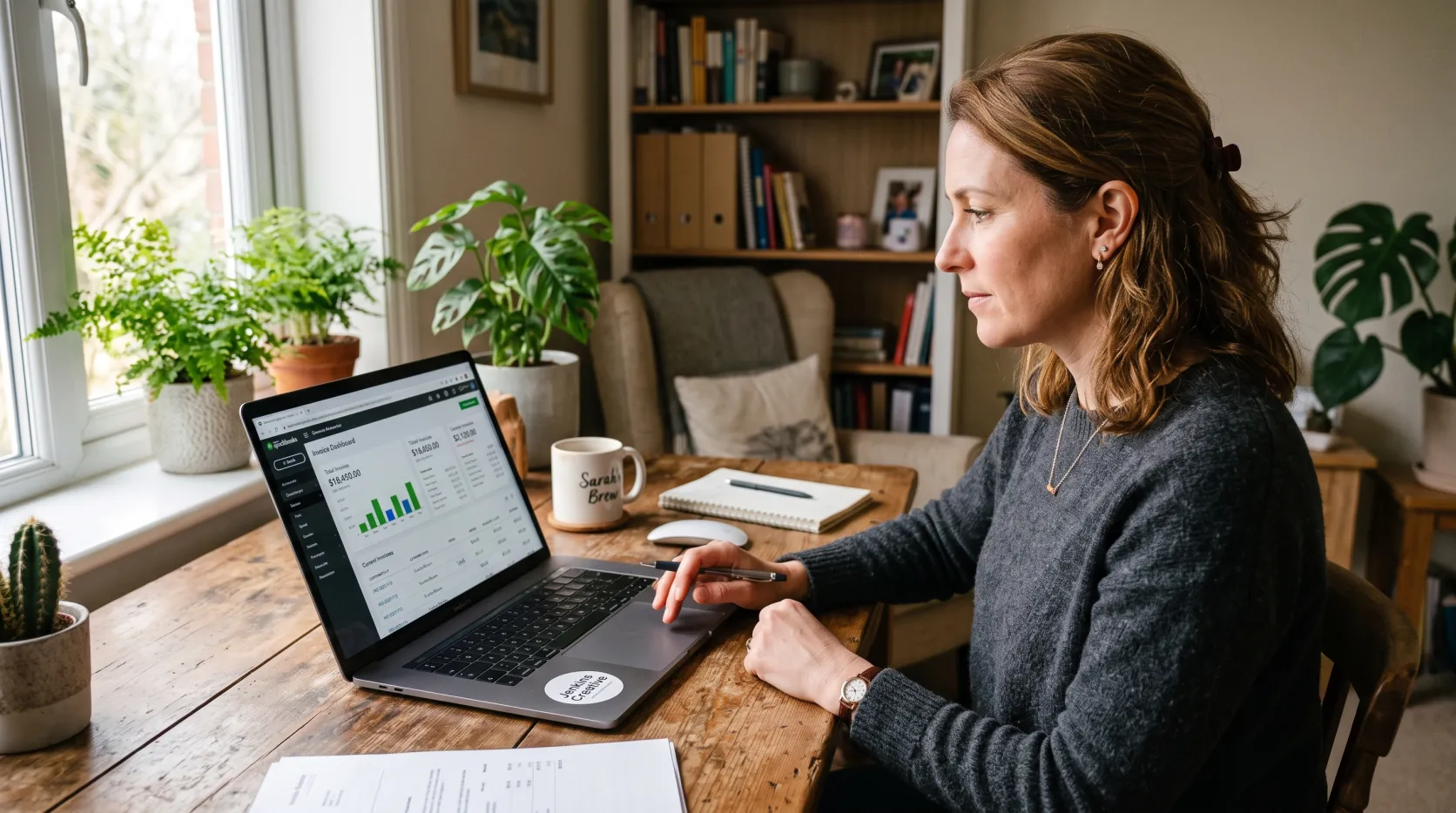
If you are chasing free accounting software to replace a spreadsheet, the good news is you have real options in 2026. The bad news is most free forever plans quietly picked up limits over the past two years.
This guide breaks down the free accounting software worth using in 2026, what each plan actually includes, and where the free tier stops being enough. It sits inside our wider software reviews, and every pick below reflects current pricing, not last year's marketing page.
Quick answer
Wave is the best free accounting software for solo freelancers who do not mind entering transactions manually. Zoho Books is the strongest free pick if your revenue is under $50,000 a year, since it still includes automatic bank rules and online payments. Akaunting and GnuCash are the best options if you want zero revenue caps.
Key takeaways
- Wave's free Starter plan still covers unlimited invoicing, but automatic bank feeds now require the $19/month Pro plan.
- Zoho Books gives you 1,000 free invoices a year and bank rules, but only businesses under $50,000 in annual revenue qualify.
- Akaunting and GnuCash have no revenue cap or user limit, trading polish for full control.
- Every free accounting tool on this list skips built-in inventory tracking, so growing sellers need separate inventory software.
- Free accounting software works best paired with other free tools: a free CRM, HR software, and a password manager for shared logins.
What Is the Best Free Accounting Software?
Free accounting software is bookkeeping software with a $0 tier that still uses real double-entry accounting. That means every transaction posts to two accounts, so your books stay balanced the way an accountant expects.
The category is not one product. It splits into cloud tools built for freelancers, like Wave and Zoho Books, and open source tools built for owners who want full control, like GnuCash and Akaunting.
The best free accounting software for you depends on two things: how many transactions you process each month, and whether your revenue sits under the caps some vendors quietly enforce. Get those two answers first.
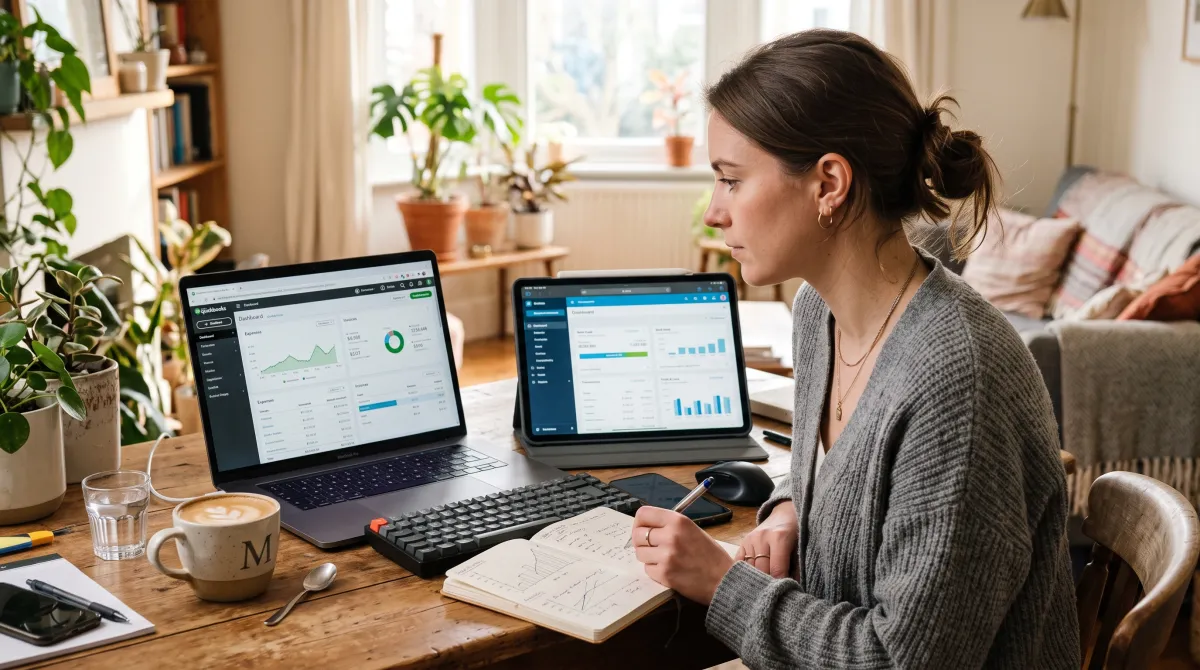
Best Free Accounting Software Compared
We compared five tools that still offer a genuinely usable $0 plan in 2026, not a 14-day trial dressed up as free. Here is how they stack up on cost, invoice limits, and who each one fits best.
Disclosure: some links below are affiliate links. We may earn a commission at no cost to you. Our rankings stay independent.
| Tool | Best for | Free plan limit | Paid tier |
|---|---|---|---|
| Wave | Solo freelancers | Manual entry only | Pro from $19/mo |
| Zoho Books | Revenue under $50K | 1,000 invoices/year | Standard from $20/mo |
| ZipBooks | First-time owners | 1 user, basic reports | Smarter from $15/mo |
| Akaunting | No revenue cap | Self-hosted, unlimited | Cloud hosting optional |
| GnuCash | Offline double-entry | Fully free, desktop only | None |
Best free accounting software overall
Wave Free (Starter), Pro from $19/mo
Wave still runs on real double-entry accounting, and its Starter plan gives you unlimited invoices, estimates, and expense tracking at no cost. The catch in 2026: automatic bank imports and collaborator access now sit behind the paid Pro plan.
Pros
- Unlimited invoicing with no time limit
- Real double-entry bookkeeping, not a toy ledger
- Mobile receipt scanning on the free tier
Cons
- No automatic bank feed without Pro
- No built-in inventory or budgeting
Best free plan for feature depth
Zoho Books Free under $50K revenue
Zoho Books is the most feature packed free plan on this list, as long as your annual revenue stays under $50,000. You get 1,000 invoices a year, Stripe and PayPal payments, and automated bank rules for categorizing transactions.
Pros
- Bank rules and reconciliation included free
- 1,000 invoices and 1,000 expenses a year
- Client portal and recurring invoices
Cons
- Revenue cap locks out growing businesses
- Limited to one user
Best for first-time business owners
ZipBooks Free forever plan
ZipBooks targets owners with no accounting background who still want professional invoicing. The free Starter plan covers unlimited invoicing, vendor and customer management, and one connected bank account.
Pros
- Simple enough for non-accountants
- Unlimited invoicing on the free tier
- Square and PayPal payments built in
Cons
- Only one bank connection on the free plan
- Reporting is thinner than Zoho Books
Best open source option
Akaunting Free, self-hosted
Akaunting is fully open source, so there is no revenue cap, no user limit, and no vendor deciding what counts as free next year. You host it yourself and still get invoicing, expense tracking, and multi-currency support across 100+ countries.
Pros
- No revenue or user caps, ever
- Multi-currency and multi-language support
- Full data ownership on your own server
Cons
- Requires basic server setup
- Smaller support community than Zoho or Wave
Best for offline double-entry bookkeeping
GnuCash Free, desktop
GnuCash is the plain, unglamorous workhorse of free accounting software. It runs a full double-entry bookkeeping engine on your desktop, with no subscription and no internet connection required.
Pros
- Genuinely free forever, no tiers
- Works fully offline
- Handles investments and loans, not just invoices
Cons
- Dated interface
- No mobile invoicing or client portal
Free accounting software gets you a real ledger, not a real business department. You still have to build the rest of the stack yourself.
How to Choose Free Accounting Software
Start with volume. If you send fewer than a few invoices a month, Wave's manual entry is a fair trade for $0. If you are closer to Zoho Books' 1,000-invoice ceiling, budget for a paid tier before you outgrow it mid-year.
Check the revenue cap next. Zoho Books cuts you off at $50,000 in annual revenue, a threshold plenty of service businesses reach faster than expected. For general guidance on tracking finances as you grow, the U.S. Small Business Administration is a solid starting point.
Decide how much manual work you will tolerate. Free plans that skip bank feeds save money but cost hours. At 50 or more transactions a month, manual entry often costs more in time than a $15 to $19 monthly plan.
Build Out the Rest of Your Free Software Stack
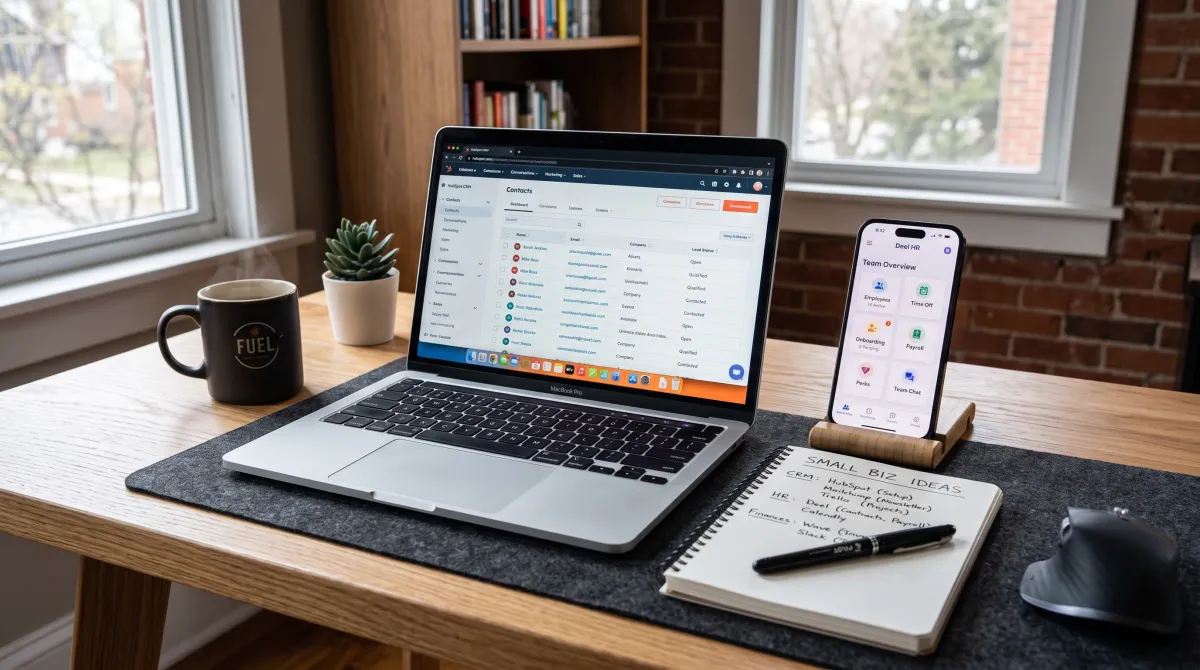
Accounting software is one piece of the free toolkit most small businesses need in year one. Pair it with a free CRM to track leads and a real customer list without another line item.
Once you hire your first employee, add HR software for onboarding paperwork and time off tracking. Our HR software picks cover the free and low-cost tiers worth trying first.
Shared logins for your accounting and CRM tools need protecting. A free password manager like Bitwarden covers unlimited passwords across every device, with no trial timer forcing an upgrade.
If you do not have a site yet, a free website builder such as Wix or GoDaddy gets you a page live before your first invoice goes out, though expect a subdomain until you upgrade.
Selling physical goods changes the math. None of the free accounting tools above track stock, so most sellers add dedicated inventory management software alongside their books.
Search results use several near-identical labels for this category: inventory management software small business owners rely on, small business inventory management software, small business inventory software, inventory software small business teams already use, and small business software inventory. The core job never changes: matching stock counts to your ledger in real time.
Look for inventory control software small business owners can set up without a consultant, one that logs stock changes as they happen instead of a spreadsheet updated once a week. If you need audit trails too, small business inventory control software with barcode support is worth the extra monthly fee.
Running multiple product launches or client projects alongside your books also calls for gantt chart software, so deadlines do not just live in an invoice by accident.
Free Accounting Software: FAQ
What is the best accounting software for small business?
For most small businesses, Zoho Books is the best accounting software under $50,000 in revenue, and Wave is the best pick above that threshold since it has no revenue cap on its free Starter plan.
What software is used for HR?
BambooHR and Gusto are common HR software picks for small teams, handling onboarding, time off, and payroll alongside whatever free accounting software you already run.
Is there payroll software for small business that is free?
True free payroll software is rare, since payroll involves tax filings that carry real liability. Gusto and Rippling offer affordable paid payroll that integrates cleanly with free accounting tools like Wave.
Is there CRM software for small business that is free?
Yes, HubSpot's free CRM and Zoho's free CRM tier both work for small teams under a few thousand contacts, and either pairs naturally with Zoho Books if you want one vendor for both.
What is the best accounting software for small business owners just starting out?
ZipBooks and Wave are the easiest starting points for new owners, since both keep invoicing simple without requiring an accounting background to set up correctly.