Software
Best Inventory Management System for Small Business (2026)
Compare Zoho, Sortly, Square, and inFlow to find the best inventory management system for your small business in 2026, with real-time stock sync.

Quick answer
For most small businesses in 2026, an inventory management system like Zoho Inventory (free for up to 50 orders a month) or Sortly (free for 100 items) covers the basics. Retailers should look at Square for Retail, wholesalers at inFlow, and complex multichannel sellers at Cin7 Core.
Key takeaways
- An inventory management system for a small business should track stock in real time and cut manual counting.
- Zoho Inventory and Sortly both offer genuinely usable free plans, not just trials.
- Square for Retail suits shops that also need a point-of-sale and card processing.
- Budget for hidden costs: per-user fees, processing rates, and onboarding time.
- Match the tool to your model (retail, wholesale, ecommerce) before you compare price.
An inventory management system small business owners can actually stick with matters more than one with the longest feature list. I have watched teams buy a $349-a-month platform, use 10% of it, and quietly slide back to a spreadsheet within a quarter.
This guide skips the feature-dump. It groups six of the best inventory software picks for small business by the kind of business they fit, not by feature count, with current 2026 pricing verified on each vendor's page.
No single inventory tool works for every operation, so match the type first. If you want the wider field, our complete roundup of inventory software for small business covers more niche tools worth a look.
What an inventory management system actually does
At its core, an inventory management system helps you manage your inventory: tracking what you have, where it is, and when to reorder. It replaces the manual stock count and the mental math about which item is running low. That is inventory control in practice: knowing stock levels without guesswork.
Most systems organize stock by SKU (stock keeping unit), the distinct code for each product variant. Good tools add barcode scanning, low-stock alerts, purchase orders, and sync across channels like Shopify, Amazon, and a physical till.
That channel sync is where small businesses lose the most money, overselling stock they no longer have. Businesses that manage inventory levels well avoid that mistake and stop tying up cash in stock they do not need.
If you are not ready to pay for software, start with a free inventory management template in a spreadsheet. A basic inventory tracking sheet works fine for a few months, but manual updates get error-prone fast: someone forgets to log new inventory, or two people edit inventory counts at once and the totals no longer match exactly what’s in stock.
The best inventory system is the cheapest one your team will still be using in a year, not the one with the longest feature list.
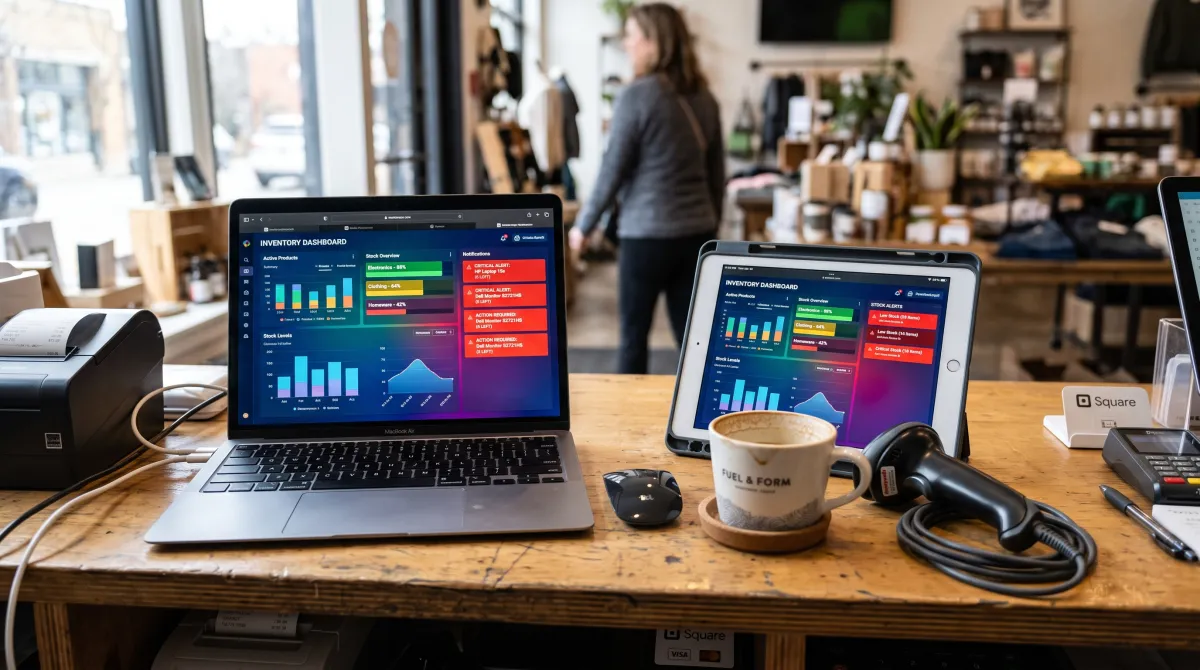
Key features to look for in inventory management software for small business
Not every inventory management system for small businesses needs the same key features. Match the list below to how you actually work before you compare price.
- Real-time inventory tracking. The system should give you real-time tracking of stock levels the moment a sale, return, or transfer happens, across every location.
- Cloud-based inventory with a mobile app. A cloud-based inventory system with a mobile app lets you check or adjust stock from the sales floor, a warehouse aisle, or your phone at home.
- POS system and sales channel sync. Look for a built-in POS system or an integration that keeps your sales channels, online store, marketplace, and till in sync automatically.
- A purchase order for every reorder. Automate each purchase order and low-stock alert to cut manual data entry and warn you before stockouts happen.
- Templates and workflow automation. Reusable templates and a simple workflow automate reordering so you do not rebuild the same process every week.
- A free trial before you buy. A genuine free trial lets you test visibility into stock levels and reporting before you commit a card.
Together, these key features streamline inventory management processes, save time on manual counts, and give you clear visibility into every SKU. Good stock management comes down to matching the tool to how you actually work, since software works best when it fits your existing routine.
Best free inventory management system: Zoho Inventory
Zoho Inventory is the default starting point for most small businesses because the free plan is real, not a countdown trial. Built for small teams, it includes one user, two locations, and up to 50 orders a month at no cost, indefinitely.
Paid plans start at $39 a month, or $29 billed annually, priced per organization rather than per user. They rise through Standard, Professional, Premium, and Enterprise to $249 a month annually for 15,000 orders. That per-organization model keeps costs flat as your business grows, a real edge over per-seat rivals.
Best free plan overall
Zoho Inventory Free, or from $29/mo (annual)
The safest first move for an ecommerce or small retail operation, especially if you already touch other Zoho apps.
Pros
- Genuinely useful free tier (50 orders/mo)
- Priced per organization, not per user
- Amazon and eBay sync even on free
Cons
- Order caps force upgrades as you grow
- Best value only inside the Zoho ecosystem
Best for retail shops: Square for Retail
If you sell across a physical counter, your inventory system and your point-of-sale should be the same thing. Square for Retail bundles both, built for retail from day one, with a free monthly plan and a Plus tier at $49 a month per location.
Square overhauled its pricing in October 2025, folding retail into unified Free, Plus, and Premium tiers. On Plus you pay 2.5% + 15 cents in person and 2.9% + 30 cents online, so factor processing and hardware into your total cost, not just the subscription.
Running a shop means juggling stock, staff, and checkout at once, which is why pairing a POS-linked system with the right day-to-day productivity tools keeps the whole floor moving.
Best for brick-and-mortar retail
Square for Retail Free, or $49/mo per location
The obvious pick when stock counts and checkout happen in the same place and you want one login for both.
Pros
- Inventory and POS in one system
- Free monthly plan to start
- Strong in-store hardware ecosystem
Cons
- Processing fees add to the base price
- Weaker for pure warehouse or B2B use
Best mobile-first system: Sortly
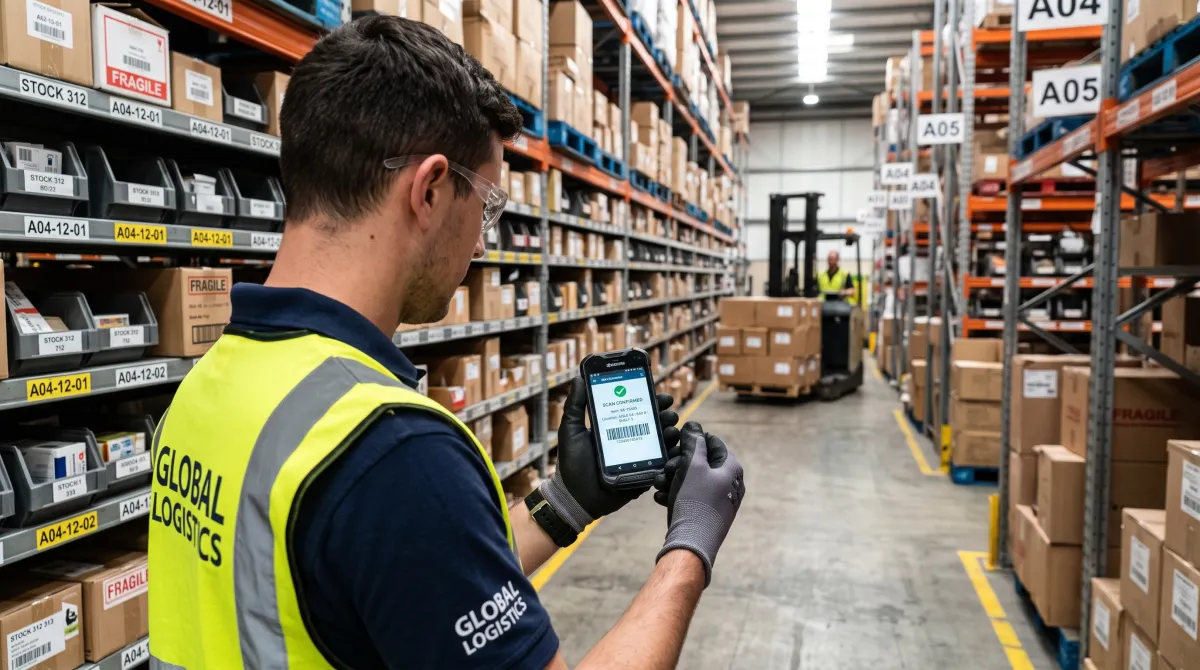
Sortly turns any smartphone into a dedicated inventory scanner, which makes it ideal for field teams, service businesses, and anyone counting stock away from a desk. The free plan covers 100 items and one user, with folders, tags, and one custom field.
Paid tiers add users and headroom: Advanced runs $49 a month for 500 items and unlocks QR label printing, while Ultra sits at $149 for 2,000 items and adds barcode labels. Note the free plan excludes alerts, integrations, exports, and reports.
Best for phone-based tracking
Sortly Free, or from $49/mo (Advanced)
The right call for basic stock tracking on equipment, tools, and field inventory when you scan on the move rather than at a workstation.
Pros
- Phone becomes a barcode scanner
- Simple, visual folder structure
- Free plan for very small catalogs
Cons
- Free tier blocks alerts and exports
- Item caps per plan add up quickly
Best for wholesalers: inFlow Inventory
inFlow skips a free plan but earns its keep for B2B and light manufacturing. As of 2026, pricing starts at $186 a month for the Entrepreneur plan (two users, 100 orders a month), rising to $436 for Small Business and around $999 for Mid-Size, each with a roughly 20% discount if you pay annually.
Its standout is a branded online portal where wholesale customers browse your catalog, see live stock, and place orders at their own pricing tier. inFlow also lets you track inventory in real time across barcodes, serial numbers, and multiple warehouses, backed by a dedicated support team on the higher tiers.
That capability alone can justify the cost if you sell to other businesses rather than end consumers, especially once manual data entry across spreadsheets starts costing more than the subscription.
Best for complex multichannel: Cin7 Core
Cin7 Core (formerly DEAR Systems) is the heavyweight here, with a Standard plan at $349 a month covering five users. It handles manufacturing bills of materials, multi-location stock, and deep reporting, then scales to Pro at $599 and Advanced at $1,199.
That price only makes sense once you have a warehouse team and genuinely complex purchasing. For a solo shop it is overkill.
For a scaling multichannel brand, Cin7 Core can replace three separate tools and lower the total cost of ownership compared to stitching together a POS system, a spreadsheet, and a separate reporting tool.

A free, all-in-one option: Odoo Inventory
Odoo Inventory is worth a look if you want an all-in-one inventory system rather than a single-purpose tool. The Inventory app is free on Odoo's one-app plan for unlimited users, or free entirely if you self-host the open-source Community edition.
The catch is that Odoo becomes a paid tool the moment you add a second app, like accounting or a POS system, with paid plans running roughly $24 to $31 per user a month depending on region. It fits businesses planning business growth into a full ERP, not those who just want simple stock counts.
Side-by-side comparison
| System | Free plan | Entry paid price | Best for |
|---|---|---|---|
| Zoho Inventory | Yes (50 orders/mo) | $29/mo (annual) | Small ecommerce, budget |
| Square for Retail | Yes ($0 + processing) | $49/mo per location | Physical retail + POS |
| Sortly | Yes (100 items) | $49/mo (Advanced) | Mobile, field, equipment |
| inFlow | No (14-day trial) | $186/mo | Wholesale, B2B, light mfg |
| Cin7 Core | No (14-day trial) | $349/mo | Complex multichannel |
| Odoo Inventory | Yes (one app, unlimited users) | ~$24/user/mo (multi-app) | All-in-one system, ERP path |
Choosing the right inventory management system for your specific business
To choose the right inventory management system, start with your model, not the feature list. A retailer needs a point-of-sale link, a wholesaler needs a customer ordering portal, and a service business needs mobile scanning. Match that first, since a tool built for one shop type can fall flat for another.
The right system should also help you optimize stock levels, not just record them.
Then check the true cost. Per-user fees, payment processing, and onboarding time often dwarf the headline subscription, so read the pricing page line by line and add up the total cost of ownership before you commit.
Think about how the system fits your day-to-day operations too. A dependable inventory system should fit your existing routine without extra complexity, not force staff to learn a second system just to log inventory updates.
Poor inventory management shows up fastest in cash flow: money tied up in stock you cannot sell, or lost sales from stock you did not know you were missing. A good inventory management solution fixes both sides of that problem at once.
Finally, pair your stock data with clean books. Deciding between accounting platforms like QuickBooks and Xero turns raw inventory numbers into real margin and cash-flow insight.
You can dig deeper into how these platforms work in the broader category of inventory management software, but for a small business the six above cover nearly every use case.
Frequently asked questions
What is the best inventory system for a small business?
Zoho Inventory is the best inventory system for most small businesses because its free plan genuinely covers day-to-day use, not just a trial. Retailers do better with Square for Retail, and field teams should look at Sortly instead.
What is the best free inventory management software for small businesses?
Zoho Inventory and Sortly are the best free inventory management software options for small businesses in 2026. Zoho Inventory covers 50 orders a month, while Sortly covers 100 items, both as permanent free plans rather than time-limited trials.
How do small businesses manage inventory?
Most small businesses manage inventory with a dedicated cloud-based system that tracks stock levels, purchase orders, and sales channels in one place. Smaller operations sometimes start on a spreadsheet, then move to software once they oversell or lose track of stock across locations.
What is the 80/20 rule in inventory?
The 80/20 rule in inventory, also called the Pareto principle, means roughly 80% of your sales typically come from about 20% of your products. Small businesses use it to prioritize which items need the tightest stock levels and reorder alerts, and which can run leaner.