Software
Best Website Builder (2026): 7 Tools Compared
The best website builder for 2026. Compare Wix, Hostinger, Squarespace, and Shopify on price, AI, and design. See which fits your site.

Picking the best website builder is less about feature lists and more about how fast you can ship something you are not embarrassed by. This guide draws on vendor documentation and public user reviews, not just spec sheets. It focuses on what users report actually holds up.
Disclaimer: This article is for general information only and isn’t financial, investment or tax advice. Rates, fees and rules change; check the provider’s or regulator’s official source or talk to a qualified professional about your situation.
Every website builder claims to be the easiest, the cheapest, and the most powerful at once. None of them are all three. The right call depends on the type of website you need, your budget, and whether you ever want to leave the platform later.
If security and uptime matter as much as design, our take on the best security software for small business pairs well with whatever website builder you land on. This guide cuts through the noise so you can start building your website with confidence.
Quick answer
For most people in 2026, Wix is the best website builder overall thanks to its AI builder and drag-and-drop editor. Hostinger is the cheapest website builder worth using, Squarespace wins on design, and Shopify is best for an ecommerce website. WordPress stays king for control.
Key takeaways
- Best overall: Wix, the most flexible general-purpose website builder with a strong AI website builder baked in.
- Cheapest website builder: Hostinger, with a free domain on annual plans.
- Best free website builder: Wix free plan or Google Sites if you only need a basic website.
- Best for an ecommerce website: Shopify, with Wix and Squarespace close behind.
- Most control: WordPress, still the platform to build a website that you fully own.
What Is the Best Website Builder in 2026?
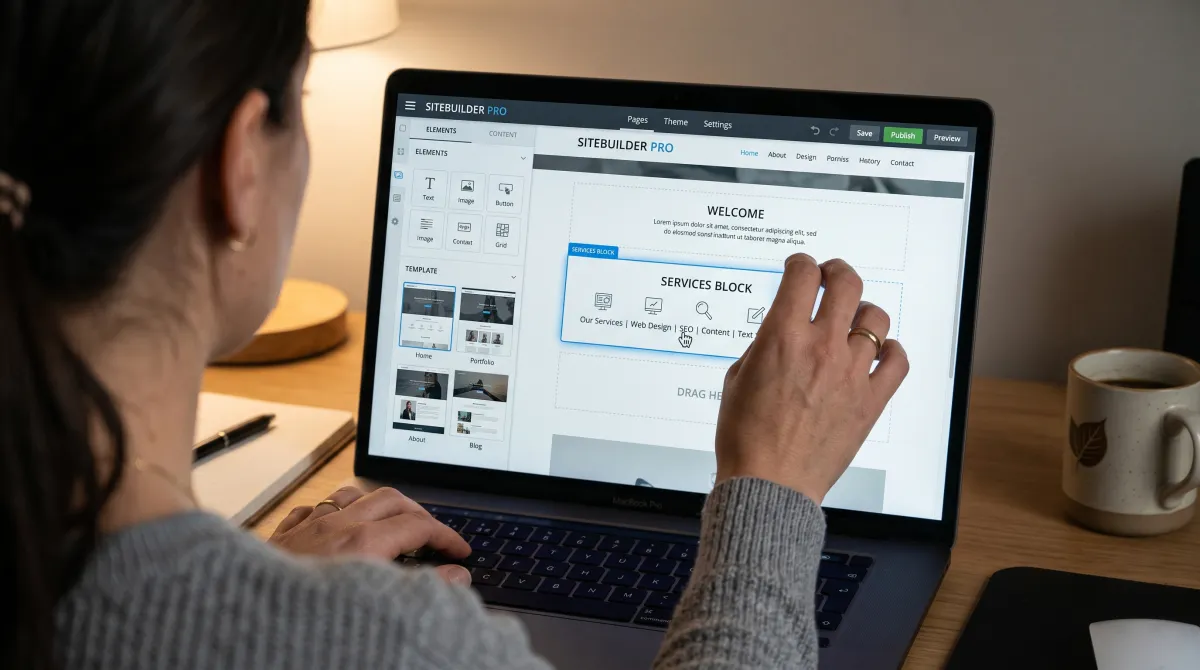
The best website builder is the one that gets a professional-looking website live without you fighting the editor. Based on vendor documentation and public user reviews of every major website builder on this list, Wix is our default recommendation for 2026. It is the website builder on the market with the widest range, and its AI website builder can rough out a full site from a few prompts.
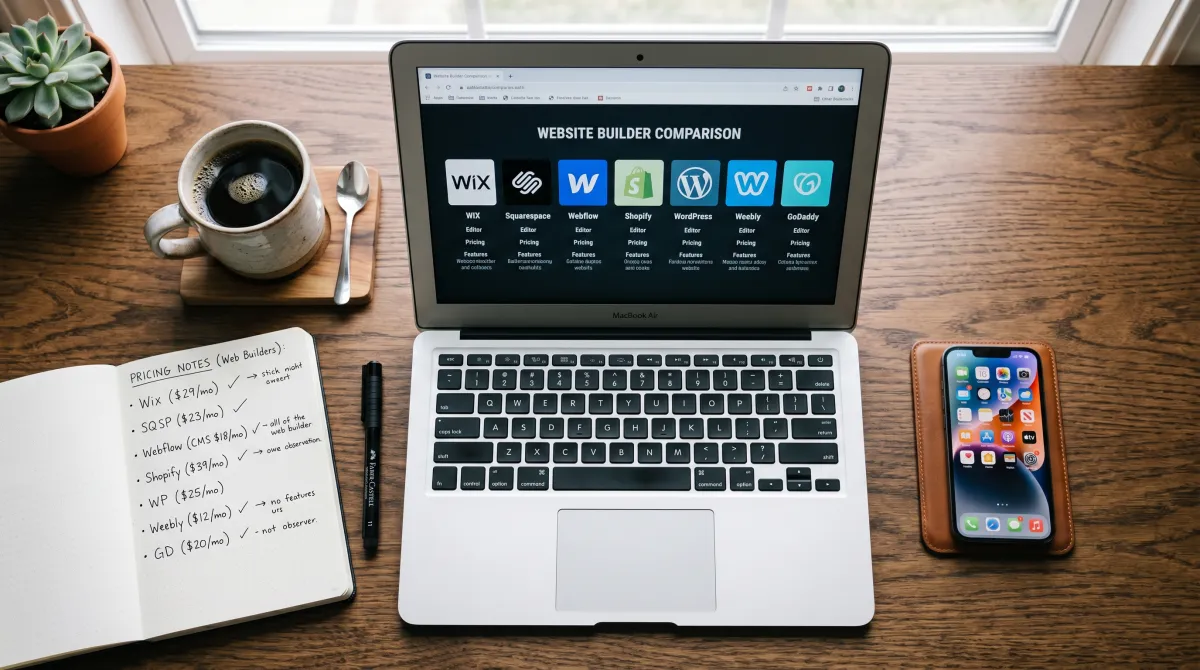
That said, "best" is contextual. A small business website has different needs than a portfolio website or a multilingual website serving several markets. The website builder market is crowded, so below is how the top website builder platforms stack up before we go deep on each one.
| Website builder | Best for | Free plan | Starting price | AI builder |
|---|---|---|---|---|
| Wix | Overall, most use cases | Yes | $17/mo | Yes |
| Hostinger | Cheapest paid plans | Free trial | $2.99/mo | Yes |
| Squarespace | Design and portfolios | Free trial | $16/mo | Yes |
| Shopify | Ecommerce website | 3-day trial | $29/mo | Yes |
| Webflow | Designers, custom control | Yes | $14/mo | Yes |
| GoDaddy | Fast, simple website | Free trial | $10.99/mo | Yes |
| WordPress.com | Blogs, full ownership | Yes | $4/mo | Yes |
Prices shift with promos, so treat these as a baseline. What does not change much is the fit. Choosing a website builder is mostly about matching the tool to the website project, not chasing the longest feature list of website builder offers.
How We Evaluated Every Website Builder
We looked beyond the marketing pages. Each website builder is assessed against a common scenario, based on vendor documentation and public user reviews: a small business website with a contact page, an online form, and a few service pages. That scenario surfaces the friction users tend to report once they start building a website.
This comparison rates each platform on five criteria, based on vendor documentation and public user reviews. Speed to a basic website, quality of templates and website design, how good the website editor feels, pricing honesty, and whether you can grow into an ecommerce website later without ripping everything out.
We also compared each AI builder using vendor documentation and public user reviews of its output. The gap between a polished AI website and AI-generated filler is wide, and it matters when you want to publish a website fast. That is why this review looks beyond the press kit.
The best website builder is not the one with the most features, it is the one that gets out of your way fastest.
Best Website Builder Picks Compared
Here are the platforms that earned a spot, with a verdict on each. Every one of these is a popular website builder for a reason, but they are not interchangeable. This is our list of the best website builders of 2026.
Best website builder overall
Wix Free plan; paid from $17/user/mo
If you want one website builder that does almost everything well, it's the best website builder, and that is Wix. The drag-and-drop website editor gives you more freedom than traditional website builders, and the AI website builder is genuinely useful for a first draft.
Pros
- True drag-and-drop, place elements on your website anywhere
- Strong AI builder and template library
- Real free website builder plan to start
Cons
- You cannot switch templates after publishing
- Can get pricey as you add apps
Wix is the website builder we recommend when you're looking for the best all-rounder. It handles a portfolio website, a small business website, and a light ecommerce website without forcing you onto a different product. For most people it's the best website builder right now, and you can read more about Wix if you want the company background.
Cheapest website builder worth using
Hostinger From $2.99/user/mo
Hostinger's website builder is the value pick. It pairs an AI builder with hosting, and annual plans include a free domain, which makes the real cost lower than rivals once you do the math.
Pros
- Cheapest credible plans on this list
- Free domain on annual plans
- Fast AI website creation flow
Cons
- Fewer templates than Wix or Squarespace
- Editor is less flexible for fine design
If price is the deciding factor, the Hostinger website builder is the one to use. It is not the most powerful website editor, but for a simple website or a basic website that just needs to exist and rank, it is hard to beat on cost. For tight budgets, it's the best website builder in 2026.
Best for design and portfolios
Squarespace From $16/user/mo
Squarespace makes a professional website look effortless. Every template is sharp out of the box, so a portfolio website or creative brand site looks finished before you touch a single element.
Pros
- Best-in-class templates and typography
- Clean website editor, low learning curve
- Solid for a small business website too
Cons
- Less layout freedom than Wix or Webflow
- No truly free plan, only a free trial
When design is the priority, Squarespace is the best website builder of the bunch. You give up some freedom, but the trade is that almost any website using its templates looks intentional. For pure aesthetics, it is the best in the industry.
Best for an ecommerce website
Shopify From $29/user/mo
If selling is the whole point, Shopify is the answer. It is less a general-purpose website builder and more a store engine, and that focus is exactly why it wins for an ecommerce website at scale.
Pros
- Best checkout and inventory tools
- Huge app ecosystem
- Scales to enterprise volume
Cons
- Overkill for a basic website
- Transaction fees unless you use Shopify Payments
For a serious ecommerce website, Shopify is the best website builder to make a store that grows with you. For a content site with a small shop, Wix or WordPress is usually enough.
Best for designers who want control
Webflow Free plan; paid from $14/user/mo
Webflow is the website builder that lets you design at a near-developer level without writing code. It gives you the freedom of custom CSS through a visual website editor, which is why agencies live in it.
Pros
- Most design control of any visual builder
- Clean, semantic output
- Strong CMS for content-heavy sites
Cons
- Steepest learning curve here
- Not for a quick basic website
Webflow is not for everyone, but if you know design and want more freedom than traditional website builders offer, it is the best on the market for that audience. Few website builders are designed for this level of control.
Best for fast, simple sites
GoDaddy From $10.99/user/mo
The GoDaddy website builder is built for speed. If you need a simple website live today and do not care about deep customization, it gets you there with minimal fuss.
Pros
- Fastest path to a live site
- Domain, email, and hosting in one place
- Good for a small business website
Cons
- Limited design flexibility
- Harder to migrate away later
GoDaddy is a fine choice for a website without complexity. It is not the most flexible website builder, but for a basic website it does the job quickly. The GoDaddy website builder suits people who want zero fuss.
Best for full ownership and blogs
WordPress Free; managed from $4/user/mo
WordPress is not a drag-and-drop website builder in the same sense, but it powers a huge share of the web for a reason. If you want to build a website you fully own and never outgrow, this is it.
Pros
- Total control and portability
- Endless plugins and themes
- Best for serious blogs and SEO
Cons
- More setup and maintenance
- Not the fastest way to publish a website
WordPress is the long-term play. If you are technical, or plan to be, it is the platform to use a website builder mindset with zero lock-in. For everyone else, the hosted options above are faster to build your website on.
For broader software picks beyond site building, our software guides hub covers more tools worth comparing.
Best Free Website Builder Options
A free website builder is a smart way to test the waters before you pay. Several website builders that offer a free plan made this list, though each comes with trade-offs you should know before you commit.
- Wix free plan: the best free website builder for a real site, though it shows Wix branding and uses a subdomain.
- WordPress.com: a genuine free tier, great for a blog or portfolio website.
- Webflow: free to design and stage, with publishing limits on the free plan.
- Google Sites: 100% free and simple, ideal for an internal or basic website.
If you want to build a website for free and keep it free forever, expect branding and a subdomain. To get a custom domain and remove ads, you will move to a paid tier. That is the honest deal with every free website builder plan, and free website builder plans shape which different website builder you should start on.
How to Choose the Best Website Builder for Your Needs
Choosing a website builder comes down to four questions. Answer these and the right pick is usually obvious among the website builders on this list. When you need a website fast, this is where you start.
What type of website is it? A portfolio website, a small business website, and an ecommerce website pull you toward different tools. Shopify for selling, Squarespace for design, Wix for a bit of everything. The best website builder for small operations is rarely the same as the enterprise choice.
How much control do you want? If you want to tweak every element and the finer aspects of your website, Webflow or WordPress give you that. If you want a website builder that just works, Wix or GoDaddy are faster.
What is your budget? The cheapest website builder is Hostinger, but factor in renewals. Many website builders advertise a low intro price that jumps at renewal, so read the second-year cost before you decide which website builder is best.
Will you migrate later? This is the one people forget. WordPress is the most portable. Most hosted builders make it hard to leave, so when you look at website builders, pick the website builder for online projects you can live with for a few years.
You will also want a free online form builder for contact and lead capture. Most of these platforms include basic forms, and once those leads start coming in, dedicated sales tracking software for small business can help you follow them through to a sale, while our best productivity tools for teams roundup covers standalone options when you need more power than the built-in tools.
AI Website Builders: Hype vs Reality
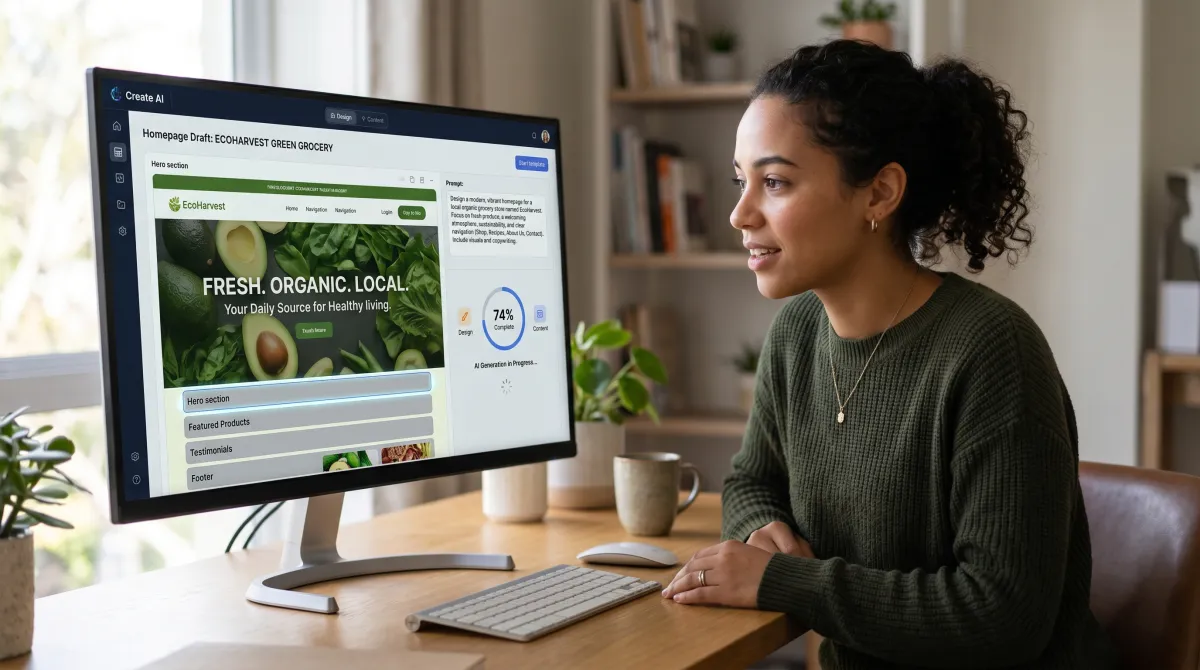
Every major website builder now ships an AI builder, and the AI website builder category is where the real 2026 progress happened. You describe your business, the AI builder generates a draft, and you refine from there.
The best AI website builders are Wix and Hostinger right now. Wix produces the most usable AI website draft, while Hostinger's is the fastest. Both still need a human pass before you start building your website properly, so treat AI as a head start, not a finish line.
Where AI helps most is the blank-page problem. For a small business website owner who does not know where to begin, an AI builder turns hours of layout work into minutes. That alone makes the best website builders for 2026 worth trying when you create a website from scratch.
Website Builder for Small Business vs WordPress
This is the classic fork. A hosted website builder for small business like Wix is faster and easier. WordPress gives you more freedom and zero lock-in but asks for more from you. Both are valid ways to create your website.
Use a website builder if you want speed, simplicity, and an all-in-one product. Use WordPress if you want a professional website you fully control, plan to scale content heavily, or care about SEO at a granular level. Neither is wrong, they are different tools for different people.
For context, WordPress powers a large share of the web, and the platform's flexibility is why it remains a popular website builder choice for blogs and content sites. The hosted builders above, website builders such as Wix and Squarespace, trade some of that freedom for a smoother first hour, which is why so many website builders win on convenience alone.
One more practical note on scale. If you plan to run a multiple website setup under one roof, WordPress and Webflow handle a website builder's multi-project needs more gracefully than the locked-in hosted tools. Plan your website building stack for where you want to be in two years, not just today.
Best Website Builder: FAQ
What is the best website builder currently?
Wix is the best website builder currently for most people, thanks to its flexible drag-and-drop editor and strong AI website builder. Hostinger is the cheapest credible option, and Squarespace is best for design-led sites. It's one of the best website choices you can make in 2026.
Is there a better website builder than Wix?
For specific needs, yes. Shopify is better for an ecommerce website, Squarespace is better for design, and Webflow is better for custom control. For general all-around use, it's the best website builder, so Wix still wins overall.
What is the best company to make a website with?
For a hosted, easy build, Wix or Squarespace. For the cheapest plans, Hostinger. For full ownership and SEO control, WordPress. The best company depends on whether you value ease, price, or control most.
Is Google Sites 100% free?
Yes, Google Sites is 100% free with a Google account. It is great for a simple or internal website, but it lacks the design flexibility and ecommerce features of a dedicated website builder like Wix or Squarespace.
What are the best business credit cards to fund a new website?
For funding a website project, the best business credit cards offer cash back on software and ad spend with a 0% intro APR. If you are bootstrapping, a disciplined petty cash system can also cover small recurring website costs without touching credit, or you can compare the best business line of credit if you need ongoing working capital. Compare the best company credit cards for rewards on recurring SaaS subscriptions before you commit to annual plans.
Related guides
The Verdict
For 2026, Wix is the best website builder for most people, full stop. It balances ease, flexibility, and a real AI builder better than any rival. Pick Hostinger if price rules, Squarespace if design rules, Shopify for serious ecommerce, and WordPress if you want to own everything.
Start on a free plan or free trial, build a real page, and see which website editor you actually enjoy. The best website builder for your needs is the one you will keep using, not the one with the longest feature list.
Disclosure: some links above are affiliate links. If you buy through them we may earn a commission at no extra cost to you. It does not change our verdicts, which are based on vendor documentation and public user reviews.