Software
Best Password Manager (2026): Tier List We Actually Run
The best password manager, ranked by an operator: Bitwarden for free, 1Password for ease of use, plus enterprise picks. See which fits your team.

Choosing the best password manager should not feel like homework, yet most people stay overwhelmed by too many password tools and pick nothing. That inaction is the real risk. After years of running these vaults across teams and personal devices, here is the honest tier list.
Quick answer
For most people the best password manager is Bitwarden, because its free tier stores an unlimited number of passwords across an unlimited number of devices. If you want the smoothest ease of use, 1Password wins. For enterprise password manager needs, 1Password Business and Dashlane lead.
Key takeaways
- A password manager creates strong, unique passwords you don't need to remember, behind one master password.
- Bitwarden is the best free password manager; 1Password is the best paid all-rounder for ease of use.
- Look for a password generator, dark web monitoring, passkey support and multi-factor authentication.
- Enterprise teams should prioritise admin controls, Google Workspace sync and password sharing.
- Avoid storing every password in your browser alone; a dedicated password vault is far safer.
I have set up and used dozens of password managers, and the gap between the best current options and the rest is wide. Most password managers on the market do the basics well. The good password management choices available today separate themselves on autofill reliability, password health reporting and how painless they make password sharing.
If you are weighing this against the wider stack, our software guides and product reviews cover the tools these vaults plug into. But password security comes first, so let us rank the top password managers honestly.
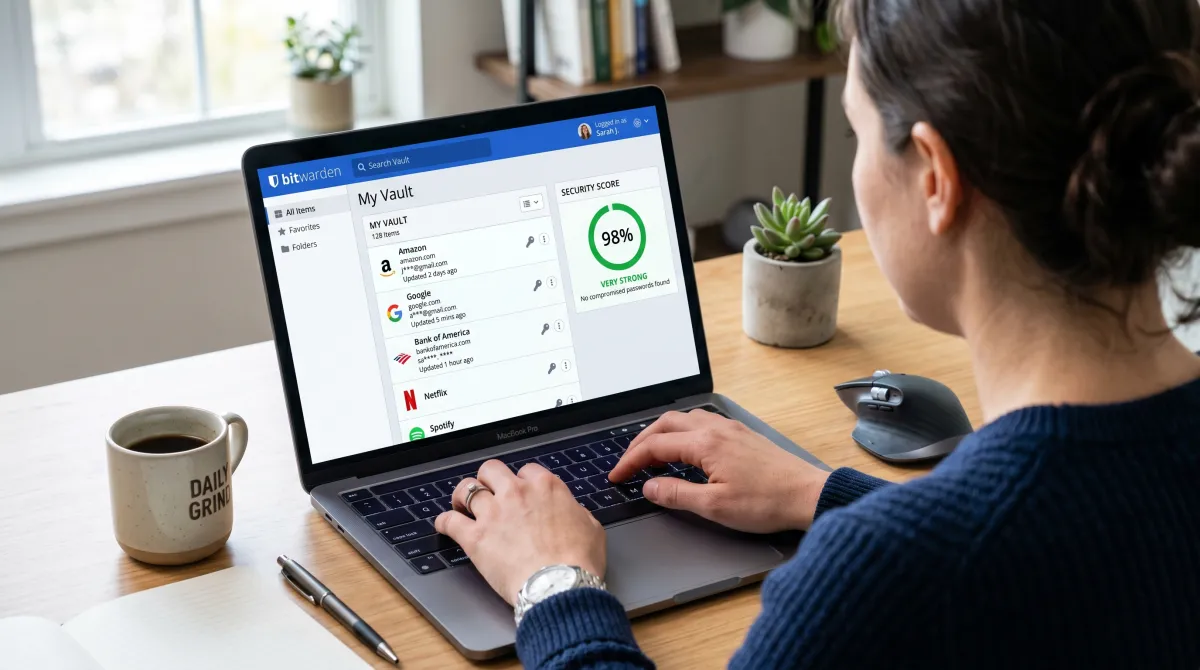
What's the Best Password Manager?
So what's the best password manager? The honest answer is the one you will actually use every day. A password vault that nags you, breaks autofill or hides the password generator gets abandoned within a week. Ease of use is not a luxury here, it is the whole point.
A password manager stores your logins in an encrypted vault. You create a master password once, and the tool handles every password after that. It generates unique passwords, fills them on multiple platforms, and warns you when one of your accounts shows up in a data breach.
Here is the contrarian take most password manager reviews skip: the cheapest password manager that you trust beats the feature-packed one you ignore. Adoption is the metric. A free tier you use daily protects you more than a premium tier gathering dust.
The payoff is freedom from memory. Good tools hand you strong, unique passwords you don't need to remember, so the answer depends only on whether you value a generous free tier, the cleanest password entry, or deep admin controls. It is rarely the same for a solo user and a 50-seat team.
The best password manager is not the one with the longest feature list. It is the one your whole household or team opens without complaining.
Best Password Manager Tier List Compared
This is my working best password manager tier list, ranked by who each tool actually fits. I have weighted real daily use over spec sheets. Pricing reflects 2026 individual plans unless noted.
| Password manager | Free tier | Best for | Starting price | Standout feature |
|---|---|---|---|---|
| Bitwarden | Yes, unlimited | Best free, value | $10/year | Open-source vault |
| 1Password | Trial only | Ease of use, family | $2.99/mo | Travel mode, passkeys |
| Dashlane | Limited | Dark web monitoring | $4.99/mo | Built-in VPN |
| NordPass | One device | Speed, simplicity | $1.79/mo | Fast autofill |
| Proton Pass | Yes, generous | Privacy-first users | $1.99/mo | Hide-my-email aliases |
| RoboForm | Limited | Form filling | $0.99/mo | Best web form autofill |
Other solid password managers round out the field. KeePass suits tinkerers who want local-only password storage. Zoho Vault fits small businesses already inside Zoho. LastPass still works, though its 2022 data breach reports cost it my trust for new sign-ups.
To be blunt, I no longer recommend LastPass for fresh accounts. Both Bitwarden and 1Password publish independent audits that LastPass cannot match after that LastPass breach, so newcomers should start with one of those two instead.

1Password: Best for Ease of Use and Families
Best all-rounder
1Password From $2.99/user/mo
If you want the smoothest setup and the family plan that non-techies stop complaining about, this is it. The autofill rarely misses, and passkey support is the best in class.
Pros
- Best-in-class ease of use and design
- Strong passkey and 2FA support
- Travel mode hides vaults at borders
Cons
- No permanent free tier, trial only
- Pricier than Bitwarden long term
1Password is what I install for relatives who fear technology. The vault explains itself, and the password generator sits one click away. For an enterprise password manager rollout, 1Password Business adds admin controls and reporting that scale cleanly, and it allows you to access shared team vaults without emailing credentials around.
Bitwarden: Best Free Password Manager
Best free password manager
Bitwarden Free, or $10/year premium
For most readers this is the answer. The free version stores an unlimited number of passwords across an unlimited number of devices, and the code is open-source and audited.
Pros
- Unbeatable free tier, unlimited passwords
- Open-source, independently audited
- Premium adds password health and 2FA codes
Cons
- Interface feels plainer than 1Password
- Autofill occasionally needs a nudge
Tools like Bitwarden prove you don't need to pay for safety. The free tier covers a username and password vault, secure notes and a password generator. The $10 premium tier adds dark web monitoring, password auditing and the ability to generate TOTP codes, turning it into an authenticator too.
Dashlane, NordPass and Proton Pass: Strong Alternatives
These three are the password manager alternatives I reach for in specific cases. Each does one thing better than the giants, so pick the one that fits your real workflow. All three password managers support cross-platform sync, so your sensitive data follows you everywhere.
Dashlane leads on dark web monitoring and bundles a VPN. NordPass wins on raw speed and a clean login flow, ideal on mobile devices. Proton Pass is the privacy pick, with email aliases and end-to-end encryption baked in from the Proton team.
RoboForm deserves a mention for anyone who fills long web forms daily; it remains the best at that one task. These password managers also store secure notes and payment details, not just logins. For deeper coverage of protecting company logins, see our guide to security software for small business.
How to Choose the Best Password Manager
With dozens of password managers and that many password manager choices, the decision paralyses people. Use these criteria to cut the noise and pick fast.
- Free tier or trial: Start with a free trial. If the free version covers your devices, you may never need to pay.
- Cross-device sync: Confirm it works across devices, including desktop, browser and mobile devices.
- Security features: Look for a password generator, password health scoring, dark web monitoring and multi-factor authentication.
- Sharing: Teams and families need clean password sharing without emailing credentials around.
- Modern logins: Passkey and 2FA support future-proof your vault.
Most password manager features overlap, so weight ease of use heavily. A tool you set up and use without friction protects more accounts than a powerful one you quit. Before you commit, our productivity tools for teams roundup covers vaults that plug into wider workflows.
One practical note on what these tools guard. A modern vault holds more than logins: secure notes, passkeys, credit card details and even pointers to the products and services you pay for. If you also research the best business credit cards, store those numbers in the vault rather than a spreadsheet, since anything related to password reuse there is a fast route to fraud.
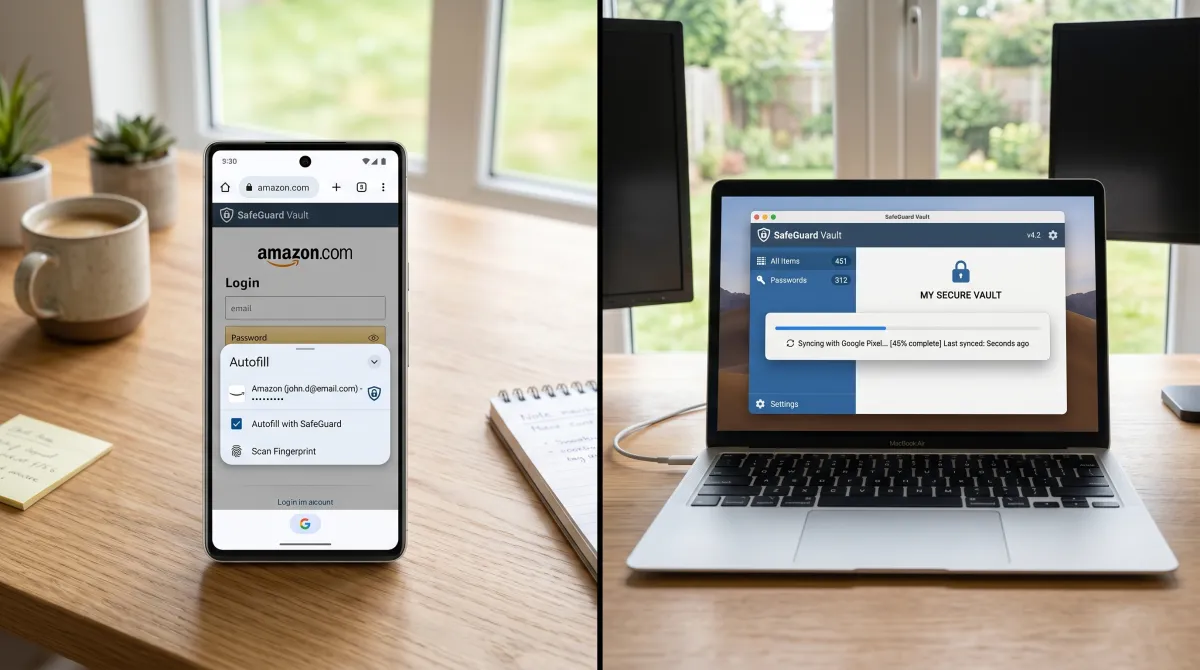
How to Set Up and Use a Password Manager
The setup is faster than people fear. The password manager asks you to create a master password, then imports your existing logins from the browser. From there it offers a new password whenever you sign up somewhere, so you build unique passwords you don't need to remember.
Make the master password a long, strong password you will recall but never reuse. Turn on multi-factor authentication immediately. Then let the password generator replace every weak or repeated current password during your next few logins.
That is the quiet payoff of these password managers: strong, unique passwords you don't need to remember, ever. Each new password entry becomes a random string the vault stores for you. You stop reusing one password across every account, so a single data breach can no longer cascade through your logins.
Best Password Manager: FAQ
What is the most trusted password manager?
1Password and Bitwarden are the most trusted password managers in 2026. Both publish independent security audits, 1Password has never reported a vault breach, and Bitwarden's open-source code lets researchers inspect it directly.
Which password managers have never been hacked?
1Password and Bitwarden have no record of attackers decrypting user vaults. Their zero-knowledge encryption means even a server breach would not expose your passwords, since only your master password unlocks the data.
What is the safest free password manager?
Bitwarden is the safest free password manager. Its free tier offers unlimited passwords across unlimited devices, open-source audited code, and strong encryption, with no catch beyond a plainer interface than paid rivals.
Is Google Password Manager risky?
Google Password Manager is reasonably safe but limited. It is tied to your Google account and browser, lacks dark web monitoring and secure notes, and a dedicated vault like Bitwarden or 1Password offers stronger, cross-platform protection.
What is the best business credit card to pair with a vault?
The best business credit cards vary by spend, but whichever you choose, store the card details in your password manager's encrypted vault, not a spreadsheet. A vault keeps the number, CVV and login behind your master password.
How do I pick between so many password manager choices?
Start free, test ease of use for a week, and confirm it syncs across your devices. If the free tier fits, stay. If you need dark web monitoring or family sharing, move up to a premium tier like 1Password or Dashlane.