Software
Intel Innovation Platform Framework (IPF) Driver Fix
The Intel Innovation Platform Framework (Intel® IPF) driver installs with Dynamic Tuning Technology on Windows 11. Download the fix for DTT version errors.

If you opened Device Manager or your update history and spotted the Intel Innovation Platform Framework, you are not alone. It appears out of nowhere on most modern Intel® Core™ laptops, sometimes triggers a crash, and Intel never really explains it in plain language. This guide does, and points you to the right software and platform tools to keep a fleet stable.
Quick answer
The Intel Innovation Platform Framework (Intel® IPF) is a low-level driver layer that lets Intel software talk to your processor in a secure, standard way. It powers Dynamic Tuning (power management) and Context Sensing (human-presence detection). On Windows 11 you usually leave it alone, and when it misbehaves you update it through your laptop maker or Windows Update, not by deleting it.
Key takeaways
- IPF is a foundation layer, not an app you open. It supports Intel Dynamic Tuning Technology (DTT) and Context Sensing, and even Intel® Extreme Tuning Utility (XTU) version 10 needs it to unlock K-SKU overclocking.
- Intel's current Platform Performance Package, from the Intel Download Center, officially targets only three chip families: Core Ultra 200S Plus, Core Ultra 200HX Plus, and Core Ultra Series 3, and only on Windows 11 64-bit 25H2.
- Older Intel Core™ chips, from 12th Gen onward, get IPF through OEM support pages like Dell, HP, Lenovo, and ASUS instead of Intel's own download page.
- Some OEM packages still list Windows 10, but Microsoft ended mainstream support for that OS in October 2025, so most fleets should be on Windows 11.
- In July 2026, a routine Windows update briefly caused overheating and shutdown problems tied to the IPF driver on some Dell PCs. Microsoft fixed it days later with an out-of-band patch.
What the Intel Innovation Platform Framework actually does
Think of IPF as a translator that sits between Intel's higher-level features and the raw silicon. It establishes a standardized abstraction layer so applications can read platform data and adjust settings through one consistent interface.
Two technologies underlie everything IPF does: Dynamic Tuning and Context Sensing. Neither one talks to the Intel processor directly. They go through this shared framework instead. Intel® Extreme Tuning Utility version 10 also needs IPF to unlock overclocking controls on K-SKU chips.
That design matters for a practical reason. Hardware changes every processor generation, but IPF gives developers a stable, namespace-based API. The features built on top keep working without rewrites each time Intel ships a new chip.
Intel's own documentation calls it Intel® Innovation Platform Framework and lists it under processor utilities, not consumer apps. That is also why the Intel® IPF name rarely shows up outside Device Manager or a support article.
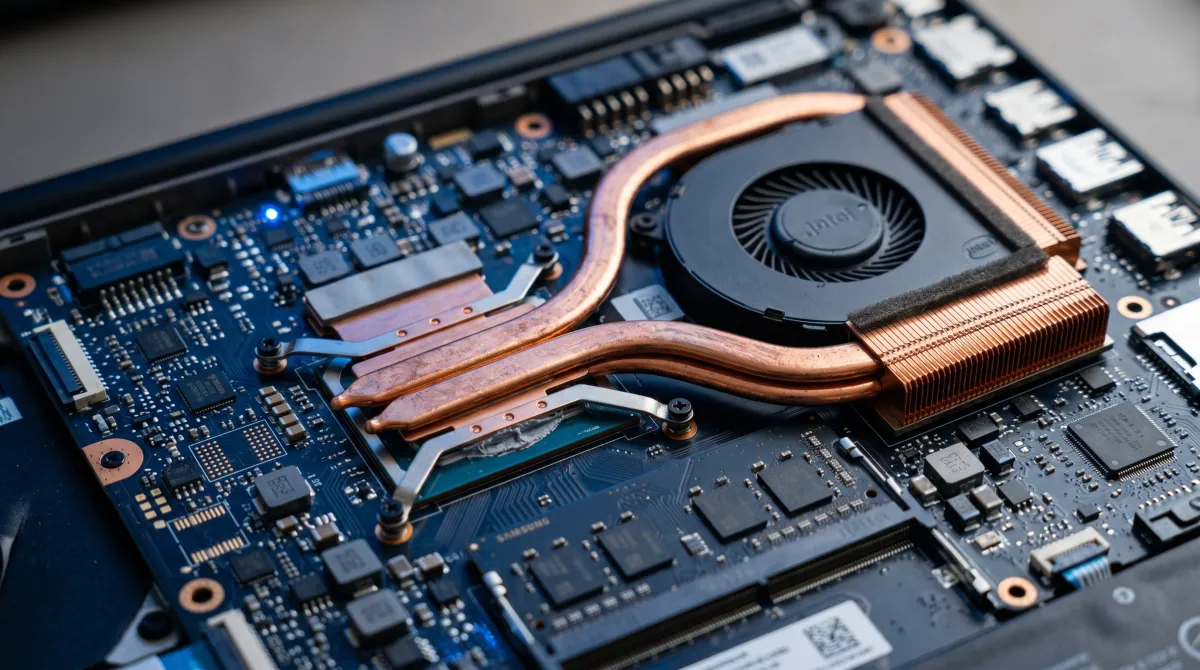
On its own, IPF does nothing you can see. Its value is enabling the technologies below, which is why it installs quietly in the background and stays invisible until something breaks.
Intel Dynamic Tuning Technology: the thermal brain
Intel Dynamic Tuning Technology (DTT), sometimes called Dynamic Platform and Thermal Framework or simply Intel DTT in driver logs, is the most impactful piece riding on IPF. It manages power limits, fan curves, and heat in real time.
On a laptop, DTT is what keeps the chassis cool and quiet while squeezing better battery life out of the same hardware. It helps resolve fan noise, overheating, and the throttling that makes a machine feel sluggish under load.
Newer builds add workload-aware tuning, which uses on-chip telemetry to right-size power limits based on what you are doing. Advanced users can also tune individual power and fan profiles through OEM utilities like Dell Power Manager or Lenovo Vantage.
The tradeoff is that DTT actively caps performance to protect thermals. Some power users remove it to unlock headroom, which can help on a beefy gaming laptop but risks louder fans and a hotter deck.
Intel Context Sensing Technology: presence detection
The second feature IPF supports is Context Sensing Technology (CST). It detects whether a human is sitting in front of the machine, then acts on that signal.
This is what enables Wake on Approach, where the screen lights up as you sit down, and Walk Away Lock, where the system secures itself when you leave. Both lean on a sensor plus the IPF layer to function reliably.
IPF is plumbing, not a faucet. You never touch it directly, but the quiet layer that underlies your fan noise and auto-lock is exactly what breaks when a Windows update gets it wrong.
Which processors and systems use it
Coverage depends on where you get the driver. Intel's own Download Center currently ships the Platform Performance Package only for the Core Ultra 200S Plus (Arrow Lake desktop), Core Ultra 200HX Plus (Arrow Lake mobile), and Core Ultra Series 3 (Panther Lake) families, and only for Windows 11 64-bit 25H2. That means the official package is available for download for just three processor families right now; everyone else needs an OEM build instead.
If your laptop runs an older Intel processor, from 12th Gen Alder Lake through the 13th and 14th Gen Raptor Lake chips, or the earlier Meteor Lake and Lunar Lake Core Ultra generations, you get IPF through your manufacturer instead. Dell, HP, Lenovo, and ASUS each maintain their own older build, tuned to that specific laptop's thermal design.
For context, Panther Lake ships as Core Ultra Series 3. It is one of only three chip families the current official package supports, so fresh laptops rarely hit version trouble at all.
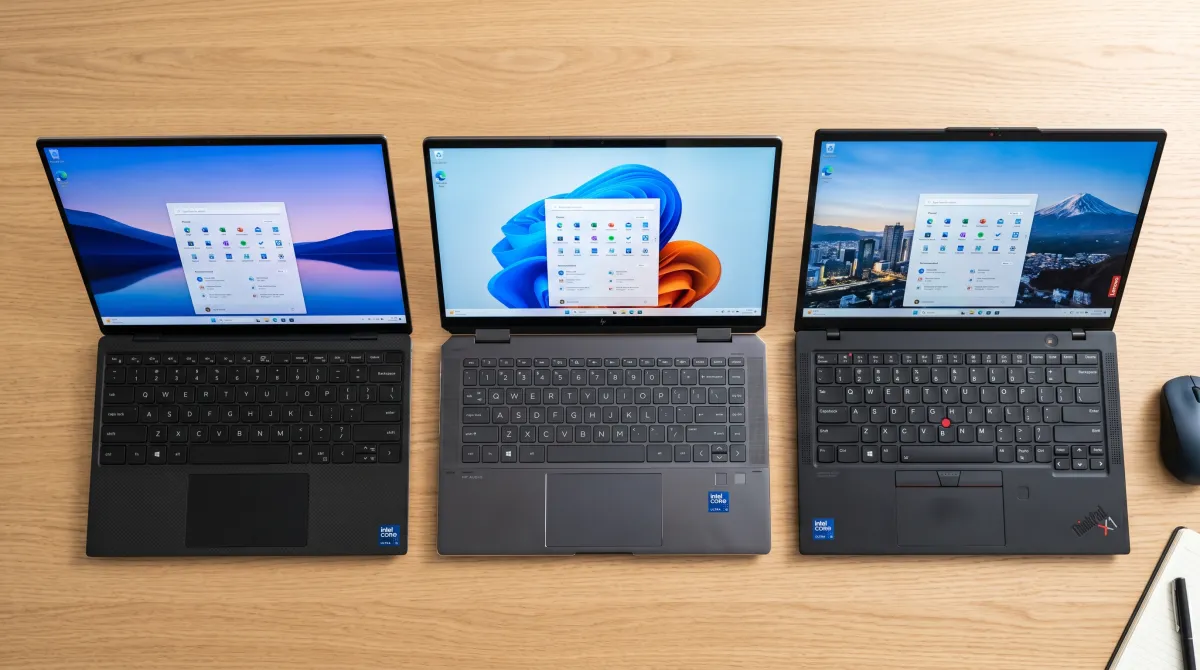
One important nuance: driver versions are not universal. Trying to force the newest official package onto an older Core chip usually just fails to install. Always grab the latest Intel® build for your exact processor family from your OEM's support page instead of guessing.
| Component | Role | Visible to you? |
|---|---|---|
| Intel IPF | Secure abstraction layer between Intel software and the CPU | No, runs in background |
| Dynamic Tuning (DTT) | Power management, thermal, and fan control | Indirectly, via heat and battery |
| Context Sensing (CST) | Human-presence features like Wake on Approach | Yes, as screen and lock behavior |
| Platform Performance Package | Bundle that keeps all the above in sync | No, appears in Windows Update |
Windows versions and system requirements
Intel's current Platform Performance Package requires Windows 11 64-bit 25H2 specifically, not just any Windows 11 build. Older OEM-distributed IPF drivers are more permissive: Lenovo, for example, lists compatibility from Windows 10 version 22H2 onward for its Processor Participant driver on select laptops.
Microsoft ended mainstream support for Windows 10 in October 2025, so treat that compatibility as a bridge, not a destination. Business fleets running Microsoft Windows Server do not need IPF at all, since server editions never run Dynamic Tuning or Context Sensing.
As a user, you rarely interact with IPF directly. It runs as a low-priority background thread, uses a small slice of RAM, and lets Intel software monitor temperature and power draw without a visible interface.
The exception is Microsoft WOW64. That compatibility layer only loads if an older 32-bit management tool calls into the driver, which is rare on current systems.
Intel assigns each processor a hardware ID that IPF reads to confirm compatibility before it loads. That check works only because of ongoing cooperation between Intel and its OEM partners on driver signing.
The version mismatch error, explained
The single most common complaint reads like this: the DTT driver cannot load because the installed version of IPF is too old. The error message names a minimum required driver revision, and that number is different for every processor family, so a fix that works on one laptop model may not apply to another.
The cause is almost always an update race. Windows Update or an Intel utility pushed a newer DTT driver, but the matching IPF that your OEM signs off on has not arrived yet, so the two pieces no longer operate together.
Because these drivers are configured per machine, the cleanest way to solve it is to download and install the bundled package from your manufacturer's support page, rather than mixing a generic Intel build with an OEM-tuned one.
The July 2026 Windows update issue
The clearest recent example of what can go wrong: on July 14, 2026, Microsoft shipped KB5101650, the regular Patch Tuesday cumulative update for Windows 11 24H2 and 25H2. Some Dell PCs running an Intel Innovation Platform Framework driver reacted badly.
Affected machines showed a yellow warning in Device Manager, then symptoms tied to broken thermal handoff: unexpected shutdowns, poor performance, higher heat, and faster battery drain. Microsoft's own advisory linked the behavior directly to the Intel IPF driver.
Rather than let more devices install an update that made them worse, Microsoft paused KB5101650 delivery to the affected Dell hardware. Four days later, on July 18, it shipped an out-of-band fix, KB5121767, that resolved the IPF-related regression and unblocked the security update.
The resolution came entirely from Microsoft's update channel, not from touching the IPF driver by hand. If you manage Dell fleets, check whether KB5121767 is installed before assuming a hardware problem.
How to fix or remove it safely
Start gentle, escalate only if needed. If you are troubleshooting a 2026 Dell system, check Windows Update for KB5121767 first, it fixes the most common IPF-related regression outright.
- Update BIOS first. Outdated firmware causes many IPF and DTT load failures. This upgrade is available from your laptop maker's setup or documentation page.
- Check the BIOS setting. On some newer ASUS boards, the IPF option sits under Thermal Configuration in the Advanced menu and ships enabled by default, and you can enable or disable it there.
- Reinstall via Device Manager. Find the entries under System Devices, usually listed as Intel Innovation Platform Framework Processor Participant and its matching Platform Framework Processor Participant driver. Right-click each one, choose Uninstall device, tick "Attempt to remove the driver," then download and install the latest version.
- Use pnputil if it keeps reinstalling wrong. Run
pnputil /enum-driversas admin, note the hardware ID tied toipf_cpu.infandipf_acpi.inf, then delete each withpnputil /delete-driver <name> /uninstallbefore rebooting. - Prefer the OEM build. Dell, HP, Lenovo, and ASUS packages are tuned to your exact thermal profile and come with more detailed information in their own documentation than Intel's generic notes.
If your OEM's support page lacks the information provided in Intel's generic notes, check the Intel Community forum or your laptop maker's forum before flashing anything experimental. Manual driver changes rarely void your warranty, but confirm with your OEM if you are unsure.
Should you remove IPF entirely? On a desktop, the risk is low. On a laptop, you are also stripping out DTT's thermal management, which can mean louder fans and uncontrolled heat. Treat full removal as an advanced, reversible experiment, not a default.
If you run a small team and manage a fleet of these machines, standardizing your driver and update process saves hours of one-off troubleshooting. That same discipline is the difference between a managed stack and chaos, which is exactly where scale changes how you run your stack.
Pairing a clean driver baseline with the right security software for small business keeps endpoints both stable and protected.
Document the rollout itself with the right productivity tools for teams so nobody reinstalls the wrong driver twice.
Related guides
Frequently asked questions
Is the Intel Innovation Platform Framework safe to remove?
Yes, it is safe to uninstall, but with a caveat. On a laptop it manages thermals and power limits through Dynamic Tuning, so removing it changes how your machine cools itself. On a desktop the impact is smaller. Either way, Windows often reinstalls it on reboot.
Is the Intel Innovation Platform Framework driver available on Windows 11?
Yes. Intel's Download Center currently ships it for Windows 11 64-bit 25H2 on the newest Core Ultra chips, Arrow Lake and Panther Lake. Older Windows 11 builds and Windows 10 systems get it only through OEM support pages instead.
Why does IPF keep installing itself?
It arrives through Windows Update and Intel utilities as part of the Platform Performance Package. To stop automatic reinstallation, you need registry or Group Policy changes, since a simple Device Manager uninstall usually gets reverted at the next restart.
What is the difference between IPF and DTT?
IPF is the foundation layer that lets software reach the processor. DTT is one feature built on top of it that handles power and thermal tuning. DTT depends on a compatible IPF version, which is why mismatches break it.
Do I need to install Intel INF too?
Intel INF is a separate chipset driver that identifies motherboard components to Windows, unlike IPF which manages processor-level tuning. Most OEM driver packs install both together, and skipping INF can leave chipset devices unrecognized even when IPF works fine.
Does IPF affect performance?
Indirectly, yes. Through Dynamic Tuning it can cap CPU power to control heat and noise. Removing it may unlock more sustained performance on capable laptops, at the cost of higher temperatures and louder fans.
How do I fix the IPF version too old error?
Update your BIOS, then download and install the matching Platform Performance Package from your laptop manufacturer so DTT and IPF versions align. Avoid mixing a generic Intel Download Center driver with an OEM-tuned one, which is what usually causes the mismatch.