Software
Work Scheduling App: 5 Tools Compared (2026)
We compared 5 work scheduling app options on 2026 pricing, free plans, and compliance tools, from Connecteam's free tier to Deputy's labor law checks.

A work scheduling app exists to answer one question fast: who is working, and when. We compared five tools on real 2026 pricing, free plan limits, and how well each one handles shift swaps, compliance, and payroll without a spreadsheet backing it up.
Quick answer
Connecteam is the best free work scheduling app for small teams, with a genuine free plan up to 10 employees covering scheduling, time clock, and task management in one hub. If labor law compliance and forecasting matter more than price, Deputy is the stronger pick.
Key takeaways
- Connecteam offers a real free plan for up to 10 employees, not a time-limited trial.
- When I Work charges per user from $2.50/month, but time tracking is a separate paid add-on.
- Deputy leads on labor law compliance and demand forecasting, with a $30/month account minimum.
- Homebase prices per location, which suits multi-site retail and hospitality better than per-user apps.
- 7shifts is purpose-built for restaurants, with POS integration and tip pooling most generalist apps skip.
What a Work Scheduling App Actually Does
A work scheduling app builds shift rosters, tracks who has confirmed them, and usually clocks hours once a shift starts. That last part separates it from a shared calendar: the plan and the actual worked time live in one record instead of two.
We tested each tool on four things: real monthly cost past the free tier, how shift swaps and time-off requests get approved, whether rules like meal breaks are enforced automatically, and how the mobile app holds up when a shift changes last minute.
Teams that need a deeper look at swap and coverage tools specifically should read our employee scheduling app guide. This piece covers the wider pricing picture across generalist and industry-specific tools.
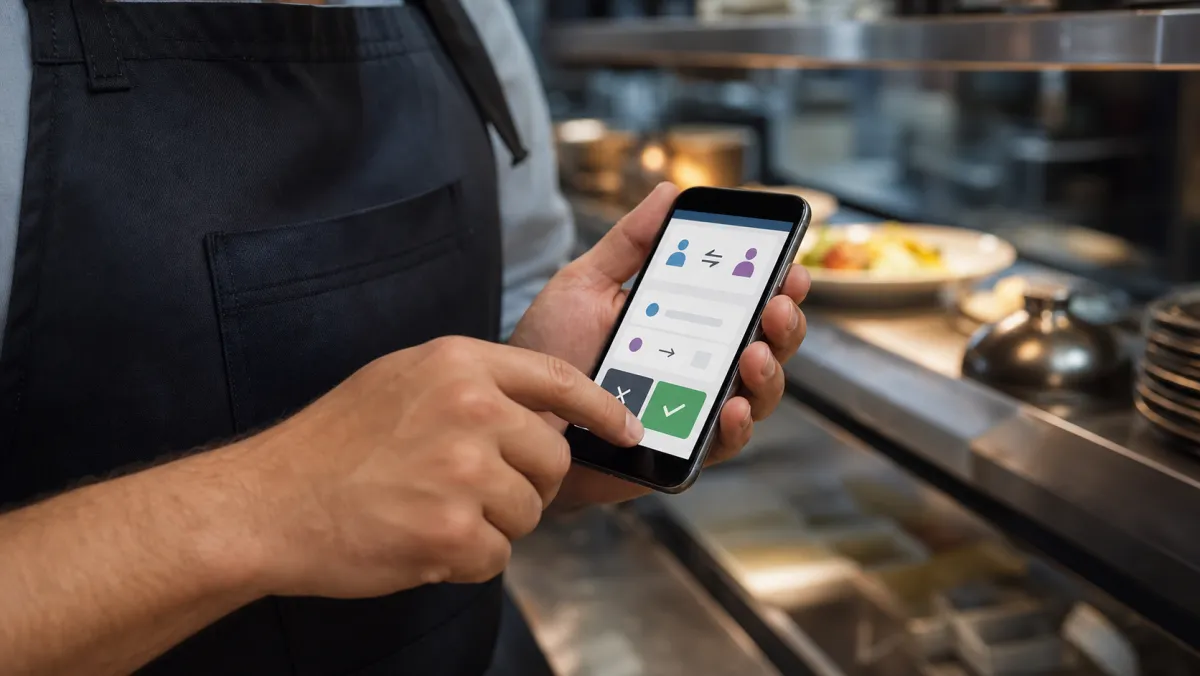
Work Scheduling Apps Compared
Here is how the five compare on price, free plan limits, and what each one is actually built to do well.
| App | Free plan | Best for | Paid from | Compliance/payroll |
|---|---|---|---|---|
| When I Work | No, 14-day trial only | Simple per-user pricing | $2.50/user/mo | Time tracking is a paid add-on |
| Connecteam | Yes, up to 10 employees | Small teams that want it all free | $29/mo (first 30 users) | Payroll export, no built-in payroll |
| Deputy | No, paid only, $30/mo minimum | Labor law compliance | $5/user/mo | Payroll add-on $8/user/mo |
| Homebase | Yes, 1 location, up to 10 | Multi-location retail/hospitality | $24/mo/location | Payroll add-on $39/mo + $6/employee |
| 7shifts | Yes, 1 location, up to 20 | Restaurants | About $30/mo/location | Payroll integration on higher tiers |
Prices shift often, especially on 7shifts, which has repriced its tiers more than once in the past year. Confirm current numbers on each vendor's site before committing.
Best simple per-user pricing
When I Work From $2.50/user/mo
When I Work keeps scheduling straightforward: $2.50 per person a month for a single location, up to $8 for the Premium tier with SSO and API access. There is no permanent free plan, only a 14-day trial.
Pros
- Clean, fast scheduling interface
- Multi-location Pro tier scales without a location cap
- Native payroll partnership with Rippling
Cons
- No forever-free plan, just a two-week trial
- Time and attendance costs extra on every tier
Best free plan for small teams
Connecteam Free up to 10 employees
Connecteam's Small Business plan is free for life for up to 10 employees, with scheduling, a time clock, and task management included, not stripped down. Past 10 people, pricing moves to hub-based plans from $29 a month.
Pros
- Genuine free plan, not a time-limited trial
- Scheduling, time clock, and tasks in one hub
- GPS time tracking on the Advanced tier
Cons
- Pricing gets confusing once you add HR or comms hubs
- Free tier is capped hard at 10 employees
Best for labor law compliance
Deputy From $5/user/mo
Deputy builds compliance into the schedule itself, flagging meal break violations and overtime risk before a shift publishes. The Core tier adds demand forecasting, and every plan carries a $30 monthly account minimum.
Pros
- Compliance warnings built into the scheduling flow
- Demand forecasting on the Core tier
- SSO and custom access levels on Pro
Cons
- $30/month minimum makes it pricier for tiny teams
- Payroll is a separate $8/user add-on
Best for multi-location retail and hospitality
Homebase Free, then from $24/mo/location
Homebase prices per location instead of per person, so a busy site with 25 staff and a quiet site with 8 pay the same tier. The free Basic plan handles one location with up to 10 employees.
Pros
- Real free plan for one small location
- Per-location pricing suits multi-site retail
- All-in-One tier bundles HR and compliance
Cons
- Price climbs fast past the Essentials tier
- Payroll stays a paid add-on even at the top tier
Best for restaurants
7shifts Free, then from about $30/mo/location
7shifts pulls sales data from a connected POS to suggest staffing levels for a slow Tuesday versus a packed Friday night. The free Comp plan covers one location up to 20 employees before paid tiers kick in.
Pros
- POS-driven sales-to-labor forecasting
- Tip pooling and manager log book built in
- Priced per location, not per employee
Cons
- Tier pricing has changed more than once recently
- Full compliance tools sit behind higher tiers
The best work scheduling app is the one nobody has to think about once the shift starts.
How to Choose a Work Scheduling App
Most teams pick by brand recognition and end up paying for compliance tools or POS integrations they never touch. Start from your team's shape instead, then match the pricing model to that shape.
Match pricing to how your team is structured
Per-user pricing like When I Work rewards a small, stable headcount. Per-location pricing like Homebase and 7shifts rewards one busy site with lots of staff. A genuinely free plan like Connecteam's works until you cross the 10-person line.
Decide how much compliance risk you're carrying
Retail and hospitality crews with rotating shifts and strict meal-break rules benefit most from Deputy's built-in compliance checks. A small office team with steady hours may never need that layer at all. Our best scheduling app for small businesses guide breaks down that trade-off for teams under 20 people.
Check what the free plan actually caps
A free plan capped at 10 employees only helps if you plan to stay under 10. Read the cap before building months of scheduling habits around a tool your team will outgrow by next quarter. Our best free scheduling apps roundup ranks which free tiers last longest.
Confirm scheduling talks to payroll before you commit
If someone retypes hours from a schedule into payroll every two weeks, that is a manual step waiting to cause an error. Comparing QuickBooks vs Xero helps if the accounting side of that decision is still open too.
Scheduling is one piece of running a team well. Pairing it with the right team productivity tools keeps projects moving once shifts are locked in.
A dedicated task management app handles task-level planning that a shift roster does not cover, especially for teams juggling people and equipment at once.
Shift-based staffing shaped the pricing models these tools use today. Employee scheduling software as a category grew out of spreadsheets and paper rosters, which is why per-location and per-user pricing still map to how shifts get staffed.
Compliance features like Deputy's break and overtime warnings exist because labor rules carry real penalties. The U.S. Department of Labor's overtime rules are the baseline most scheduling apps build their compliance checks against.
Work Scheduling App: FAQ
What is the best work scheduling app for a small team?
Connecteam is the best free work scheduling app for small teams, with a genuine free plan for up to 10 employees that includes scheduling, a time clock, and task management, not a stripped-down trial.
Is there a free work scheduling app?
Yes. Connecteam (up to 10 employees), Homebase (one location, up to 10 employees), and 7shifts (one location, up to 20 employees) all offer real free plans rather than time-limited trials.
What is the difference between a work scheduling app and a time clock app?
A work scheduling app plans who works when, before a shift starts. A time clock app records when someone actually clocked in. Most tools on this list combine both in one record.
Which work scheduling app handles labor law compliance best?
Deputy leads on compliance, flagging meal break violations and overtime risk directly inside the scheduling flow, which matters most for retail and hospitality teams with rotating shifts.
Can a work scheduling app connect to payroll?
Most connect rather than run payroll directly. Deputy and Homebase offer payroll as a paid add-on, while Connecteam and When I Work export hours or integrate with outside payroll providers.