Software
Work Schedule App: 5 Options Compared for 2026
Compare 5 work schedule apps on real pricing, free plan limits, and payroll fit, from ZoomShift to QuickBooks Time. See which one fits your team best.

A work schedule app has one job: tell everyone who is working and when, without a group text at 9pm. We built rosters in five of them, tracked the real monthly cost per person, and checked whether the free plan actually holds up once a team grows past a handful of people.
Quick answer
For most small teams, ZoomShift is the best cheap work schedule app: the free plan covers up to 20 users and paid tiers run $2 to $5 per person a month. If your hours already flow into QuickBooks payroll, QuickBooks Time is the stronger pick because scheduling and payroll share one number instead of a separate export.
Key takeaways
- ZoomShift wins on price, with a genuine free plan up to 20 users and paid tiers from $2 per person.
- Findmyshift charges per team rather than per person, which suits small nonprofits and flat headcounts.
- 7shifts is built for restaurants, with per-location pricing and direct POS integrations.
- QuickBooks Time is the pick when scheduling and payroll need to share one record.
- Buddy Punch adds GPS punches for field and delivery crews, but scheduling costs extra on its cheapest tier.
What Counts as a Work Schedule App
A work schedule app builds shifts, tracks who confirmed them, and usually clocks the hours once the shift starts. That last part is what separates it from a plain shared calendar: the schedule and the actual worked time live in the same place.
We judged each tool on four things: real monthly cost once you pass the free tier, how it handles time-off requests and shift swaps, whether hours flow into payroll without manual entry, and how the mobile app holds up when a shift changes last minute.
If you manage hourly shift workers day to day and want the deeper comparison of swapping and coverage tools, our full employee scheduling app guide covers that ground in more detail. This piece looks at the broader pricing picture, including tools built for payroll-linked time tracking.
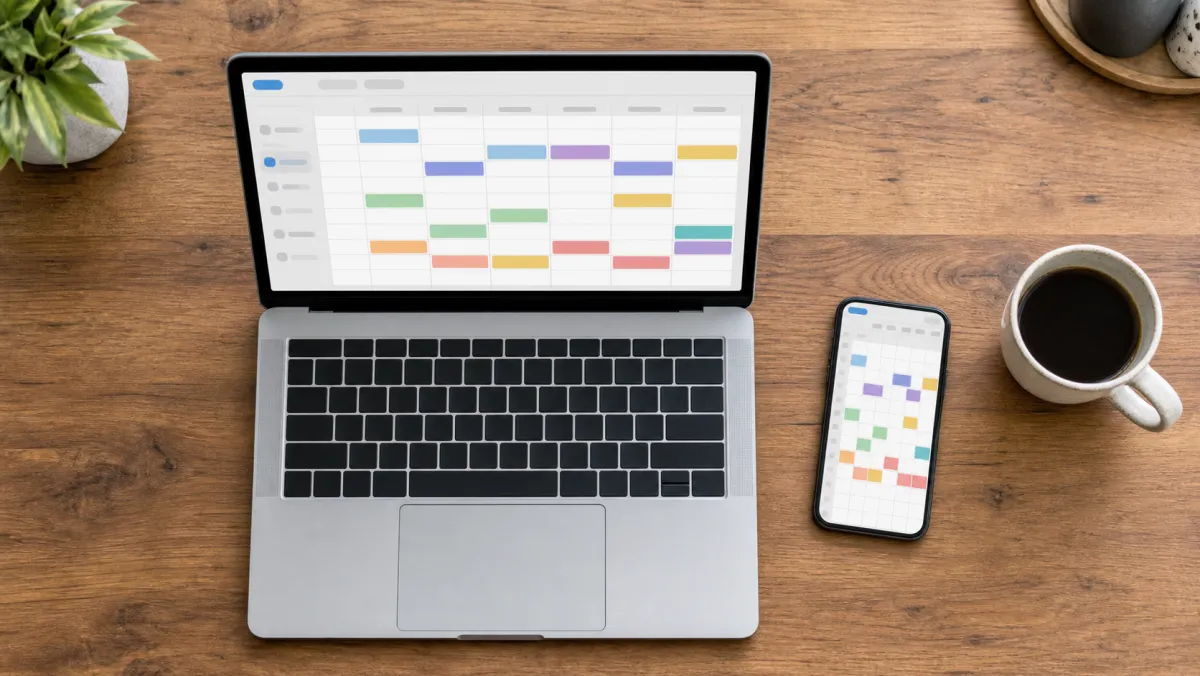
Work Schedule Apps Compared
Here is how the five stack up on price, free plan limits, and what each one is actually built for.
| App | Free plan | Best for | Paid from | Time tracking |
|---|---|---|---|---|
| ZoomShift | Yes, up to 20 users | Cheapest per-person pricing | $2/user/mo | Included on paid tiers |
| Findmyshift | Yes, up to 5 members | Flat per-team pricing | €24/mo per team (about $26) | Included |
| 7shifts | Yes, up to 20 employees, 1 location | Restaurant scheduling | $39.99/mo/location | Built-in |
| QuickBooks Time | 30-day trial only | Scheduling tied to payroll | $20/mo + $10/user/mo | Built-in |
| Buddy Punch | 14-day trial only | GPS time clock for field teams | $19/mo + $4.49/user/mo | Built-in, scheduling extra on Starter |
Prices change, so confirm on each vendor's site before you commit. The bigger question is fit: a five-person nonprofit and a 40-seat restaurant should not end up on the same app.
Best cheap work schedule app
ZoomShift Free up to 20 users, then $2/user/mo
ZoomShift keeps pricing simple: free for a single location up to 20 people, then $2 to $5 per active person once you add multiple locations, time tracking, and shift swapping.
Pros
- Real free plan, not a time-limited trial
- Per-person pricing stays predictable as you grow
- Overtime warnings and geofenced time clock on Premium
Cons
- Free tier caps out at one location
- Reporting is lighter than payroll-focused rivals
Best flat per-team pricing
Findmyshift Free up to 5, then about $26/mo per team
Findmyshift charges per team instead of per head, so a 20-person crew and a 5-person crew on the same tier pay the same bill. That flat rate makes it a fit for nonprofits and small offices with steady headcount.
Pros
- Flat team pricing, no per-person surprises as you hire
- Discounted rate for charities and volunteer teams
- Long historical data retention on paid tiers
Cons
- Priced in euros, so US teams see currency swings
- Separate teams need separate paid plans
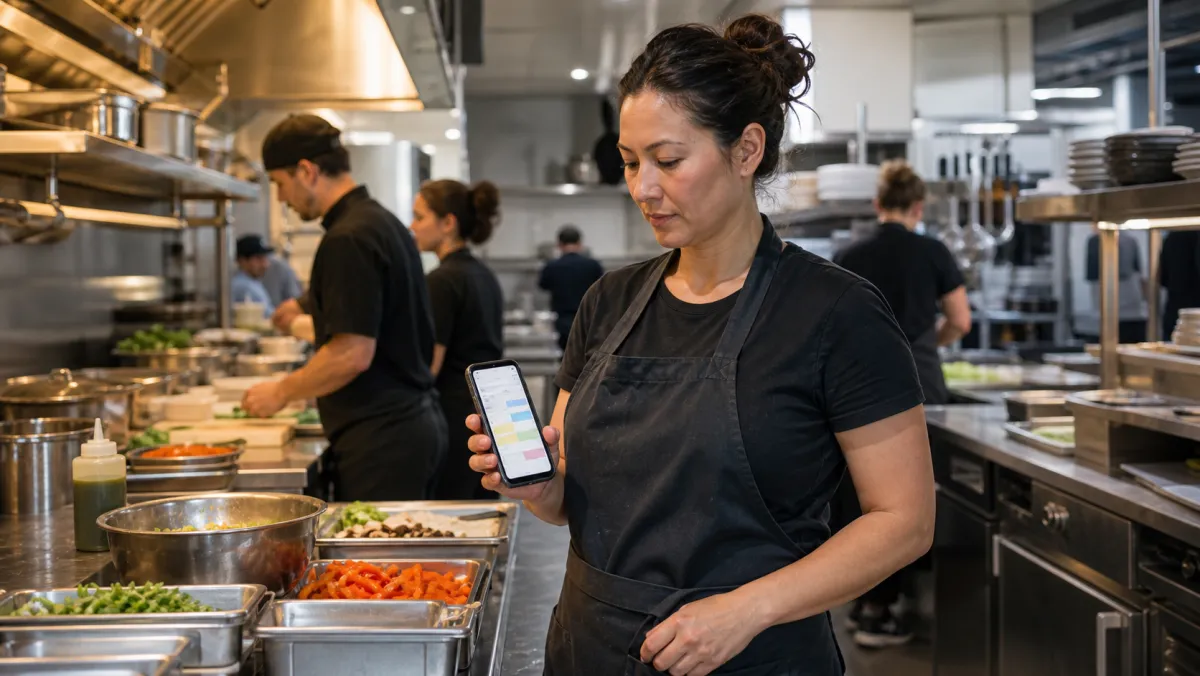
Best for restaurants
7shifts Free up to 20, then from $39.99/mo/location
7shifts builds shift schedules around sales data from your POS, so a slow Tuesday gets fewer cooks on the line automatically. The free Comp plan covers one location before you need Essentials or Pro.
Pros
- POS integrations built for restaurant sales-to-labor forecasting
- Tip management and manager log book as add-ons
- Priced per location, not per employee
Cons
- Payroll integration is gated behind the Premium tier
- Add-ons stack up fast once you need more than basics
Best for payroll-linked scheduling
QuickBooks Time From $20/mo + $10/user/mo
QuickBooks Time is the pick when scheduling has to feed straight into payroll without a manual export. Since it now runs under QuickBooks Workforce, hours logged against a shift post directly to payroll runs.
Pros
- Hours and schedules share one record with QuickBooks payroll
- Project tracking and mileage on the Elite tier
- GPS time kiosk for shared devices
Cons
- No free plan, only a 30-day trial
- Per-employee fee rose in 2026, so confirm current rates
Best for field and delivery teams
Buddy Punch From $19/mo + $4.49/user/mo
Buddy Punch started as a time clock and added scheduling on top, which shows in the pricing. GPS punches and job tracking work well for crews that clock in from a truck or a job site rather than a break room.
Pros
- Strong GPS and geofenced punch accuracy
- Job and project tracking built into time entries
- Payroll add-on works with most major providers
Cons
- Scheduling costs an extra $1/user on the Starter plan
- Base fee plus per-user cost adds up for small teams
A work schedule app only earns its keep once it stops people from texting you at 9pm to ask who is on tomorrow.
How to Choose a Work Schedule App
Most teams pick on brand recognition and end up overpaying for features they never open. Start from how your team is billed and staffed, then match the app's pricing model to that shape.
Match the pricing model to your headcount
Per-person pricing like ZoomShift's rewards small, stable teams. Per-location pricing like 7shifts rewards a single busy site with lots of staff. Flat per-team pricing like Findmyshift rewards teams that don't plan to double headcount this year.
Decide if scheduling needs to talk to payroll
If a bookkeeper re-types hours from a schedule into payroll every two weeks, that is a manual step waiting to introduce an error. QuickBooks Time closes that gap directly. Comparing QuickBooks vs Xero helps if the accounting side of that decision is still open.
Check what the free plan actually caps
A free plan capped at 20 users only helps if you plan to stay under 20. Read the cap before you build months of scheduling habits around a tool your team will outgrow in a quarter. Our best free scheduling apps roundup breaks down which free tiers hold up longest.
Test the mobile app before the whole team depends on it
Managers build schedules on a laptop, staff check them on a phone standing in a stockroom. Open the mobile app, swap a shift, and approve a time-off request before you commit a whole team to the switch.
Scheduling is one piece of running a team well. Pairing it with the right productivity tools for teams keeps projects moving once the shifts are set.
A dedicated task management app handles the work that happens between shifts, not just during them.
If your team runs across multiple locations, our best scheduling app for small businesses guide compares options built specifically for that setup.
Shift-based staffing has its own history worth knowing before you pick a tool built around it. Shift work as a labor pattern shapes why these apps price by location or headcount instead of a flat seat license.
Once schedules are set, keeping accurate timesheets is what turns a roster into a payroll run without a second round of data entry.
Work Schedule App: FAQ
What is the best work schedule app for a small team?
ZoomShift is the best cheap work schedule app for most small teams, with a free plan up to 20 users and paid tiers from $2 per person. It handles the core job well without the payroll add-on fees that heavier tools charge.
Is there a free work schedule app?
Yes. ZoomShift (up to 20 users), Findmyshift (up to 5 members), and 7shifts (up to 20 employees, one location) all offer genuine free plans rather than time-limited trials.
What is the difference between a work schedule app and a time clock app?
A work schedule app plans who works when, before the shift starts. A time clock app records when someone actually clocked in. Most tools on this list combine both, which is what keeps hours accurate against the plan.
Can a work schedule app handle payroll?
Most connect to payroll rather than run it directly. QuickBooks Time posts hours straight into QuickBooks payroll, while apps like ZoomShift and Buddy Punch export hours or integrate with payroll providers as an add-on.
What is the best scheduling app for restaurants?
7shifts is built specifically for restaurants, with POS integrations that forecast staffing from sales data and per-location pricing that fits a single busy kitchen.