Software
Staff Scheduling Software: 6 Tools Compared (2026)
Compare staff scheduling software pricing, free plans, and integrations across Homebase, Deputy, and 7shifts to find the right fit for your team.
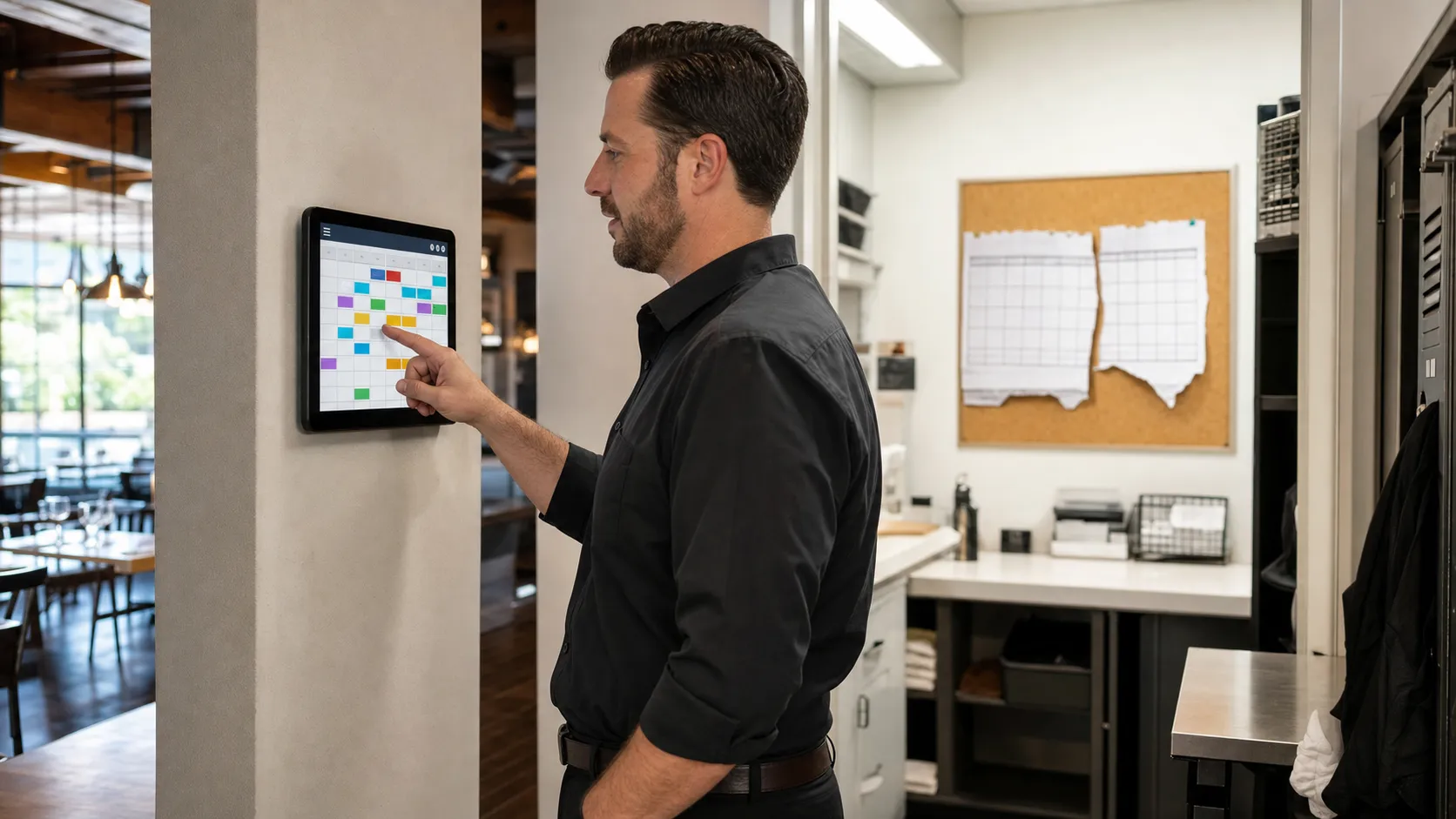
Staff scheduling software is the backbone tool operations and HR teams use to build shift rosters, track labor costs, and keep hourly staff covered across one site or fifty. Picking the wrong platform means paying for features nobody touches, or missing the compliance tools your locations actually need.
Quick answer
The right staff scheduling software depends on how many locations you run and what you need beyond the roster itself. Homebase suits a single site that wants scheduling, time tracking, and light HR in one free-to-start plan. Deputy and 7shifts fit multi-location operators who need labor forecasting, compliance alerts, and deeper reporting built into the software.
Key takeaways
- Staff scheduling software splits into per-location pricing (Homebase, 7shifts) and per-user pricing (Deputy, When I Work, Sling), and the cheaper model flips depending on your headcount per site.
- Homebase's free plan now covers one location and up to 10 employees, tighter than earlier limits, so confirm current caps before you commit.
- Deputy charges a $30 monthly minimum per account since September 2025, which changes the math for very small teams.
- 7shifts renamed its plans in 2025 to Comp, Essentials, Pro, and Premium, each still priced per location.
- Integration depth, not just scheduling screens, is what separates software built for growing multi-location operators from a simple shift app.
What Staff Scheduling Software Actually Replaces
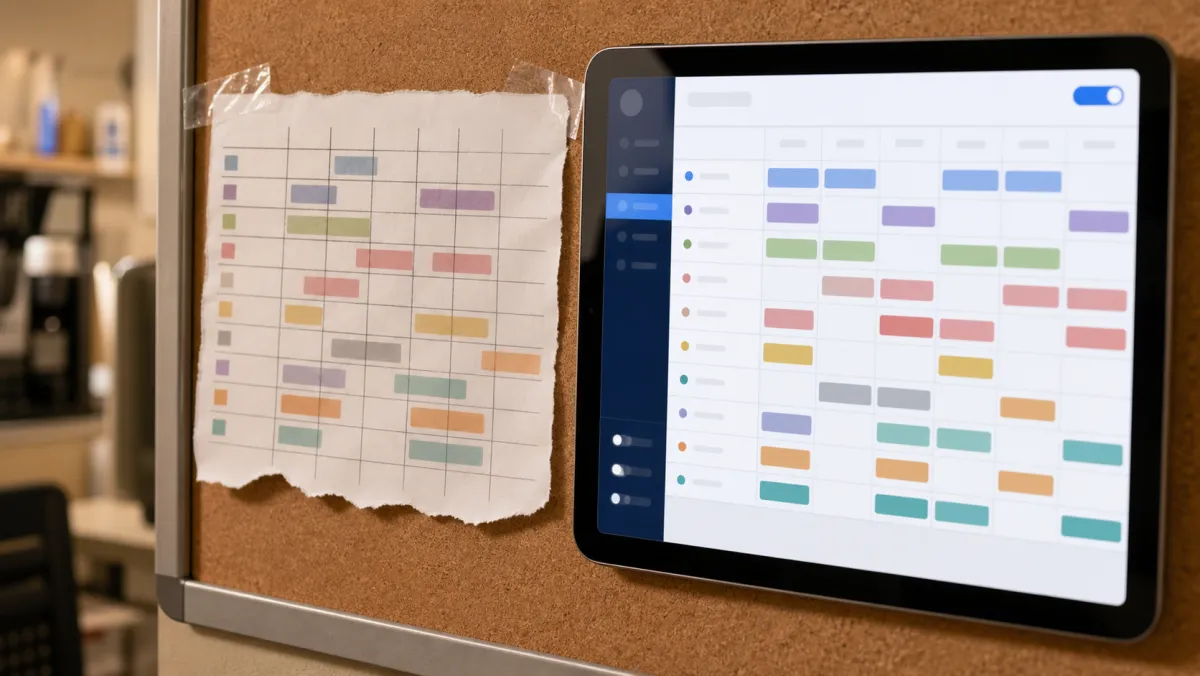
Most teams graduate to staff scheduling software from a shared spreadsheet or a printed roster taped to the break room wall. The software adds automatic conflict checks, mobile publishing, and a labor cost total that updates as you build the week.
The category sits next to the broader employee scheduling software market, which also covers salaried staff and larger HR suites. Staff scheduling software leans specifically toward hourly, shift-based teams: retail floors, restaurants, warehouses, and care shifts.
How to Evaluate Staff Scheduling Software Before You Buy
Feature lists look similar across vendors, so the real differences show up in three places: how pricing scales with locations, how deep the integrations go, and how much admin setup the software demands before it saves you time.
Payroll integration matters more than most buyers expect. A platform that pushes approved hours straight into your payroll processor removes a manual reconciliation step every pay period, and it is one less place for an hourly rate to get typed in wrong.
Scheduling software exists inside the wider discipline of workforce management, which covers forecasting, budgeting, and compliance beyond the weekly roster. The Fair Labor Standards Act sets the overtime and recordkeeping baseline any scheduling software should help you track across states.
Staff Scheduling Software Compared

We priced six platforms on their current 2026 published rates, since scheduling software vendors restructure plans often. Confirm the live number on each vendor's site before you sign, since several changed tiers within the past year.
| Platform | Pricing model | Starting price | Free plan | Best for |
|---|---|---|---|---|
| Homebase | Per location | $24/mo per location | 1 location, up to 10 staff | Single-site all-in-one |
| Deputy | Per user | $5/user/mo | None, 30-day trial | Compliance and forecasting |
| 7shifts | Per location | $39.99/mo per location | 1 location, up to 20 staff | Restaurant groups |
| When I Work | Per user | $2.50/user/mo | None, 14-day trial | Multi-location forecasting |
| Sling | Per user | $1.70/user/mo | Up to 30 users | Budget shift swapping |
| Connecteam | Per hub | $29/mo per hub | Up to 10 users | Multi-hub field operations |
Best all-in-one software for a single location
Homebase Free / from $24/mo per location
Homebase bundles scheduling, time tracking, and team messaging into one free plan for one location and up to 10 employees. Paid tiers add PTO controls, hiring tools, and HR compliance as you grow.
Pros
- Real free plan, not just a trial
- Payroll and HR add-ons in the same account
- Fast to set up a first schedule
Cons
- Per-location pricing multiplies fast across sites
- Free tier caps out at 10 employees
Best for compliance and labor forecasting
Deputy From $5/user/mo
Deputy's Core and Pro tiers add auto-scheduling, demand forecasting, and wage budgeting on top of basic rostering. A $30 monthly minimum applies per account, so price it against your actual headcount first.
Pros
- Strong forecasting and compliance alerts
- Scales cleanly across many locations
- Full-feature trial before you commit
Cons
- No permanent free plan
- $30 monthly minimum hurts tiny teams
Best for multi-location restaurant groups
7shifts Free / from $39.99/mo per location
7shifts renamed its plans to Comp, Essentials, Pro, and Premium in 2025, each still priced per location. Pro and Premium add labor forecasting tied to sales data and payroll processor integrations built for restaurant groups.
Pros
- Deep restaurant-specific reporting
- Free plan covers one location, up to 20 staff
- Strong POS and payroll integrations
Cons
- Per-location cost adds up for small sites
- Advanced forecasting sits in the top tier
Best for multi-hub field operations software
Connecteam Free / from $29/mo per hub
Connecteam splits scheduling, communication, and HR into separate hubs billed on their own. That structure suits construction, cleaning, and field crews that need forms and checklists alongside the roster, not just shift times.
Pros
- Fixed pricing for the first 30 users per hub
- GPS time clock built for field staff
- Combines scheduling with training and HR tools
Cons
- Multiple hubs mean multiple subscriptions
- Pricing model takes a minute to learn
When I Work and Sling both price per user rather than per location, which favors operators with many small sites. When I Work starts at $2.50/user for a single location and $5/user once you add more, with labor forecasting and payroll integrations built in. Sling stays cheapest, with a free plan for up to 30 users and paid tiers from $1.70/user that add mobile time tracking and kiosk clock-ins.
Buy staff scheduling software for the integrations and reporting you will use in year two, not just the roster screen you will open tomorrow.
Integration and Reporting Checklist
Before you sign a contract, confirm four things: payroll integration with your actual processor, POS integration if you run a restaurant, exportable labor cost reports by location, and an API or Zapier connection into the rest of your project management software stack.
Ask each vendor for a sandbox or trial account and build one real week of shifts. Software that looks clean in a sales demo sometimes slows down once real names, overlapping shifts, and time-off requests hit the calendar.
Choosing Staff Scheduling Software for Your Team
Start with your location count and average headcount per site, then test both pricing models against those numbers before comparing features. A single busy location almost always favors per-location software like Homebase or 7shifts.
Many small sites spread across a region usually favor per-user software like Deputy, When I Work, or Sling instead. Once the pricing model fits, the remaining decision is which integrations and reports your team will actually use.
Good scheduling software also supports the softer side of operations. Clear shift communication reduces the friction behind workplace communication breakdowns that turn a simple swap into a no-show.
Once shifts are locked in, the rest of daily operations still needs a home. Pairing scheduling software with solid team productivity tools keeps tasks and messages moving between the people you just scheduled.
Related guides
Frequently asked questions
What is the difference between staff scheduling software and a scheduling app?
The terms overlap heavily, but software usually implies the full platform, including admin dashboards, integrations, and reporting, while app often refers to the mobile experience staff use to view and swap shifts.
How much does staff scheduling software cost per employee?
Per-user platforms like Deputy, When I Work, and Sling run roughly $1.70 to $9 per employee per month depending on tier, while per-location tools like Homebase and 7shifts charge a flat fee per site regardless of headcount.
Does staff scheduling software integrate with payroll?
Most established platforms do. Homebase, Deputy, 7shifts, and When I Work all offer built-in or add-on payroll integrations that push approved hours directly into a payroll run.
Is there free staff scheduling software for small teams?
Yes. Homebase is free for one location with up to 10 employees, Sling is free for up to 30 users, and Connecteam is free for teams under 10 across its hubs.
What is the best staff scheduling software for multiple locations?
Deputy and 7shifts scale best across multiple locations, with Deputy's per-user forecasting suiting spread-out small sites and 7shifts' per-location pricing suiting larger single-site restaurant teams.