Software
Inventory Management Software for Small Businesses (2026)
Compare the best inventory management software for small businesses in 2026: real pricing, pros, cons, and picks for retail, makers, and wholesale teams.

Choosing inventory management software for small businesses usually comes down to one question: how much complexity do you actually need? We compared the tools that show up on every 2026 shortlist against real stock-tracking workflows, from single-shelf retailers to multi-location wholesalers.
Quick answer
Zoho Inventory is the best all-round pick for most small teams in 2026, with a free tier and paid plans starting around $39/month that cover multi-channel selling and purchase orders. Sortly suits simple visual tracking, Craftybase fits makers, and Cin7 Core or inFlow make sense once you outgrow the basics.
Key takeaways
- Zoho Inventory wins on value: a free tier plus paid plans from about $39/month.
- Sortly is the simplest visual tracker, with a free plan and Advanced at $49/month.
- Craftybase fits makers who need recipe and raw-material costing, from $19/month.
- inFlow and Cin7 Core carry real per-seat and per-month costs once you scale past a few users.
- Most small teams pair their pick with free accounting software before adding anything heavier.
What Is the Best Inventory Management Software For Small Businesses?
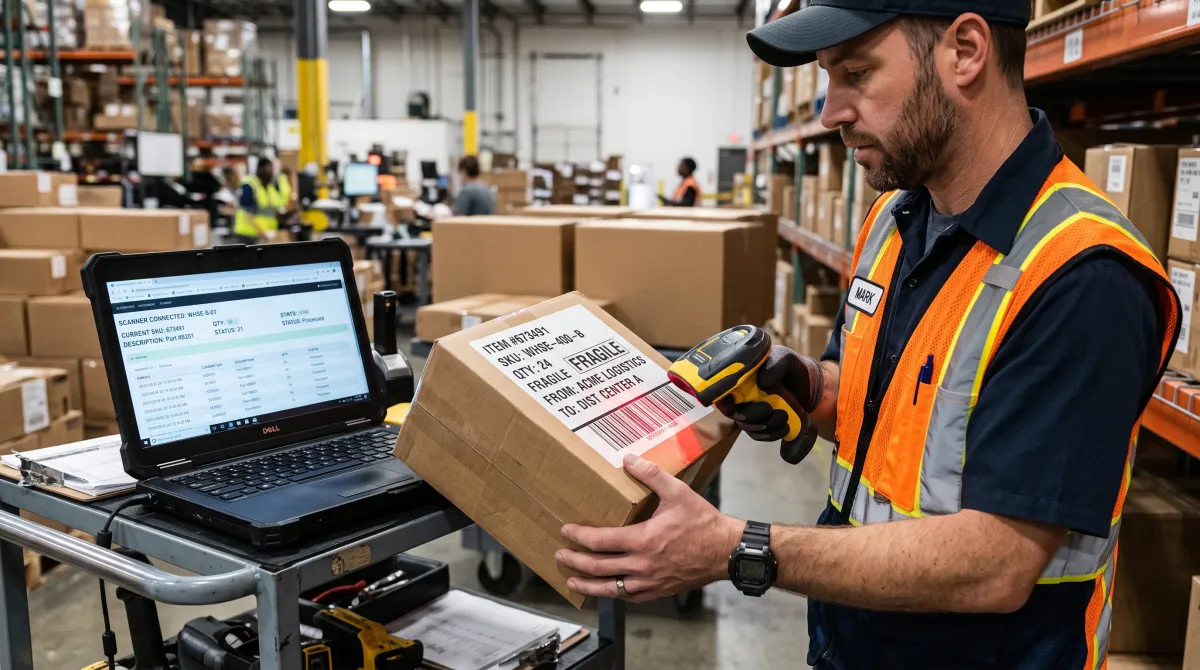
The best inventory management software for small businesses is the simplest tool that still tracks every unit across every channel you sell on. Most owners overbuy, paying for warehouse modules and multi-location routing they will not touch for years.
Solid small business inventory management software does four jobs well: real-time stock counts, low-stock alerts, purchase order generation, and clean sales syncing. Everything beyond that is a nice-to-have, not a requirement.
As Wikipedia's overview of inventory management software describes it, these systems exist to record, track, and manage stock levels, orders, and stock movement across one or more locations. That is the whole job, nothing more exotic.
Your shape as a business matters more than your revenue. Ask whether you sell on multiple channels, whether you make your own products, and whether you need barcode scanning at a counter. Those three answers narrow the field fast.
Search inventory management software small business today and most 2026 shortlists converge on the same five or six names. The differences between them come down to pricing structure and how much order management you actually need.
If you are weighing this alongside other operational tools, our software tools and reviews hub covers the broader stack small teams typically run day to day.
Best Inventory Management Software For Small Businesses Compared
Here is how the leading small business inventory management software options stack up on price and fit, checked against current vendor pricing.
| Tool | Starting price | Free plan | Best for |
|---|---|---|---|
| Zoho Inventory | ~$39/mo | Yes (50 orders/mo) | All-round value |
| Sortly | $49/mo | Yes (100 items) | Visual, mobile tracking |
| Craftybase | $19/mo | Yes (Hobby tier) | Makers and manufacturers |
| inFlow Inventory | $99/mo | No (14-day trial) | B2B and wholesale |
| Cin7 Core | $349/mo | No | Multi-location warehouses |
| QuickBooks Enterprise | Varies by plan | No | Combined accounting and inventory |
Notice the gap. Three tools sit under $50 a month, then pricing jumps sharply once warehouse or B2B features enter the picture. That cliff is the real decision point for any small business inventory software budget.
Zoho Inventory: the value default
Zoho remains the tool we recommend first for most small sellers, and the numbers explain why.
Best for value and multi-channel selling
Zoho Inventory From $39/month
Zoho Inventory covers stock counts, purchase orders, and multi-channel sync without the warehouse-grade price tag. It is the tool we point most small sellers to first.
Pros
- Free tier for 50 orders/month
- Native Shopify, Amazon, and eBay sync
- Clean purchase order workflow
Cons
- Entry plans cap at 1-2 users
- Advanced reporting needs a higher tier
The tradeoff is user seats: entry plans cap at one or two users, so a growing team gets pushed up the ladder quickly. For a lean operation with a few sales channels, it is still hard to beat on price.
Sortly: visual tracking for gear and stock
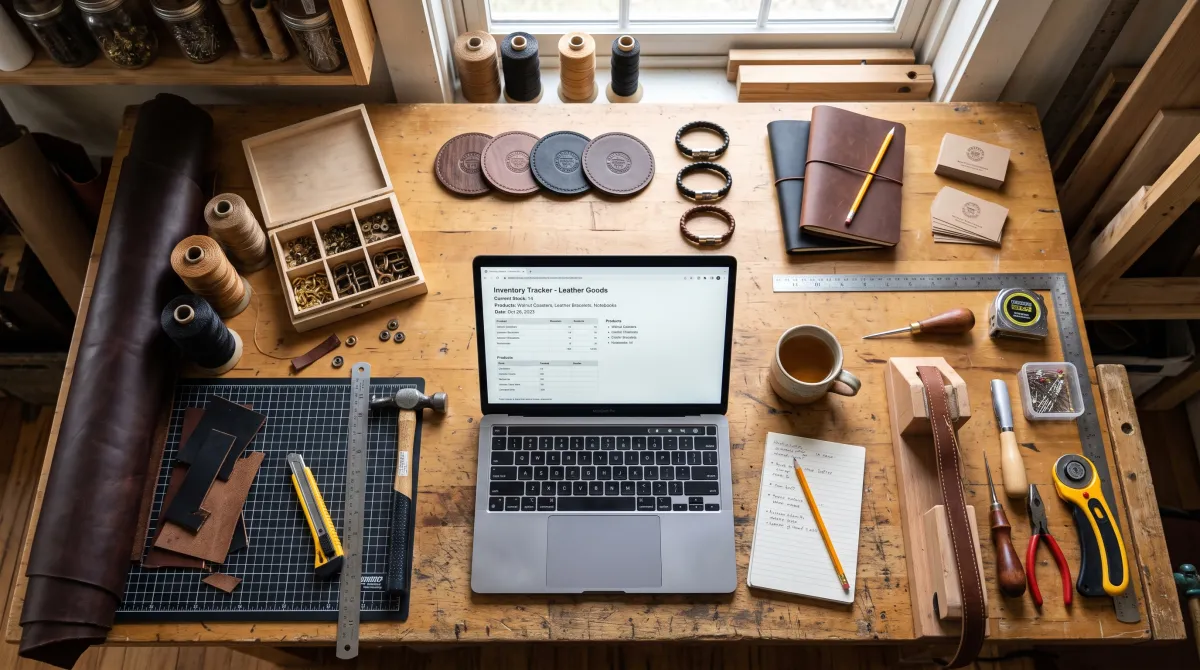
Sortly tracks items by photo, QR code, and location rather than through order management. It fits equipment, supplies, and asset-heavy teams better than transactional ecommerce sellers.
The free plan covers 100 items and one user, and Advanced runs $49/month. An inventory software small business team outgrows within a year wastes the switching effort, and Sortly rarely gets outgrown that fast because it never tries to be more than a tracker.
Craftybase: built for makers
Craftybase targets manufacturers and makers who need recipe and raw-material costing, not just finished-unit counts. A free Hobby tier caps materials and products, Maker runs $19/month, and Business is $39/month.
Treat your small business software inventory choice the same way you would treat any core system: pick for the next two years, not the next renewal notice.
inFlow and Cin7 Core: when you outgrow the basics
inFlow's Stockroom edition starts near $99/month for basic control, and its Inventory edition adds purchasing and sales tracking at a higher tier. Per-seat fees add up fast once a team passes two or three people.
Cin7 Core costs $349 to $999 a month, generally locked into a 12-month contract, and often carries a separate implementation fee. The inventory control software small business teams actually keep for years is usually the cheapest one that still prevents stockouts, not the one with the longest feature list.
Buy the inventory tool that matches the business you run today, not the warehouse you imagine running in five years.
How to Choose Inventory Management Software For Small Businesses
A tool is only as good as the rollout behind it. Follow this order and you avoid the messy data that sinks most first attempts at inventory management systems small business owners try to set up alone.
First, do a physical count before importing anything. A clean starting number matters more than any feature on the list, since garbage data poisons every report that follows.
Second, set low-stock thresholds per item rather than one blanket rule. A fast-moving product and a slow seasonal item need different reorder points, and this single setting prevents most stockouts.
Good small business inventory control software flags a reorder point before you notice the shelf is empty, which is the entire value of that threshold step.
Third, connect your sales channels and your books. Many owners start with free accounting software while volume is low, then graduate to a paid plan once order counts climb and reconciliation gets harder by hand.
According to the U.S. Small Business Administration's business guide, keeping accurate operational records early is one of the clearest habits behind small businesses that survive their first few years. Inventory data is part of that record.
Inventory Software Sits Inside a Wider Toolkit
Inventory rarely runs alone. Most small teams pair their inventory pick with a few other systems, and the cheapest path is choosing tools that already talk to each other.
On the people side, even a five-person shop eventually adds HR software to handle scheduling, alongside a best productivity tools for teams style stack to keep projects and stock work moving together.
Production and restock timelines often live in a task management app or, for bigger runs, in gantt chart software that maps purchase orders against delivery dates. Pick software that exports cleanly so those timelines and your stock counts never drift apart.
Security matters once stock, supplier, and payroll data all live in connected systems, so it is worth reading our Best Security Software for Small Business guide before you connect everything.
Books come next. Stock value has to reconcile with your accounts, so pair whichever tool you pick with proper bookkeeping. Our roundup of free accounting software covers the tiers that sync with Zoho and QuickBooks without a monthly fee.
The reason to track stock properly at all is margin. Before you commit to a plan, work out what each SKU actually earns you with our profit margin calculator, then check how many units you need to move to cover the software plus your fixed costs using the break-even point calculator. If a $39 per month tool needs 40 extra units a month to justify itself, that is a decision you can make in two minutes instead of two weeks.
Inventory Management Software For Small Businesses: FAQ
What is the best accounting software for small business to pair with inventory tools?
The best accounting software for small business syncs directly with your inventory platform so stock value and revenue stay in agreement. Look for native integrations with Zoho, QuickBooks, or Xero rather than manual CSV imports.
What software for HR works well alongside inventory management?
Software for HR that handles scheduling and time tracking pairs naturally with inventory tools once you have warehouse or stockroom staff. Choose a platform that at least exports hours cleanly into your payroll system.
Do I need separate payroll software for small business once I add inventory staff?
Yes, payroll software for small business handles tax withholding and filings that inventory or HR tools generally do not. Most small teams run a dedicated payroll platform even if scheduling lives elsewhere.
What is the best business credit card for small business inventory purchases?
The best business credit card for small business inventory purchases pairs a high limit with rewards on wholesale or supplier spend categories. Match the card to your restock volume rather than a one-time sign-up bonus.
Should I add CRM software for small business alongside inventory tools?
CRM software for small business becomes useful once you track B2B customers or repeat wholesale orders tied to specific stock levels. For simple retail counters, most inventory tools already cover basic customer history.