Software
Small Business Inventory Tracking Software (2026)
See the best small business inventory tracking software: Zoho Inventory, inFlow, and more inventory management software compared on pricing and features.

Small business inventory tracking software turns messy spreadsheets and guesswork into real time counts you can trust. The best inventory software for small business owners shows what is in stock, what is about to run out, and what is quietly costing money by sitting on a shelf too long.
Quick answer
For most small businesses, Zoho Inventory or inFlow Inventory give the best mix of price and features in 2026. Retailers juggling many SKUs tend to do better with Lightspeed Retail, while manufacturers should look at Katana Cloud Inventory or Odoo instead.
Key takeaways
- Zoho Inventory and inFlow Inventory offer the strongest value for most small operations in 2026.
- Retailers tracking dozens of SKU variants usually outgrow basic tools and need Lightspeed Retail.
- Manufacturers get more from Katana Cloud Inventory or Odoo than from a generic inventory tool.
- Almost every tool here offers a free trial, and Zoho and Odoo also have a genuine free plan.
- Budget $30 to $200 a month for most small business inventory management software, more for multi-location support.
What Is the Best Small Business Inventory Tracking Software?
There is no single best inventory software, because the right pick depends on how you sell. A service shop tracking spare parts needs far less than a retailer running six sales channels at once.
Fit Small Business named Zoho Inventory its top overall pick for 2026. It handles multiple warehouses, expiration date tracking for perishables, and purchase orders from one dashboard. The free plan covers 50 orders a month for 1 user and 2 warehouses, and paid tiers start around $29 a month billed annually.
If simplicity matters more than deep reporting, inFlow Inventory is worth a look. Reviewers consistently point to its purchase order workflow: create a PO, email it to the supplier, and stock updates automatically once it arrives. As of 2026 inFlow has no free plan, though a free trial is available, and paid plans start around $186 a month, rising toward $1,000 a month for larger teams.
Sortly and Katana Cloud Inventory round out the field for specific use cases. Sortly favors teams that scan barcodes and photograph items from a mobile app, useful for field service or asset heavy small shops. Katana Cloud Inventory targets small manufacturers tracking raw materials through a build process, not just finished goods on a shelf, with 2026 pricing starting around $179 a month after a February pricing overhaul.
For a broader look at how these tools compare to other business software categories, our small business software guide breaks down pricing across accounting, CRM, and inventory management software small business owners rely on daily. It is a useful stop before you commit to any single software for small businesses.
Free Inventory Management Software vs. a Dedicated Inventory Tool
Many small businesses start by using spreadsheets, Google Sheets, or Airtable to track stock, and that works fine at first. The trouble starts once manual data entry, manual errors, and manual updates eat into a slow afternoon every single week.
A dedicated inventory tool becomes worth the switch once you’ve outgrown a spreadsheet, usually the moment two people update the same file and the numbers stop matching. It gives everyone one management system to track inventory, automate reorder alerts, manage your inventory, and check stock from any device.
Most vendors let you start free with a limited plan or one of the free inventory management tools on this list before you pay anything. Zoho Inventory and Odoo both offer a genuinely free inventory management software option: Zoho's free tier covers basic inventory needs for a single small shop, while Odoo's One App Free plan lets you run Inventory alone with unlimited users at no cost, or you can self host the open-source Community edition for free.
If you just need an inventory management template to test the idea before buying software, a free spreadsheet template is a reasonable start. Just expect to hit its limits fast once you sell across more than one warehouse or channel.
Good software also adds inventory control that spreadsheets cannot match, from audit trails to reorder alerts on every SKU. That is the real difference between tracking items in a notebook and being able to manage inventory with confidence, even if you are only tracking basic stock levels to start.
Best Small Business Inventory Tracking Software Compared
| Tool | Best for | Starting price (2026) | Free plan |
|---|---|---|---|
| Zoho Inventory | Overall value | Free / from $29/mo | Yes, limited |
| inFlow Inventory | Simplicity | From $186/mo | Trial only |
| Lightspeed Retail | Many SKU variants | From $89/mo (annual) | No |
| Sortly | Visual, mobile field tracking | Free / from $49/mo | Yes, limited |
| Katana Cloud Inventory | Manufacturers | From $179/mo | No |
| Odoo Inventory | Free or open source option | Free (1 app) / from ~$24/user/mo | Yes |
| QuickBooks Enterprise | Deep accounting integration | ~$2,210/year (Gold, 1 user) | No |
Best for overall value
Zoho Inventory Free, then from $29/mo
The one most small operators should try first. It covers multiple warehouses and purchase orders without the price tag of enterprise tools.
Pros
- Real free plan (50 orders/mo)
- Handles perishable expiration dates
Cons
- Free plan capped at 50 orders/mo
- Best features sit in paid tiers
Best for simplicity
inFlow Inventory From $186/mo (2026)
If your team dreads software, start here. The purchase order to stock update flow removes the most tedious manual step in inventory work, and a free trial lets you test it first.
Pros
- Cleanest interface in this category
- Automatic PO to stock updates
Cons
- No free plan, and 2026 pricing rose sharply
- No native Amazon or eBay sync
Best for many SKU variants
Lightspeed Retail From $89/mo (annual)
Built for retail operations where a shirt in three colors and four sizes counts as twelve line items, not one. The same POS also prints an invoice at checkout while reorder points run in the background.
Pros
- Tracks every SKU variant independently
- Strong multi-location support
Cons
- No free plan
- Overkill for single product shops
How Small Business Inventory Software Saves Time and Protects Cash Flow
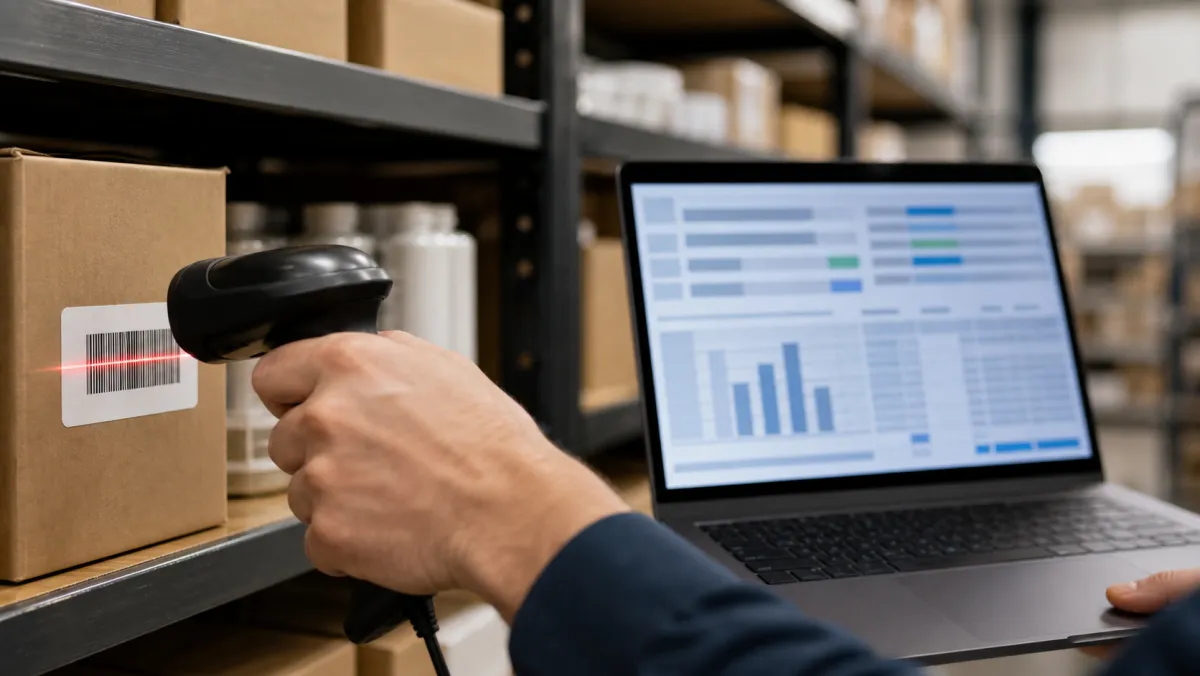
The real value of inventory tracking software is not the dashboard, it is what the dashboard lets you stop doing by hand. If all you need is basic stock tracking without a manufacturing angle, real-time inventory updates alone will replace end of day recounts.
Barcode scanning and barcoding labels turn a five minute manual count into a five second scan, and low-stock alerts fire the moment a SKU drops below its reorder point. That single feature can save time across a busy week.
Retailers selling online and in a shop need multi-location tracking that shows stock across multiple warehouses and storefronts at once. Without it, one location sells out while stock sits untouched across the street, and customer trust takes the hit when an order gets cancelled.
Cloud-based software means mobile access from a phone on the sales floor, not just a desktop in the back office. That matters for growing businesses that want inventory in real time wherever staff happen to be standing.
Built for small teams first, most of these tools keep the implementation process short: import a spreadsheet, connect your shipping carriers, and start counting. A support team that answers within a day matters more early on than a long feature list.
As the business grows and a team spends more hours on admin work, it is worth checking whether you can get advanced reporting without extra complexity. The goal is staying organized without adding a tool nobody on the team actually opens.
Product-based businesses selling through multiple channels, from a storefront to a marketplace, benefit most from software that helps make smarter reorder decisions using real sales data instead of gut feel. Streamline everything through one login, and real-time tracking protects cash flow, since money tied up in unsold stock cannot cover this month's bills.

Inventory Tracking Software vs. Project Tracking Tools
Inventory tracking software and project tracking tools solve different problems, even though small teams sometimes try to force one to do both jobs. Inventory software watches stock levels, reorder points, and cost of goods, while project tracking tools like gantt chart software manage tasks, deadlines, and team workload instead.
If you're rolling out a new inventory system, a lightweight gantt chart software tool can help you plan the migration: data cleanup, staff training, and cutover dates all on one timeline. Once the system is live day to day, you likely won't need the project tracking tool anymore, so don't pay for more project management software than the rollout requires.
Where Small Businesses Actually Buy Inventory in Bulk
Software only tracks inventory, it doesn't create it, and plenty of small businesses still buy physical stock in person. Costco Business Center locations are built for exactly that: bulk pricing, restaurant grade supplies, and business only hours without the food court or toy aisle crowding the registers.
As of 2026 there are roughly 27 to 28 Costco business centers locations in the US, with almost half concentrated in California and the first Canadian site opening in Winnipeg. A Costco membership business account gets you access, plus the option to add employees who can also shop and pick up orders for the store.
Sync whatever you buy there back into your inventory tracking software the same day. A bulk run to a Business Center that isn't logged in your system by nightfall is exactly the kind of gap that causes stockouts three weeks later.
How to Choose Small Business Inventory Tracking Software
Whether you call it inventory management software for small teams or management software for small businesses in general, the buying questions are the same: what does it sync with, and who is going to update it daily.
Start with how many sales channels you run. A single storefront can get by with a basic plan, but anyone selling on a website, a marketplace, and in person needs software built for multichannel sync from day one.
The U.S. Small Business Administration's business guide is a solid starting point if you're mapping out operations before picking software. It covers licensing, financing, and day to day management basics that inventory software alone won't handle.
Check what it connects to before you buy. The best small business inventory management software talks to your point of sale, your ecommerce platform, and your free accounting software so you're not re-entering the same sale three times.
Multi-location retailers should also check how the software handles transfers between stores or warehouses. A single dashboard showing stock at every location prevents a common headache: one store selling out while a nearby location has ten units sitting untouched on a shelf.
Inventory systems store customer orders, supplier pricing, and sometimes payment details, so treat access control the same way you would any other business system. Pairing your inventory tool with proper security software for small business keeps that data locked down instead of sitting exposed on a shared login everyone remembers by heart.
Look at your broader stack too. If you're running HR software for scheduling and payroll, an inventory tool that also tracks labor hours against sales can flag when you're overstaffed for the volume you're actually moving.
Physical counts still need a team effort even with good software, so give staff a simple way to coordinate shifts and stock counts. Several productivity tools for teams handle that scheduling side well, freeing the inventory software to focus on stock numbers instead of who's covering the count on Saturday.
Stocking up on inventory often means leaning on credit before the sale closes. A secured business credit card is a reasonable starting point if you're newer and don't have an established business credit score yet, since it reports payment history without requiring years of revenue.
Once your business credit score improves, most owners graduate to a card built for larger purchase volume and better rewards. That's also where questions about the best business credit cards for inventory spend usually come up, which we cover in the FAQ below.
The software that saves you the most money is the one you'll actually update every day, not the one with the longest feature list.
Small Business Inventory Tracking Software: FAQ
What is the best inventory tracker for a small business?
The best inventory software for most small businesses in 2026 is Zoho Inventory or inFlow Inventory, since both cover purchase orders, multiple warehouses, and reporting without enterprise pricing. Retailers with many SKU variants tend to do better with Lightspeed Retail instead.
Is Zoho Inventory really free?
Yes, Zoho Inventory has a genuinely free plan, but it caps out at 50 orders a month, 1 user, and 2 warehouses. Most growing businesses upgrade to a paid tier starting around $29 a month once they outgrow those limits.
Can I use Excel to keep track of inventory?
Yes, Excel or Google Sheets can handle inventory for a single person doing manual entry, but the file breaks down fast once two people edit it at once or you need barcode scanning and low-stock alerts.
What is the best free inventory management app for small businesses?
Zoho Inventory and Odoo both offer a genuinely free inventory management app. Zoho's free tier suits a single small shop, while Odoo's One App Free plan gives unlimited users if Inventory is the only app you need.
What are the best business credit cards for stocking inventory?
The best business credit cards for inventory purchases combine a 0% intro APR with strong rewards on wholesale and shipping spend. Compare top rated business credit cards side by side, since the best card for a retailer buying pallets of stock isn't always the best card for a service business.
Is a secured business credit card a good option for a new inventory heavy business?
Yes, a secured business credit card is often the fastest way to get approved when you don't have an established business credit score yet. You put down a cash deposit as your limit, then graduate to an unsecured card after six to twelve months of on time payments.
How much does small business inventory tracking software cost?
Most small business inventory software runs $30 to $200 a month for a single location, based on 2026 pricing data. Enterprise tools like QuickBooks Enterprise cost far more, several thousand dollars a year, but add deep accounting and multi entity support.
Do I need a membership to shop at a Costco Business Center?
Yes, you need an active Costco membership to shop at any Costco Business Center location, and a Costco membership business account lets you add employees as authorized buyers. Business Centers stock roughly 70 percent different inventory than a regular Costco warehouse.