Software
Invoicing Software For Small Business (2026)
Compare the best invoicing software for small business: free Wave and Zoho Invoice vs paid FreshBooks and QuickBooks. See which one fits your workflow.
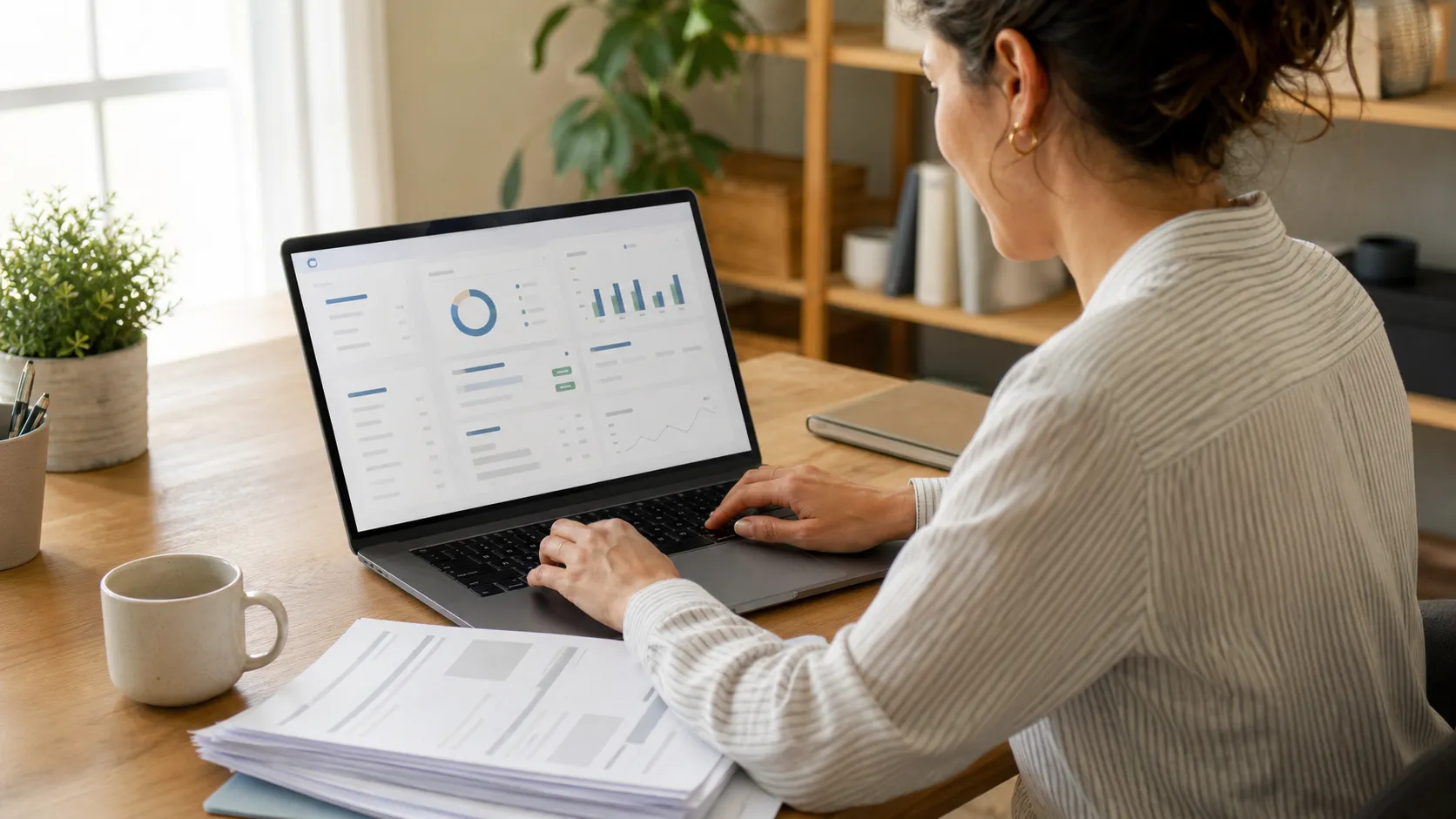
Chasing down late payments eats hours you don't have. The right invoicing software for small business turns a 20-minute manual follow-up into a two-click reminder, and the gap between a free tool and a $70/month plan usually comes down to client limits, card processing fees, and how much accounting you actually need bundled in.
Quick answer
Wave is the best free invoicing software for small business if you send invoices to a handful of clients and want basic bookkeeping at no cost. FreshBooks wins for service businesses that want a polished client portal, and QuickBooks Online takes over once you need payroll and inventory alongside invoicing.
Key takeaways
- Wave offers unlimited free invoicing and double-entry bookkeeping, funded by card processing fees instead of a subscription.
- Zoho Invoice is free for up to 1,000 invoices a year and syncs automatically with Zoho CRM and Zoho Books.
- FreshBooks (from $23/month) has the cleanest client portal but caps clients at 5, 50, or unlimited by tier.
- QuickBooks Online starts at $35/month, and pricing is set to rise on August 1, 2026, so lock in current rates if you sign up soon.
- Square Invoices and Invoice Ninja are worth checking if you already take in-person payments or want a self-hosted, open-source option.
What Is the Best Invoicing Software For Small Business?
There is no single best invoicing software for small business because the right pick depends on how many clients you bill, whether you take card payments, and if you need payroll or inventory tracking bundled in. A solo consultant and a five-person agency need different tools.
Start by asking what you actually need this year, not in three years. Most owners overpay for accounting depth they never use, or underpay and outgrow a tool's client cap within six months.
For a broader view of the categories that pair well with invoicing, our small business software guide covers everything from CRM to scheduling in one place.
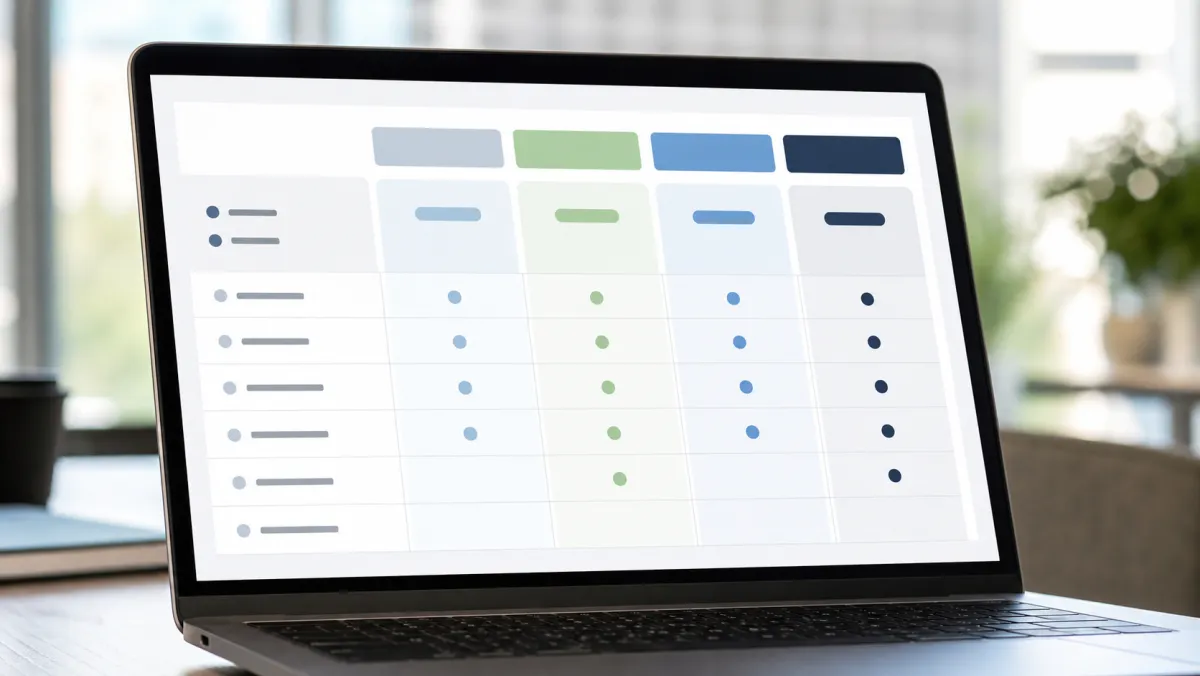
Best Invoicing Software For Small Business Compared
These six tools cover the range most small businesses actually consider, from fully free to full-service accounting suites. Pricing below reflects published rates as of mid-2026; always confirm current terms on the vendor's site before you commit.
| Software | Starting price | Free plan | Best for |
|---|---|---|---|
| Wave | Free | Yes, unlimited | Solopreneurs on a tight budget |
| Zoho Invoice | Free (up to 1,000 invoices/yr) | Yes | Businesses already in the Zoho ecosystem |
| FreshBooks | $23/month | 30-day trial only | Service businesses, client portals |
| QuickBooks Online | $35/month | 30-day trial only | Full accounting plus payroll |
| Square Invoices | Free to send | Yes, pay-per-transaction | Businesses mixing in-person and online payments |
| Invoice Ninja | Free (self-hosted or 5 clients) | Yes | Developers and budget-conscious teams |
The cheapest invoicing software is the one you actually send invoices from every week, not the one with the longest feature list.
Best free option overall
Wave Free (payment fees apply)
Wave gives you unlimited invoices, unlimited clients, and full double-entry bookkeeping without a subscription. You pay only when a client pays by card, at 2.9% plus 60 cents.
Pros
- No monthly fee, ever
- Unlimited invoices and clients
- Built-in accounting, not just invoicing
Cons
- Mobile app is limited compared to rivals
- Payroll is a paid add-on, state-dependent
Best for CRM automation
Zoho Invoice Free up to 1,000 invoices/year
Zoho Invoice has no client cap on its free tier and includes a client portal out of the box. If your revenue is under $50,000 a year, Zoho Books is also free and adds fuller accounting.
Pros
- Genuinely free tier with no client limit
- Deep native integration with Zoho CRM
Cons
- Best value only if you're already in the Zoho ecosystem
Best client experience
FreshBooks From $23/month
FreshBooks has the cleanest invoicing UX of the group, with a client portal that lets customers view and pay invoices without creating an account. The Lite plan caps you at 5 clients, so budget for Plus if you're growing.
Pros
- Best-looking client portal and invoices
- Strong time tracking for service billing
Cons
- Client caps push most users to the $43/month Plus tier fast
- Extra team members cost $11/month each
Best for full accounting and payroll
QuickBooks Online From $35/month
QuickBooks Online remains the market leader for small businesses that need payroll, inventory, and deep accounting alongside invoicing. Note that Intuit's published pricing is set to rise across every plan on August 1, 2026.
Pros
- Most complete accounting feature set
- Widely used by accountants and bookkeepers
Cons
- Steeper learning curve than dedicated invoicing tools
- Prices are increasing significantly in August 2026
Best for mixed in-person and online payments
Square Invoices Free to send, pay-per-transaction
Square Invoices costs nothing to create and send. You only pay when a client pays, at 3.3% plus 30 cents online or 2.6% plus 15 cents for tap and swipe in person.
Pros
- No subscription required
- Same dashboard as Square's point-of-sale tools
Cons
- Online processing rates rose in early 2026
- Lighter on accounting features than Wave or Zoho
Best self-hosted, open-source option
Invoice Ninja Free (self-hosted) or from $18/month cloud
Invoice Ninja's free plan covers 5 clients with unlimited invoices, and the self-hosted version removes that cap entirely for the cost of your own server. Cloud Enterprise plans now run $18 to $160 a month, billed annually.
Pros
- Full control over your data if self-hosted
- No feature paywalls on the self-hosted build
Cons
- Self-hosting requires basic server management
- Cloud plans are annual-only, no monthly billing
How to Choose Invoicing Software For Small Business
Match the tool to your actual client volume first. If you bill fewer than five clients a month, a free plan from Wave or Zoho Invoice covers you without touching a subscription.
Next, look at payment fees, not just the sticker price. A $0/month plan with 3.3% card fees can cost more over a year than a $23/month plan with 2.9% fees, once you run the math on your actual invoice volume.
Decide how much accounting you need bundled in. If you already use spreadsheets or free accounting software for basic bookkeeping, a dedicated invoicing tool is enough. If you need payroll, inventory, or project profitability, QuickBooks Online justifies its higher price.
Whichever tool you pick, keep an eye on compliance. The IRS recordkeeping guidelines require most small businesses to keep invoices and receipts for at least three years, so confirm your software can export clean reports before tax season.
If you sell physical goods, pair your invoicing tool with dedicated inventory management software for small business rather than forcing your invoicing app to track stock. Owners search this category under several phrasings, including inventory management software small business, small business inventory management software, small business inventory software, and inventory software small business, but they all describe the same job of tracking stock levels, reorder points, and cost of goods sold.
Project-heavy teams often add gantt chart software on top, since invoicing tools rarely handle scheduling well.
Check mobile support before you commit. Field service businesses and contractors send invoices from job sites, so an app that only works well in a browser, like Wave's, can slow you down.
Security matters too, especially once client payment data is involved. Review your small business security software setup alongside any new billing tool.
If you're comparing this against other operational tools, our productivity tools for teams roundup covers the adjacent categories.

Rounding Out Your Small Business Back Office
Invoicing software solves billing, but it's one piece of a small business's back office. Once you hire your first employee, dedicated HR software for onboarding, time off, and compliance becomes worth the cost long before you need a full HR department.
On the physical side, many small businesses that stock supplies or equipment shop at Costco Business Center locations (sometimes searched as Costco Business Centers locations) for bulk pricing on items a standard warehouse club doesn't carry. Access requires a Costco membership business account rather than a standard membership.
Invoicing Software For Small Business: FAQ
What's the best business credit card to use alongside invoicing software?
There's no single best business credit card for every business; the right one depends on whether you value cash back, travel rewards, or a 0% intro APR to smooth out cash flow. Compare current offers directly on issuer sites, since rates and bonuses change often.
Do I need a business credit card if I already use invoicing software?
Yes, they solve different problems. Invoicing software gets you paid by clients, while a business credit card covers your own expenses and helps separate business and personal spending for taxes.
How do top rated business credit cards compare for small businesses?
Top rated business credit cards generally differ on annual fees, rewards categories, and whether they report to business credit bureaus. If your business credit score is still building, a secured business credit card is often the easier approval path before you qualify for premium rewards cards.
Can I switch invoicing software later without losing my data?
Most tools, including Wave, Zoho Invoice, and QuickBooks Online, let you export clients and invoice history as CSV files. Migrating is usually more about re-entering recurring invoices than losing records.
Is free invoicing software good enough for a growing business?
Free plans from Wave and Zoho Invoice handle real invoicing volume well, but you'll likely outgrow them once you need payroll, multi-user access, or deeper inventory tracking, at which point a paid plan pays for itself.