Software
Expense Management Software For Small Business (2026)
Compare the best expense management software for small business teams, from free tools like Zoho Expense to card-first platforms like Ramp and Brex.

Running a small business means the expense reports pile up fast: gas receipts, software subscriptions, client lunches. The right expense management software for small business teams turns that pile into an automated, auditable habit instead of a monthly scramble.
Quick answer
Zoho Expense and Expensify are the best expense management software for small business teams under 50 people, thanks to low cost and fast setup. BILL Spend & Expense adds vendor bill pay, while Ramp and Brex offer free, card-first platforms that skip reimbursements entirely if your team is ready to adopt their corporate card.
Key takeaways
- Zoho Expense and Expensify stay the cheapest, fastest options to set up for teams under 50 employees.
- Ramp and Brex are free because they earn revenue from card interchange, not subscriptions.
- QuickBooks tracks expenses, but it lacks approval workflows and card feeds, so most owners pair it with a dedicated tool.
- Dedicated tools run from free to about $15 per user per month, plus any card program fees.
- Confirm two way accounting sync with QuickBooks or Xero before you commit. That sync is where the real time savings live.
What Is Expense Management Software for Small Business?
Expense management software for small business owners automates the path from a receipt to a reconciled book entry. Instead of an employee emailing photos of gas station receipts, the app captures the receipt, matches it to a card charge, and routes it for approval.
Most platforms combine three layers: receipt capture through a mobile app, a rules engine that flags spend outside policy, and a sync that pushes approved expenses into your accounting software. Some, like Ramp and Brex, also issue the corporate card itself.
For a wider view of what belongs in a lean stack, our small business software hub rounds up the categories worth pairing with expense tracking as you grow.
Where Expense Tools Fit in Your Software Stack
A lean small business rarely runs one system for money. Most founders end up with three lightweight tools working side by side: a task management app for projects, hr software for payroll and onboarding, and a dedicated expense tool for day to day spend.
Product businesses often add a fourth layer: inventory management software small business teams rely on to track stock levels, since every restock becomes an expense the moment a purchase order gets approved.
Tools built as small business inventory management software, like inFlow or Sortly, can push those purchase orders straight into your expense platform for review. Small business inventory software with barcode scanning cuts manual entry even further.
Keeping those three separate is fine as long as each one talks to your accounting platform. If your task tracker also handles project timelines, look for gantt chart software features before paying for a separate tool. Before you add another subscription, check our roundup of productivity tools for small teams to see whether your task tracker already covers budget requests.
Expense Management Software for Small Business Explained
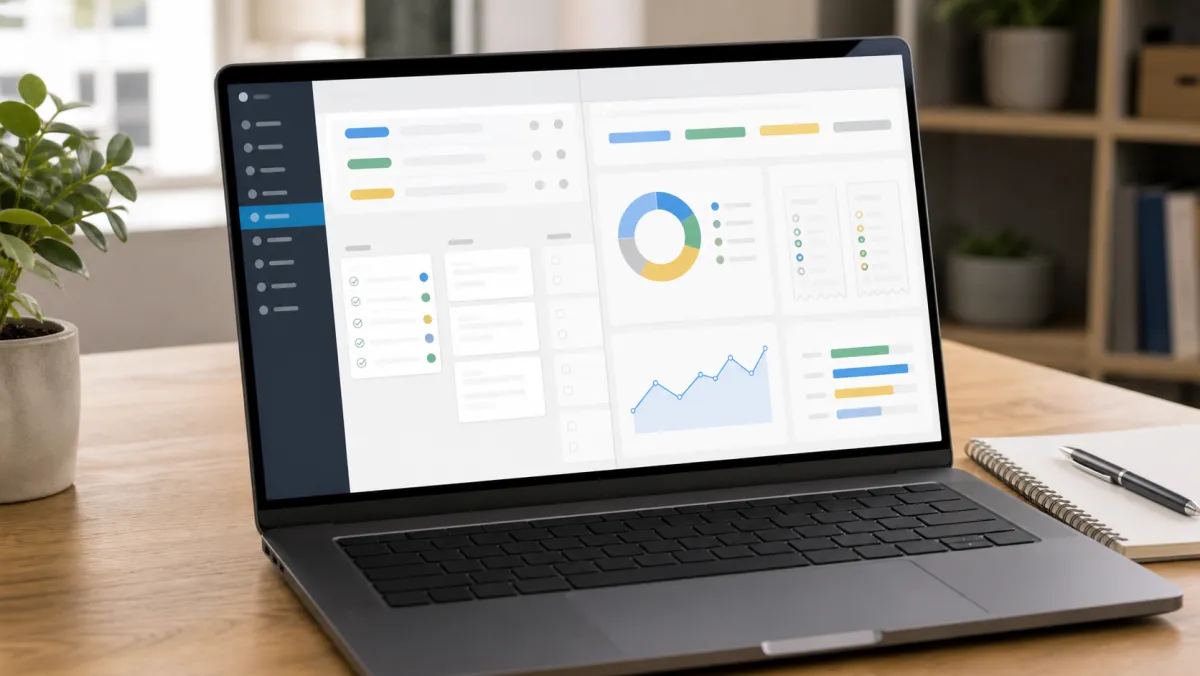
Under the hood, four features separate a useful tool from a glorified spreadsheet. Mobile receipt capture with OCR reads the vendor, date, and amount automatically, cutting manual entry to almost zero.
Card feed reconciliation matches each swipe to a receipt in real time, instead of waiting for a monthly statement. Approval workflows let a manager approve or reject spend from their phone, with a paper trail for every decision.
Policy rules cap categories like meals or travel automatically, so a $400 dinner gets flagged before it reaches accounting. The IRS still expects businesses to keep documentary evidence for deductible expenses, so a tool that stores receipts permanently also protects you at tax time. See IRS Publication 583 for the exact recordkeeping rules.
Expense Management Software for Small Business Examples
| Tool | Best for | Starting price | Accounting sync |
|---|---|---|---|
| Zoho Expense | Freelancers and teams under 50 | Free, then $4/user/mo | QuickBooks, Xero, NetSuite |
| Expensify | Card-agnostic small teams | From $5/user/mo | QuickBooks, Xero, NetSuite |
| BILL Spend & Expense | Teams that also need vendor bill pay | Free (interchange funded) | QuickBooks, Xero |
| Ramp | Card-first automation at scale | Free, Plus from $15/user/mo | QuickBooks, Xero, NetSuite |
| Brex | Funded startups wanting cards and travel together | Free Essentials tier | QuickBooks, NetSuite |
| QuickBooks | Businesses that only need basic tracking | From $38/mo | Native, but no approval workflow |
Zoho Expense stays free for solo founders and very small teams, with paid tiers starting at $4 per user once you need multi-level approvals. Expensify works with any corporate card, which matters if you already have a bank relationship you do not want to replace.
BILL Spend & Expense bundles expense tracking with vendor payments, useful once you are cutting checks to contractors as well as reimbursing employees. Ramp and Brex both give away their core software because they earn money on card interchange, so the trade off is adopting their card program instead of your bank's.

A card-first tool with a clunky receipt app still beats a polished app with a two week reimbursement cycle.
QuickBooks can log an expense, but it was not built as an approval system. Most owners we talk to keep QuickBooks for the books and add one dedicated tool for the day to day spend.
Cutting Costs and Building Credit Alongside Expense Tracking
Expense software controls how spend gets reported, but a few adjacent habits control how much you spend in the first place. A costco membership business plan lets owners buy office supplies, paper goods, and break room stock in bulk, which lowers the per unit cost your expense reports capture each month.
Not every city has one, so check costco business center locations or costco business centers locations before counting on that option, since Business Centers stock commercial packaging that standard Costco warehouses do not carry.
Owners without an established credit history often start with a secured business credit card, which reports activity to build a real business credit score while every purchase still flows into the expense tool for categorization. Once that score climbs, upgrading to a card-first platform like Ramp or Brex becomes realistic.
If budget is tight before you commit to a paid plan, pairing free accounting software such as Wave with a free tier expense tool like Zoho Expense covers the basics without a monthly bill.
How to Apply Expense Management Software for Small Business
Start by auditing three months of transactions to see where the real spend sits: travel, software, or field supplies. That answer tells you whether you need a travel-first tool like Navan or a simple receipt capture app.
Decide early whether you want a card-first platform or a card-agnostic one. Card-first tools remove reimbursements but require moving your spend onto their card, which is a bigger operational change than it sounds.
Set approval thresholds before rollout, for example anything under $75 auto-approves while anything above routes to a manager. Connect your accounting software next, and test the sync with five real transactions before trusting it with a full month.
Run a 30 day pilot with one department before rolling out company wide. Pair the new tool with basic financial hygiene from the SBA's guide to managing business finances, and revisit your small business security software setup since expense tools now hold card data.
Expense Management Software for Small Business: FAQ
Is there free expense management software for small businesses?
Yes. Zoho Expense is free for solo founders and very small teams, and Ramp and BILL Spend & Expense offer free software funded by card interchange rather than subscriptions.
What is the difference between expense management software and accounting software?
Expense management software captures receipts, enforces spend policy, and routes approvals before the transaction reaches your books. Accounting software like QuickBooks records the final entry but rarely handles approvals or card feeds on its own.
Do I need a corporate card to use expense management software?
No. Card-agnostic tools like Expensify and Zoho Expense work with any existing bank card. Card-first platforms like Ramp and Brex require adopting their card to unlock free software and automatic reconciliation.
Can expense management software integrate with QuickBooks or Xero?
Most dedicated tools, including Zoho Expense, Expensify, BILL, and Ramp, sync two ways with QuickBooks and Xero so approved expenses post automatically without manual re-entry.
How much does expense management software cost for a small team?
Pricing for small teams ranges from free to about $15 per user per month for dedicated software, plus any card program fees if you choose a card-first platform.